

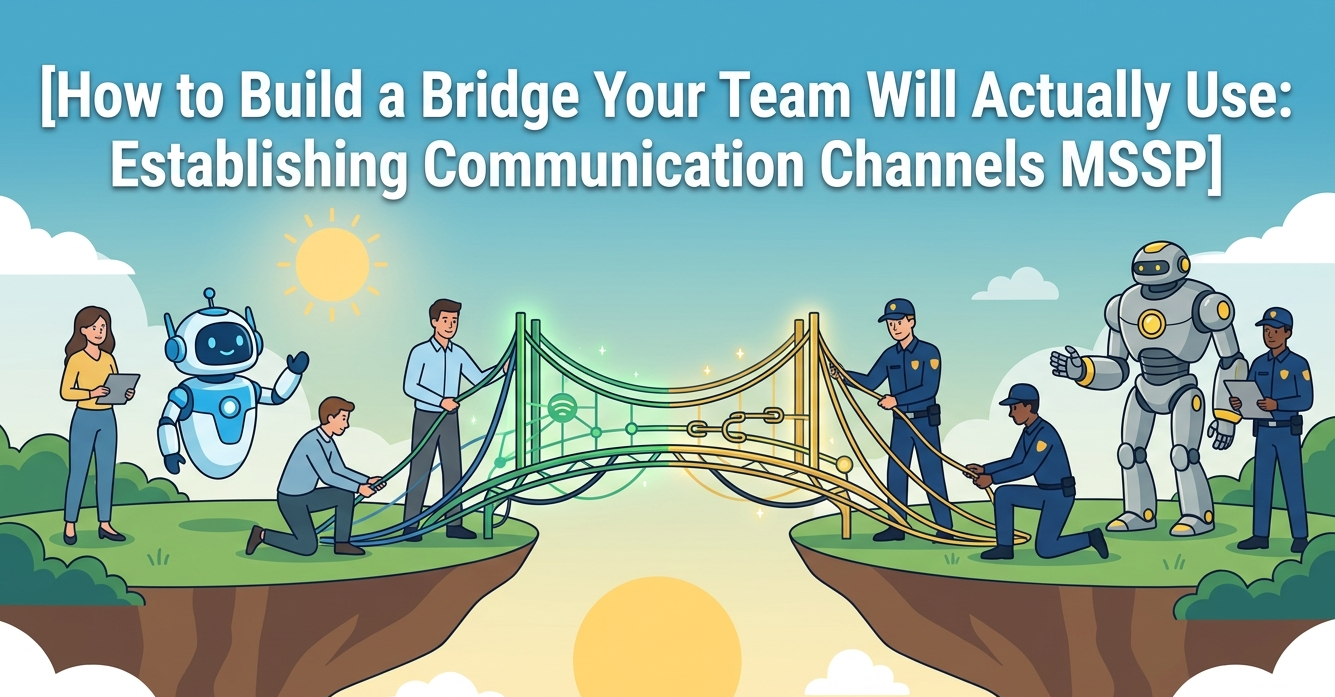
So, you’ve hired an MSSP. The contract is signed, the tools are integrated, and then… silence. Or worse, a deluge of alerts with no context. The gap isn’t in the security; it’s in the talking. The single biggest factor in MSSP success isn’t their tech stack, it’s how you talk to them.
Getting this right turns a vendor into a true extension of your team. It’s the difference between paying for a service and building a defense. Keep reading to see how to establishing communication channels MSSP that carry weight, not just noise.
Build a Stronger MSSP Partnership
The best security outcomes happen when communication is clear, consistent, and built for action, not just alerts.
- Define clear, tiered communication paths for daily operations, urgent threats, and strategic reviews from day one.
- Insist on a single, shared source of truth, a collaborative platform, to kill alert fatigue and confusion.
- Schedule regular, human-to-human touchpoints beyond tickets to build context and proactive partnership.
The Silence After the Signature
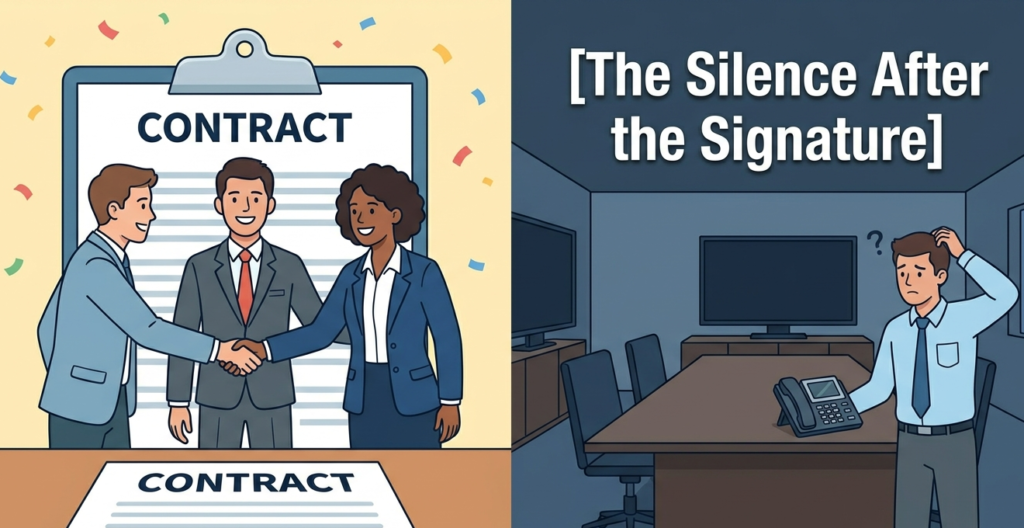
You know the feeling. The deal is done, the handshake is virtual, and the promise of “24/7 monitored security” feels real. Then you get the first report. It’s a PDF, a hundred pages thick, full of graphs you don’t fully understand and alerts listed by ticket number. A question pops into your head.
“An incident response capability is necessary for rapidly detecting incidents, minimizing loss and destruction, mitigating the weaknesses that were exploited, and restoring computing services.” – National Institute of Standards and Technology (NIST)
Who do you even ask? Is this a ticket? An email? Do you call a general line? That initial silence, or that chaotic data dump, is where most MSSP relationships start to fray. It’s not malice, it’s just a missing blueprint. The technicians are watching your network, but no one thought to watch the space between you.
I remember our first major incident after onboarding with a provider years ago. A critical server was behaving oddly. Our internal monitor flashed. Nothing from the MSSP. An hour later, we called. “We saw it,” they said. “It was triaged as medium priority, ticket #45621 was auto-generated.” It was in a queue we didn’t regularly check.
The protocol was broken because we never agreed on what “urgent” looked like through their eyes. We learned the hard way that establishing communication channels isn’t an administrative task. It’s the core of your security posture.
Laying the First Stones: The Non-Negotiable Channels
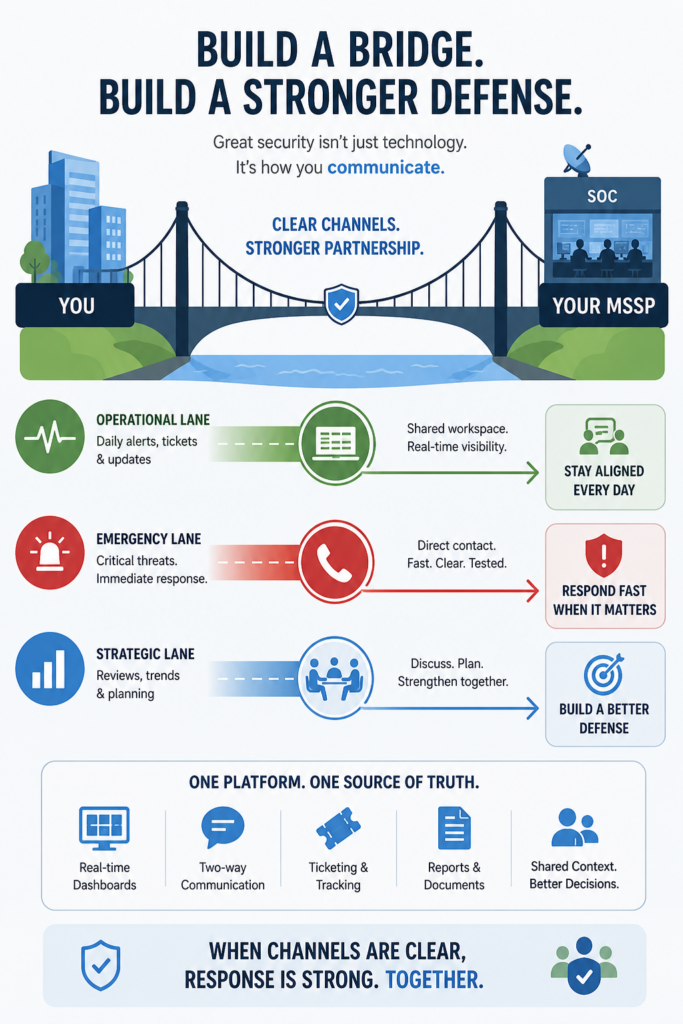
You can’t build on hope. You need agreed-upon paths, and you need them documented before an incident makes your heart race. This isn’t about more noise; it’s about creating designated lanes for different types of traffic. Think of it as building a bridge with specific carpool, commercial, and emergency lanes.
The Operational Lane: Daily Pulse and Tickets
This is the day-to-day. The MSSP’s Security Operations Center (SOC) will generate alerts. These need a home. Establishing structured client communication protocols alongside a shared, collaborative ticketing system or portal is non-negotiable. Email chains get lost. Spreadsheets are static.
You need a living log where your team can see the alert, the MSSP analyst’s notes, the status, and add your own internal context.
This kills the “whodunit?” game during retrospectives. At MSSP Security, our platform feeds directly into a shared workspace. You see what we see, when we see it, along with our initial assessment. It turns a one-way alert into the start of a conversation.
The Emergency Lane: The Phone Tree That Works
When the sirens blare, you cannot be fumbling for a contact list. A defined, tested, and immediate incident notification communication process for critical events is your most important safeguard. This must include:
- A direct phone number to the SOC, bypassing all automated menus.
- A secondary contact method (like a secure chat) in case of phone system issues.
- A clear, agreed-upon definition of what triggers a “critical” call versus a ticket. Is it a data exfiltration attempt? A ransomware detection? Define it together.
We run a quarterly test. We simulate a critical finding and place the call. It keeps both sides sharp and validates the process. It feels silly until the day it doesn’t.
The Strategic Lane: The Human Review
Reports are data. Meetings are understanding. A monthly or quarterly review session is where you refine your broader client communication strategy to move from tactical firefighting to strategic defense. This is a video call or in-person meeting, no distractions.
Here, you review the aggregated data, discuss trends (“we’re seeing more phishing attempts against the finance team”), and adjust your shared strategy. This channel is where you ask “why?” and plan for “what’s next?”.
It transforms raw metrics into actionable wisdom, shifting your posture from reactive patching to proactive hardening. Without this dedicated space, teams remain trapped in a loop of endless triage, blind to systemic vulnerabilities. By stepping back, stakeholders align business objectives with security realities, ensuring resources are allocated effectively.
You evaluate the past month’s skirmishes not just to log them, but to forecast the enemy’s next move. Ultimately, the human review ensures your security posture evolves faster than the threat landscape, turning collective insights into a resilient shield for the entire enterprise.
The Tool Isn’t the Channel (But It Sure Helps)
Credits: The Decode Project
A channel is an agreement to communicate. The tool is how you make it bearable, efficient, and clear. Relying on fragmented tools, email for this, a portal for that, phone for emergencies, creates fragility. Context gets lost in the shuffle. The goal is a single, shared source of truth.
Many MSSPs offer a client portal. The good ones function as a collaborative nerve center. Look for a platform that combines real-time alert dashboards, a ticketing system with two-way communication, and a repository for reports and policies. It should be where your IT lead goes every morning with their coffee.
At MSSP Security, we built ours because we got tired of the chaos ourselves. We wanted one pane of glass for our team and yours. It holds everything: the active incident, the historical data, the shared notes on your infrastructure’s quirks. It makes the communication channels you established actually usable.
Consider this simple table showing the stark contrast between a fragmented tool approach and a unified one:
| Communication Need | Fragmented Tools (The Old Way) | Unified Platform (The Goal) |
| New Alert | Email arrives, ticket ID in separate system. | Alert appears in shared dashboard with analyst notes. |
| Provide Context | Reply-all email chain with attachments. | Comment directly on the alert thread; tag internal colleagues. |
| Check Status | Log into portal, search for ticket, call if confused. | Real-time status visible on dashboard; history is logged. |
| Monthly Review | Download PDFs, compile data, schedule meeting. | Generate trend reports instantly from platform data. |
The right tool doesn’t replace the need for defined channels; it brings them to life. It ensures that the bridge you built is paved, lit, and easy to cross.
The Human Element: It’s Still About People
All this talk of channels and platforms can feel cold. It’s not. At each end of these digital pipelines are people. A technician in a SOC staring at a screen, and a sysadmin in your office who knows that server has been quirky since Tuesday. The magic happens when they can talk. The protocols exist to facilitate that, not prevent it.
“Incident correlation is a vital step in the cybersecurity threat detection process.” – Journals.Sagepub
That’s why, beyond the urgent calls and monthly reviews, we insist on something simpler: occasional, casual touchpoints. A brief, scheduled 15-minute video call every two weeks between your primary contact and ours, with no agenda.
It’s for the “oh, by the way” things. “We’re pushing a major update next week.” “We noticed an old test server is still pinging, want us to ignore it?” This is where shared context grows. It transforms the MSSP from a faceless entity into a partner who understands your environment’s rhythm. You start to speak the same language.
When the Channels Pay Off
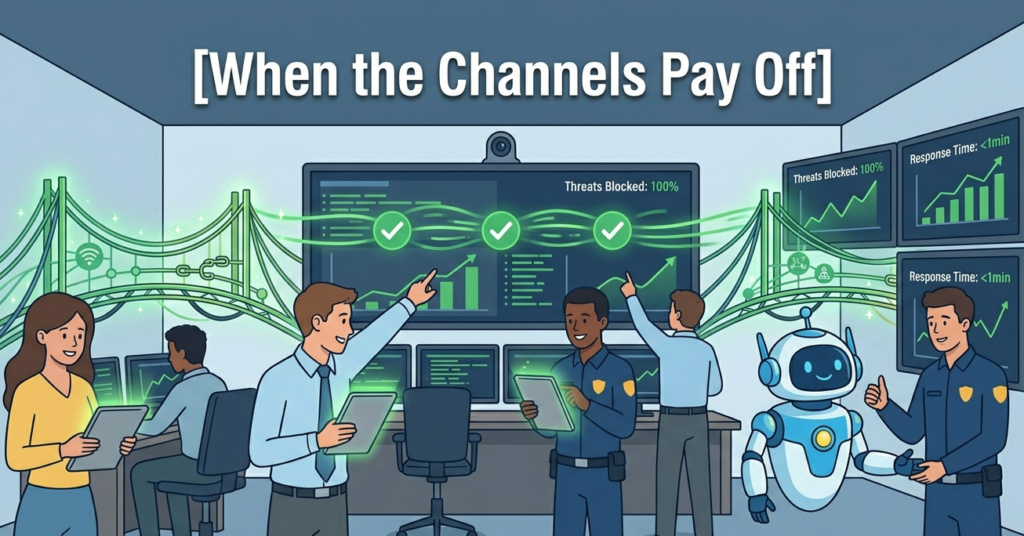
You’ll know you’ve gotten it right not when things are quiet, but when things go wrong. The true test of establishing communication channels is a live incident. The alert pops. It’s flagged correctly as critical. Within minutes, your phone rings, it’s your dedicated analyst, not a robot. “We see this on server X.
It looks like Y. We’re taking Z action. What do you need from your end?” Meanwhile, the ticket is already live in the portal with the initial details. Your team jumps in, adding that the server handles project Z data. The response adapts in real time.
There’s no scramble for contacts. No confusion about severity. Just a coordinated response. The bridge handles the load. The investment in building it pays off in that moment of controlled, shared urgency.
It turns a potential disaster into a managed event. That’s the dream, isn’t it? Not just security, but resilient security. Security where you’re part of the solution, not just waiting for a report.
FAQ
What Is the Most Important Communication Channel Between an MSSP and a Client?
There is no single channel that works for every situation. The most effective MSSP relationships use multiple communication paths based on urgency and purpose. A shared ticketing platform typically handles daily operations, while direct phone calls and secure messaging channels are reserved for critical incidents.
Regular review meetings provide strategic oversight. The key is ensuring everyone understands which channel to use and when.
How Often Should MSSPs Communicate With Clients?
Communication frequency depends on the client’s environment and risk profile, but most organizations benefit from a structured schedule.
Critical incidents require immediate notification, operational updates may occur daily or weekly, and strategic reviews are often conducted monthly or quarterly. Consistent communication helps maintain visibility, reduces misunderstandings, and strengthens trust between the MSSP and the client.
Why Do MSSP Communication Processes Fail?
Most communication failures happen because expectations were never clearly defined. Clients may assume they will receive a phone call for every serious issue, while the MSSP may rely on automated ticket notifications.
Other common problems include outdated contact information, unclear escalation paths, and fragmented communication tools. Establishing documented procedures and testing them regularly can prevent these issues from becoming security risks.
What Should Be Included in an MSSP Communication Plan?
An effective MSSP communication plan should define notification procedures, escalation paths, stakeholder responsibilities, communication channels, and incident severity levels. It should also include emergency contact information, reporting schedules, and expectations for regular review meetings.
The goal is to ensure that both the MSSP and the client can communicate quickly and effectively during routine operations and high-pressure security incidents.
Building Your Bridge
Building Your Bridge requires seamless communication. If you are an Managed Security Service Provider (MSSP) looking to eliminate tool sprawl, optimize your security stack, and truly become a force multiplier for your clients, expert guidance is key.
With over 15 years of experience and 48K+ completed projects, we offer tailored consulting to enhance your operational maturity, visibility, and service quality.
Ready to transform your tech stack? Discover our expert MSSP consulting services today.
References
- https://www.nist.gov/publications/computer-security-incident-handling-guide
- https://journals.sagepub.com/doi/10.1177/0018720818769249