

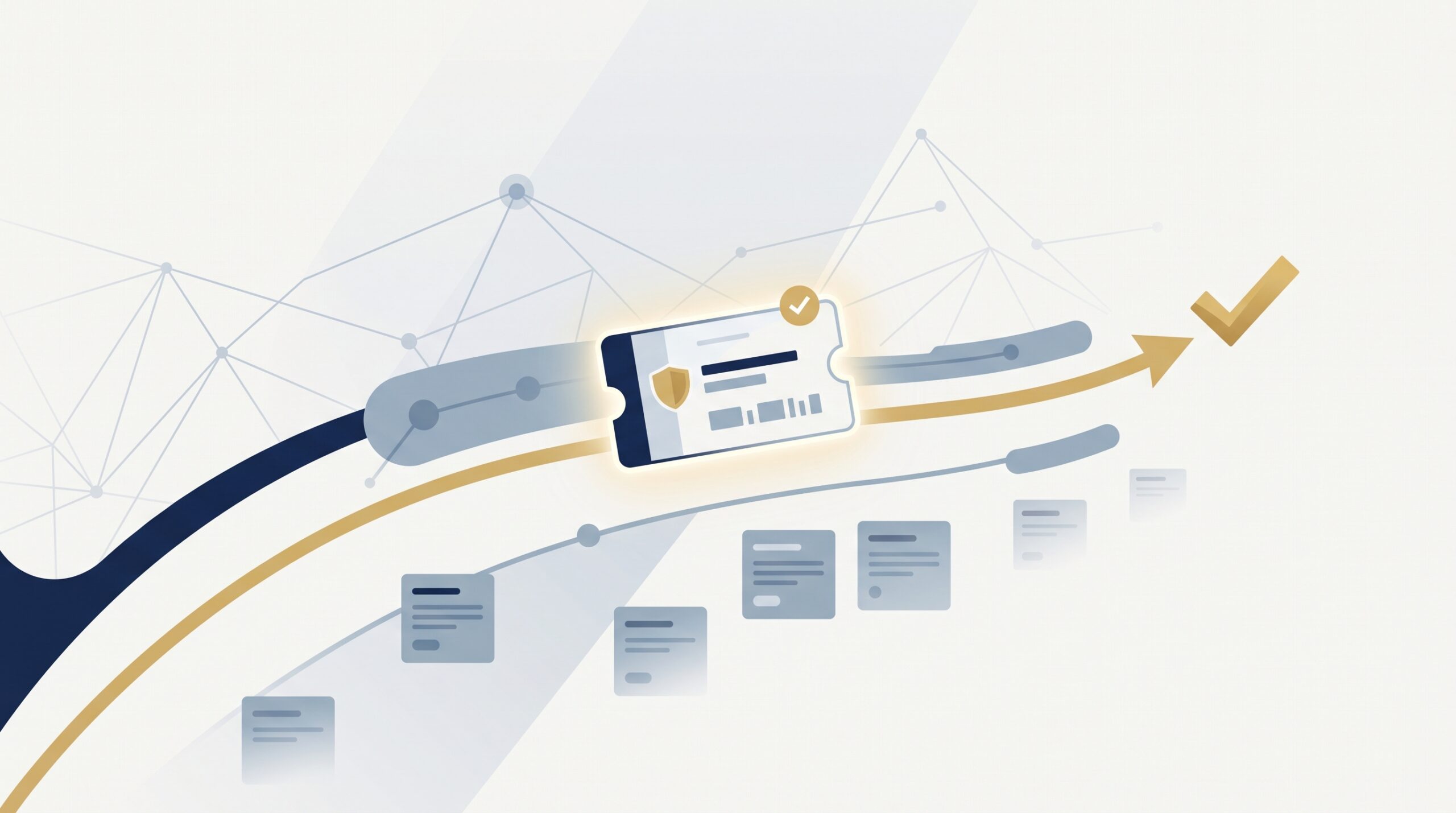
MSSP ticketing integration connects security monitoring with a client’s ITSM ticketing system, so security incidents can move from SOC triage to remediation with less manual work. ServiceNow and Jira Service Management can sync approved alerts, priorities, comments, status changes, and resolution details.
At MSSP Security, we focus on clear field mapping, defined ownership, and tenant aware workflows before automation goes live. This helps teams keep the right information in the right system while reducing duplicate ticket updates.
The setup also gives analysts and client teams a clearer view of what needs attention next. Keep reading to see how MSSP ticketing integration works.
MSSP Integration Wins
Better ticket integration can improve response speed, visibility, and MSSP efficiency.
- Faster response: Automation improves MTTD, MTTR, and SLA performance.
- Better visibility: Sync keeps status, priority, ownership, and resolution aligned.
- More efficiency: Automation reduces repetitive work and supports multi-client management.
What Are the Biggest Benefits of MSSP Ticketing Integration?
The main benefits are faster response, fewer manual errors, better SLA tracking, and clearer visibility across security and IT teams.
An MSSP can create a client ticket after an alert has been reviewed by the SOC. The ITSM system can then assign the ticket, start the SLA clock, notify the right team, and keep the incident history in one place.
That removes a step.
Instead of an analyst sending an email and waiting for someone to create a ticket, the approved incident can enter the client’s normal workflow. The client team can then see what happened and who needs to act.
NIST SP 800 61 Revision 3, published in 2025, places incident response within broader cybersecurity risk management. A connected ticket process can support this by keeping detection, response, and recovery activities easier to track.
“Incident response is a critical part of cybersecurity risk management and should be integrated across organizational operations.” – NIST
Common benefits include:
- Faster MTTD and MTTR
- Automated routing and escalation
- Better SLA tracking
- Fewer repeated updates
- Clearer client visibility
Why Is Ticket Automation More Than Convenience?
Ticket automation links security detection with the client’s existing IT process. A well-designed MSSP ticketing workflow can move approved security alerts into the right ticketing process without requiring analysts to repeat the same administrative steps.
For example, a high severity alert can send the affected asset, detection time, severity, indicators, and remediation guidance into the client ticket. The analyst does not need to type the same details again.
We look closely at this during product reviews. Automation is useful when it removes work without removing control. An MSSP should still decide which alerts create tickets and what information gets shared.
That distinction matters.
Not every alert needs to become a client ticket.
Which Teams Gain the Most?
Several teams can benefit from the same integration, but they use the information differently.
SOC analysts need security details for investigation. Internal IT teams may need the affected asset and action required. Security engineers may need technical findings to complete remediation.
The ticket should support each role without exposing information that does not belong there.
At MSSP Security, we often review field mappings with this in mind. A client may need the confirmed finding, while internal analyst notes should remain restricted. Keeping those boundaries clear can make the workflow easier to manage.
How Does MSSP Integration Improve MTTD and MTTR?
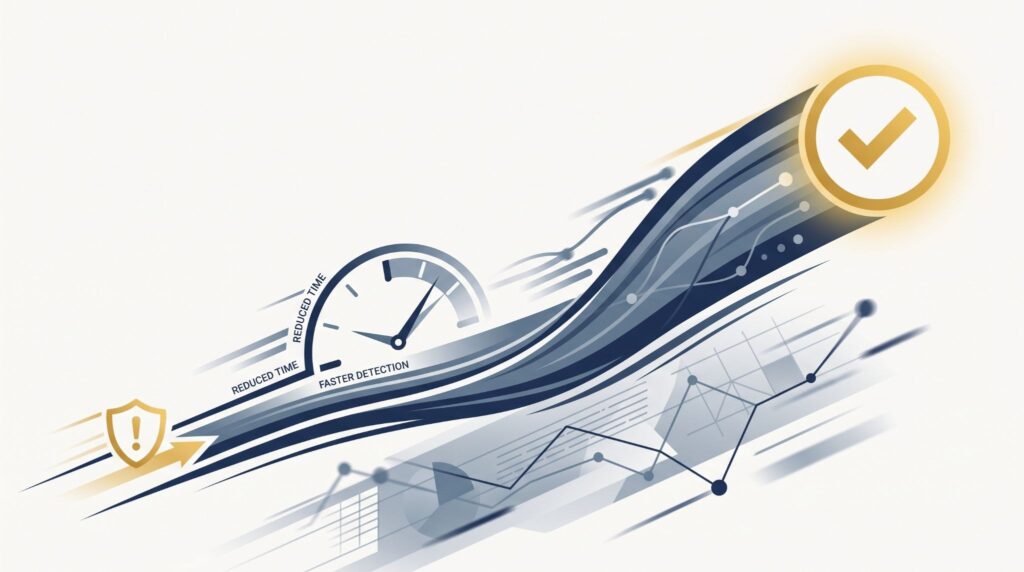
MSSP integration can reduce delays by creating a client ticket as soon as the SOC finishes the required triage. Connecting an MSSP Service Now Jira workflow can help move approved incident data between security, IT, and engineering teams without relying on manual handoffs.
Manual email alerts and portal handoffs add another point where work can wait. Automated ticket creation keeps the incident context with the record and can trigger the next step without another person entering the same data.
For example, a critical incident can be routed to the right team based on severity, asset type, business unit, or an agreed SLA.
How Does Automated Escalation Speed Response?
Escalation rules can notify an assigned team when an incident has not been acknowledged within the agreed time.
A 15 minute response target, for example, can trigger an alert if nobody acknowledges the ticket within that period.
The rule should be based on the client’s actual SLA. Not every client will use the same timing.
How Does This Affect Incident Resolution?
A ticket can carry important context from the SOC to the team handling remediation.
That may include the affected asset, detection timestamp, severity, technical findings, and recommended action. The client team can then work from the same information instead of asking the SOC to resend it.
We have found this especially useful when several teams share responsibility for one incident. The ticket becomes a record of what happened and what still needs attention.
Why Does MSSP Ticketing Integration Reduce Human Error?
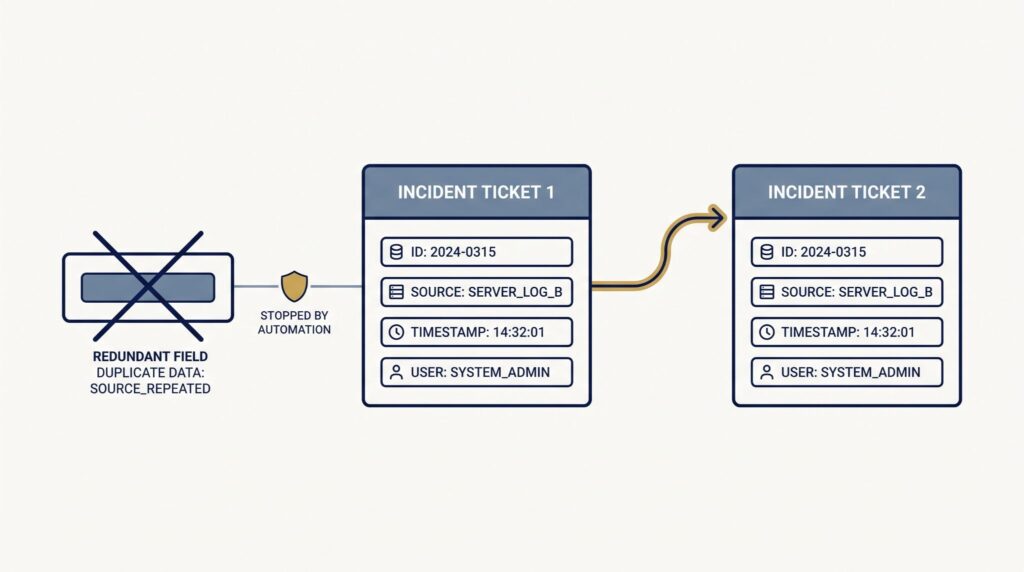
Manual copying creates opportunities for mistakes. An asset ID can be entered incorrectly. A timestamp can be missed. A severity value can be different between two systems.
A reliable API integration can apply the same field mapping each time an approved incident is sent to the client’s ITSM platform, reducing the need for analysts to re-enter the same information.
What Is Swivel Chairing?
Swivel chairing happens when analysts repeatedly move between systems to copy alerts, create tickets, check updates, and add notes.
For example, saving five minutes on each of 100 tickets removes about 8.3 hours of administrative work.
Small numbers add up.
That time can then go toward investigation, threat hunting, or reviewing incidents that need human attention.
Which Security Data Can Be Preserved?
An integration can transfer approved security information such as:
- Indicators of compromise
- Affected asset IDs
- Severity and priority
- Detection timestamps
- Diagnostic information
- Remediation guidance
Internal SOC notes should stay restricted unless a defined rule allows them to be shared. That keeps the client record focused on information the client needs to act.
How Does Bi Directional Ticket Synchronization Work?
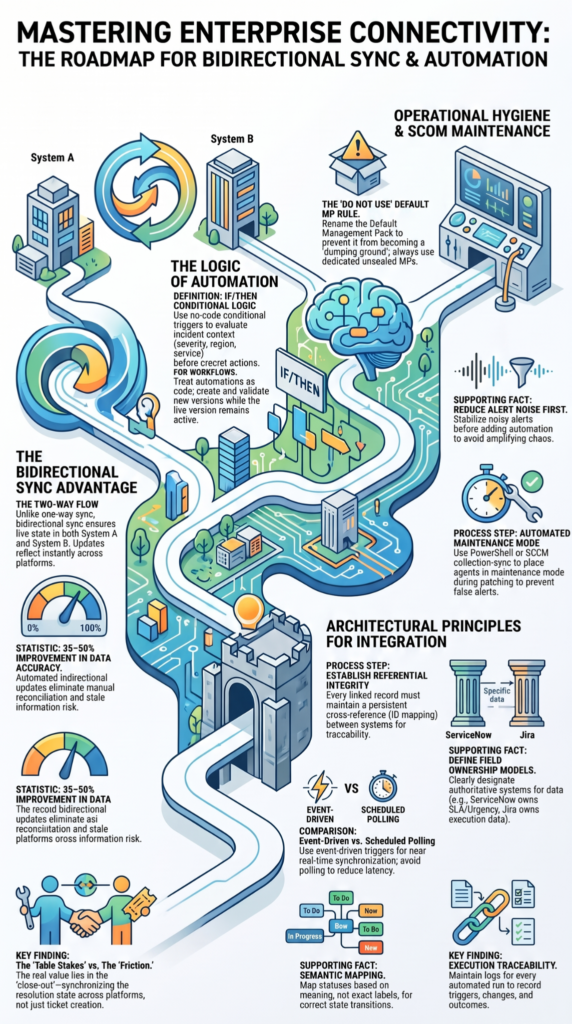
Bi directional synchronization lets approved changes move between the MSSP platform and the client’s ITSM system. The key is deciding which system controls each field.
“TLP uses red, amber, and green to establish boundaries and build trust within the cybersecurity community.” – CISA
For example, ServiceNow may own the client facing incident status, while the MSSP platform owns the security findings. Jira Service Management may handle the engineering task. Each system still has its own job.
A shared workflow does not mean every field needs to be shared.
| Synchronized Data | Main Use |
| Status | Keeps incident state aligned |
| Priority | Supports escalation |
| Comments | Shares approved updates |
| Resolution | Records remediation |
| Timestamps | Tracks SLA performance |
What Happens When Ticket Status Changes?
When a ticket changes in ServiceNow or Jira Service Management, the integration can update the matching record in the MSSP system.
The reverse can also happen. If the SOC changes the incident after further investigation, that update can return to the client system.
The important part is the mapping.
A ServiceNow status does not always have a direct match in another platform. The integration needs rules that explain what each status means and what action should follow.
Can Teams Share Comments Across Platforms?
Yes, approved comments can move between systems.
This can help SOC analysts and client IT teams communicate without asking someone to copy each update manually. But internal investigation notes should normally stay inside the MSSP environment.
We pay close attention to this when auditing integrations. A comment field may look harmless during testing, but it can contain sensitive details once real incidents enter the system.
Can Priority Changes Trigger Escalation?
They can, if the integration connects priority changes to defined rules.
For example, a client may raise an incident from medium to high priority. That change could notify the SOC or move the ticket into a different response queue.
The rule needs to be agreed in advance. Otherwise, every priority change could create unnecessary alerts.
How Does Integration Improve SLA Compliance?
Source: Justin Meadows
Integrated ticketing gives the MSSP and client a shared timeline for important events.
The record can show when the incident was created, when the SOC acknowledged it, when the client received it, and when remediation was completed.
That makes SLA reviews much easier.
How Does Automated Timestamping Help?
Automated timestamps remove some guesswork from response reporting.
For example, if a contract requires a response within 30 minutes, the team can compare the incident creation time with the acknowledgement time.
The same approach can be used for escalation and resolution targets.
We recommend checking exactly which event starts the clock. Some clients may measure from alert creation, while others may use the time the MSSP confirms the incident.
That difference matters.
How Does Integration Clarify Ownership?
A ticket should make it clear who needs to act next.
The MSSP may own investigation. The client’s IT team may own containment. Engineering may own an application fix.
Clear ownership helps prevent tickets from sitting in the wrong queue. It also gives managers a better view of where work is waiting.
FAQs
How does bi-directional ticket sync prevent duplicate incident work?
Bi-directional ticket sync can keep incident updates aligned across security and IT teams without requiring analysts to recreate the same work. The integration should use unique ticket IDs, defined field ownership, and update rules to prevent duplicate records. These controls help maintain accurate security incident tracking while ensuring that status changes, assignments, and resolutions reach the correct teams.
How can MSSP ticketing integration improve SLA compliance?
MSSP ticketing integration can track response and resolution deadlines automatically instead of relying on analysts to monitor them manually. Automated ticket routing and escalation workflows can assign incidents based on severity and trigger escalation before an SLA deadline is missed. This gives teams a clearer view of service level agreement tracking and helps identify recurring delays that affect SLA compliance.
How should MSSPs manage tickets when one incident affects multiple clients?
MSSPs should separate client records while maintaining a shared operational process for incidents that require coordinated response. Multi-tenant ticketing can apply client-specific access, priorities, assignments, and escalation rules. This approach allows analysts to manage related security incidents efficiently without exposing one client’s ticket history, diagnostic data, or communications to another client’s team.
Which ticket data should be synchronized to reduce security response delays?
The most useful data usually includes severity, priority, affected asset, assignment, incident status, timestamps, resolution details, and approved remediation information. Synchronizing these fields gives responders the context needed to act without requesting the same information repeatedly. Sensitive analyst notes should remain restricted unless they are necessary for investigation, client communication, or remediation tracking.
How can ticket analytics prove that automation is improving MSSP operations?
Ticket analytics can show whether automation is reducing measurable delays rather than simply moving work between systems. MSSPs can compare assignment time, response time, escalation frequency, manual updates, and mean time to resolution before and after implementation. Reviewing these ticket metrics can reveal bottlenecks by client, incident type, or workflow and support more targeted operational improvements.
Get More From MSSP Ticketing Integration
MSSP ticketing integration should get the right ticket to the right team with enough context to act. The goal isn’t to move everything between systems, but to keep the workflow clear and reliable.
Before choosing an integration product, review how it handles your workflow and security needs. MSSP Security can help assess and audit your setup, so you can find gaps before they affect daily operations.
References
- https://www.nist.gov/news-events/news/2025/04/nist-revises-sp-800-61-incident-response-recommendations-and-considerations
- https://www.cisa.gov/news-events/news/nov-1-cisa-upgrades-traffic-light-protocol-20-join-us