

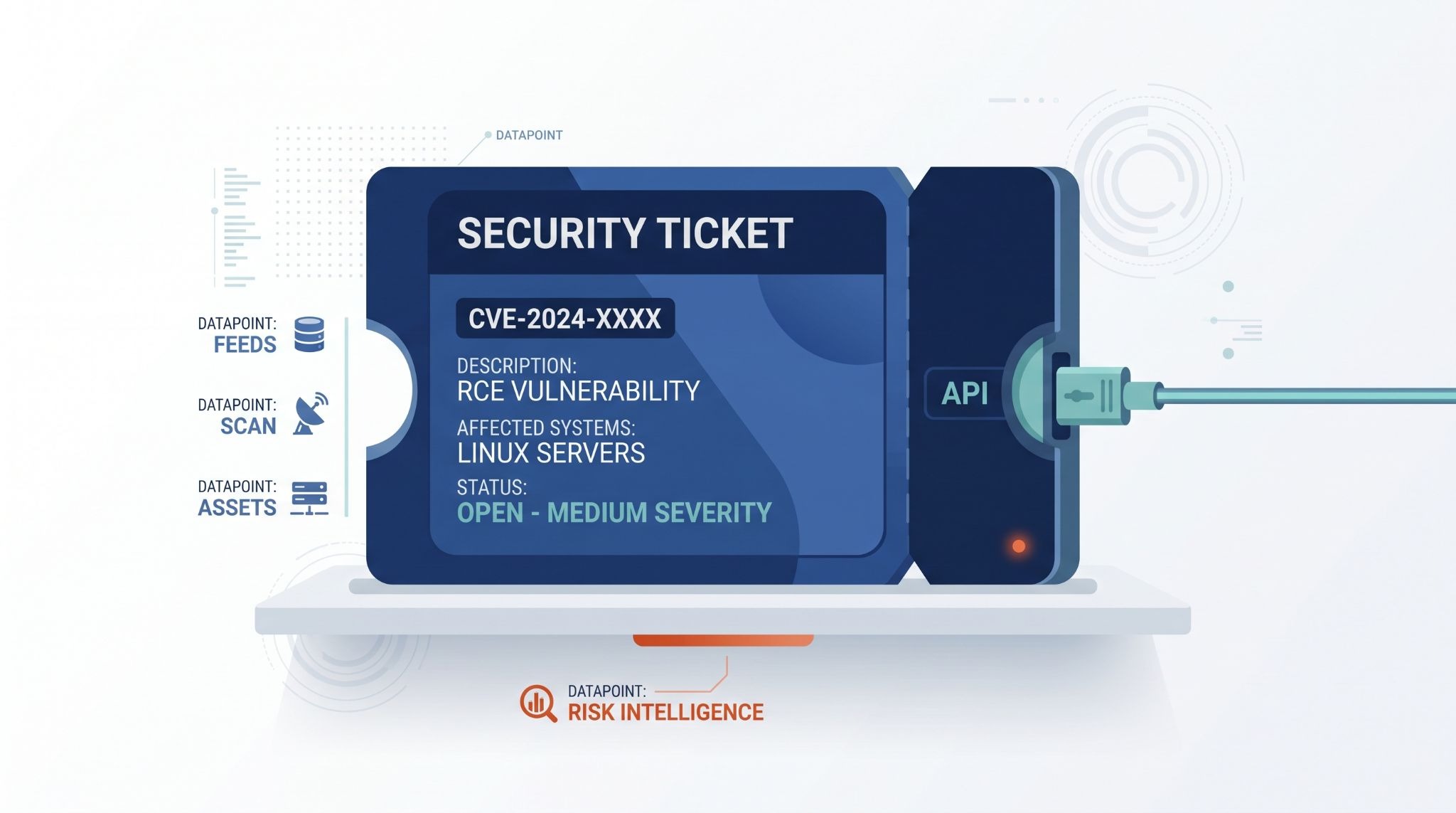
API integration links a ticketing system with monitoring, ITSM, CRM, security, or support tools so events can create and update tickets automatically. For MSSP Security, the setup needs secure authentication, accurate field mapping, reliable synchronization, and a way to handle failed API requests.
Sending the first POST request is usually the easy part. But problems appear when records change, permissions expire, or one system rejects data from another. We’ve seen integrations fail for these reasons more often than expected. So the real focus is keeping data consistent from the first alert through ticket closure. Keep reading to see how it works.
Quick Reads: Ticketing Integration Wins
API integration connects ticketing, security tools, and workflows while keeping data consistent and reliable.
- Automate ticketing: Automate creation, assignment, updates, escalation, and closure.
- Keep data secure: Use authentication, field mapping, webhooks, and permissions.
- Plan for failures: Use retries, queues, idempotency, and audit logs.
How Does API Integration For A Ticketing System Work?
An API lets one system send information to another system. In a ticketing setup, that information can create a new ticket or update one that already exists.
The basic flow looks like this:
Monitoring alert → API or webhook → JSON data → ticket creation → assignment → status update → closure
It sounds easy. Sometimes it is.
The trouble usually starts after the first ticket is created. A monitoring tool may send an alert, but the ticketing system still needs to know what that alert means. It needs the right priority, the right team, and enough information for someone to investigate it.
We see this during product reviews quite often. A vendor may show a clean demo where one alert creates one ticket. That looks good, but it doesn’t tell us what happens when 500 alerts arrive at once.
A useful ticket should carry details such as the affected system, alert time, severity, source, event ID, and useful diagnostic information. Without those details, an analyst may need to open another platform to find the original alert.
That extra step adds time.
What Happens When An Alert Creates A Ticket?
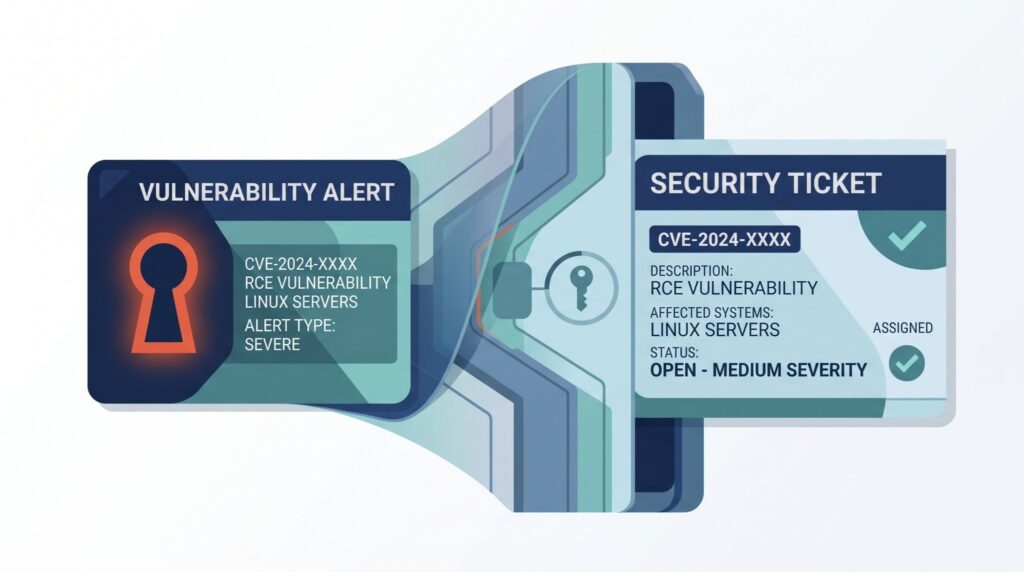
The process usually begins with a POST request. The monitoring or security platform sends a JSON payload to the ticketing system.
The payload might contain:
- Alert title
- Severity
- Hostname
- Event time
- Description
- External event ID
The ticketing system checks the request before creating anything. It may check the API token, required fields, data format, and user permissions.
Then the field mapping happens.
For example, the security platform may call something critical, while the ticketing system expects P1. The integration has to know that those two values should match.
We pay close attention to this during product audits. Field names can look almost identical across products, but their meaning isn’t always the same. That small difference can cause real problems later.
Once the ticket is created, the API may return an HTTP 201 response and a ticket ID. The integration should save that ID along with the original event ID.
Why?
Because both systems need a way to know that they are talking about the same event.
From there, the ticket can move through its normal process. Someone gets assigned to it. The status changes. Notes may be added. Eventually, the ticket gets resolved or closed.
If the integration is set up for two way communication, those changes can also go back to the original system.
Why Does The Ticket Lifecycle Matter?
Creating the ticket is only the beginning.
Imagine a security alert creates a ticket. An analyst investigates it and closes the ticket. But the security platform never receives that update.
The alert may still appear as active.
That can lead to repeated notifications and extra work for the team. Nobody wants to investigate the same issue twice because two systems have different information.
A two way integration can help keep those records aligned. It can send status changes, assignments, comments, and resolution details between systems when the products support those actions.
For an MSSP, this can matter even more. Analysts may work in one platform while customers use another. The same incident needs to make sense in both places, especially when MSSP ticketing systems need to keep incident details aligned across platforms.
How Do You Secure A Ticketing API Integration?
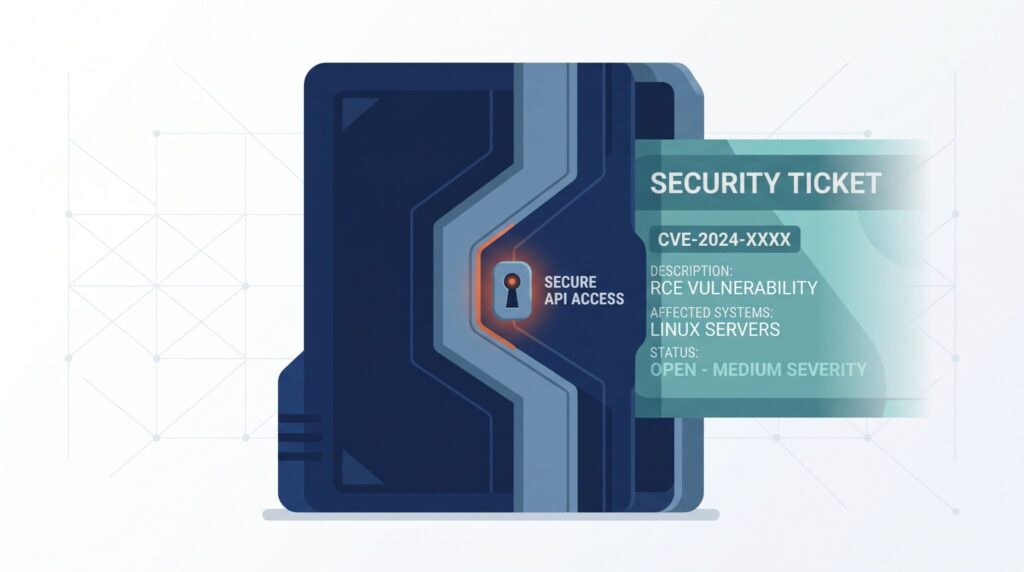
Security needs to be part of the API setup from the start. A ticketing connection may carry incident details, customer information, asset data, or other internal records. If the API is poorly protected, that connection can become another entry point.
We check a few things during product audits. How does the product authenticate API requests? Can permissions be limited? Where are credentials stored? Can administrators see API activity?
Those questions matter more than having a long list of security features.
OAuth 2.0, API keys, and service accounts are common ways to authenticate applications. The right option depends on what the ticketing platform supports and how the integration will be used.
“Any party in possession of a bearer token can use the token in any way that any other party in possession of it can.” – IETF
The IETF describes bearer tokens as a way for clients to access protected resources. Because anyone holding a valid bearer token can use it, the token needs to be protected.
Should You Use OAuth 2.0 Or mTLS?
OAuth 2.0 uses access tokens to authorize API requests. It can also provide scopes that limit what an application can access. When teams integrate MSSP with ServiceNow and Jira, the authentication method should work securely across the connected platforms.
mTLS, or mutual TLS, uses certificates to authenticate both sides of a connection.
Neither option is automatically right for every MSSP. The choice depends on the product, network setup, certificate management, and security requirements.
We usually look at the permissions available with each option. An integration that only needs to create and update tickets shouldn’t need administrator access to the entire platform.
What Happens When The Ticketing API Fails?
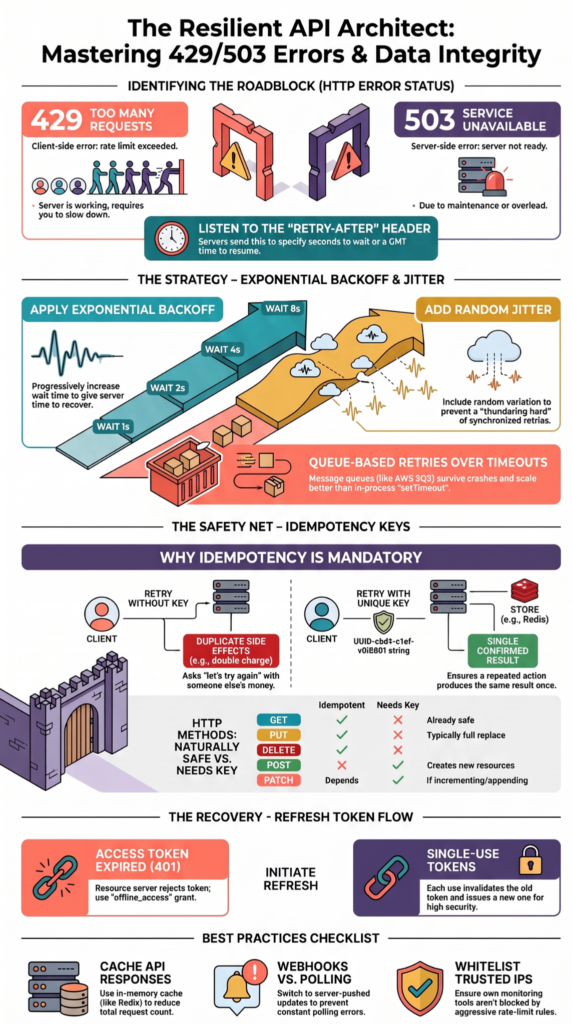
APIs fail sometimes. Networks go down. Services become unavailable. Rate limits get reached. A token expires.
A good integration needs to expect these events.
For example, an API may return 429 Too Many Requests when too many requests arrive in a short period. A temporary service problem may return 503 Service Unavailable.
The integration shouldn’t treat every error in the same way.
A temporary problem may be worth retrying. A bad payload probably isn’t. Understanding the ticketing integration benefits also means looking at what happens when the connection fails, because reliable workflows should preserve important tickets instead of silently losing them.
How Do Retry And Queueing Prevent Lost Tickets?
Retry logic gives a failed request another chance.
Suppose an alert reaches the integration while the ticketing platform is temporarily unavailable. Instead of dropping the alert, the integration can place it in a queue and try again later.
A common approach is exponential backoff. The system waits longer between each retry instead of sending requests continuously.
For example:
Request fails → Wait → Retry → Wait longer → Retry again
If the destination remains unavailable, the system should eventually stop retrying and notify someone.
We look for this during MSSP product audits because silent failures are especially dangerous. An integration can appear healthy on the surface while important tickets are sitting in a failed queue.
Why Are Idempotency Keys Important?
Source: NetworkChuck
Idempotency helps prevent duplicate tickets.
Imagine a monitoring platform sends a POST request. The ticketing system creates the ticket, but the response never reaches the sender because of a network problem.
The sender doesn’t know whether the ticket was created.
So it sends the request again.
Without duplicate protection, the same alert could create two tickets.
“Repeating the request multiple times can result in duplication or incorrect updates.” – IETF
An idempotency key gives the system a way to recognize that both requests belong to the same operation. Not every API supports this feature, so some integrations need another method, such as checking the external event ID before creating a new ticket.
FAQs
How Should Teams Handle Ticket Updates When Two Systems Change the Same Record?
When bi-directional sync is active, both systems may update the same ticket. Teams should use an external ID or correlation ID to match records and define which system controls each field. Clear field mapping and change tracking can prevent one system from overwriting another system’s updates. Audit logging also helps teams review conflicting changes and identify where the sync failed.
What Happens When API Rate Limiting Delays Critical Ticket Updates?
Rate limiting can delay ticket updates when an integration sends too many requests within a set period. Teams can use retry logic with backoff, queue requests, and monitor status codes and error codes. Priority levels can also determine which updates should be processed first. This approach is useful when incident management generates a sudden increase in ticket activity.
How Can Teams Prevent Duplicate Tickets During Webhook Failures?
Webhook failures can cause the same event to be delivered more than once. Teams can use an idempotency check with a unique event ID or correlation ID before creating a ticket. The integration should also record processed events through audit logging. This prevents duplicate ticket creation when the system retries a request after a timeout, network error, or temporary service interruption.
How Should Teams Protect API Credentials Across Test And Production Environments?
Teams should keep authentication credentials separate between sandbox and production environments. API keys, service accounts, and OAuth 2.0 credentials should have only the permissions they need and should not be stored directly in application code. Teams should also protect HTTP headers containing bearer tokens, rotate credentials regularly, and use role-based access to limit access to ticketing data.
How Can Teams Troubleshoot Incorrect Ticket Data After Field Mapping?
Teams should compare the source payload structure with the fields expected by the ticketing system. They should check data mapping, custom fields, ID mapping, and data transformation rules for mismatches. Reviewing the JSON payload, request method, status code, and audit logs can show where the data changed or failed during the API integration.
API Integration for Reliable Ticketing
When you’re connecting a ticketing system to security and support workflows, reliability depends on more than creating tickets. The integration needs to keep context and status in sync, while handling permissions and temporary failures without disrupting the workflow. That’s where solid API design matters.
MSSP Security provides a practical foundation for connecting security events with ticket workflows while keeping the integration manageable. A clear data flow, secure API setup, and proper failure handling can make daily operations more reliable. The goal is simple, keep important information moving to the right place without adding unnecessary complexity.
References
- https://www.rfc-editor.org/info/rfc6750/
- https://www.ietf.org/archive/id/draft-ietf-httpapi-idempotency-key-header-07.html