

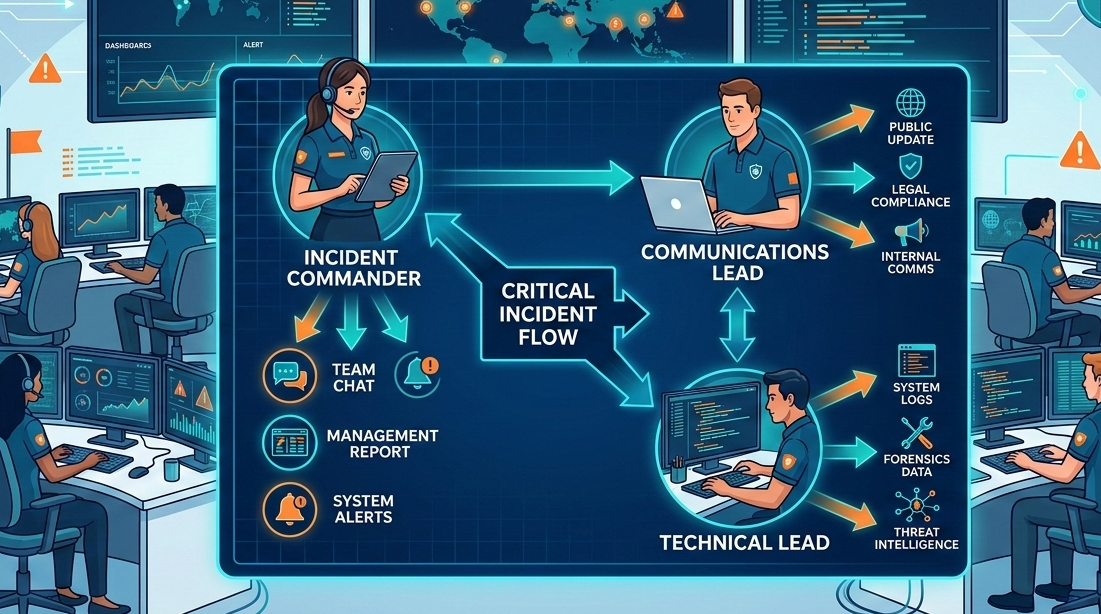
Your incident response fails if communication is an afterthought. It’s not about the tools, it’s about the protocol. A predefined framework of roles, channels, and heartbeat updates is what separates a controlled recovery from a reputational fire.
We’ve seen teams waste the critical first hour in chaotic, meme-filled channels while leadership panics. The fix is simpler than you think. It starts with assigning one person to own the narrative. Keep reading to build a system that works at 3 AM and managing incident response team communication.
Quick Incident Communication Tips
Strong communication keeps incident response organized and focused. These simple practices help teams stay aligned and reduce confusion when pressure is high.
- Appoint a dedicated Communications Lead to own all stakeholder messaging.
- Enforce structured channels: one for swarming, another for executive updates.
- Mandate heartbeat updates every 30 minutes, even when there’s no new news.
The Hard Truth About Incident Communication
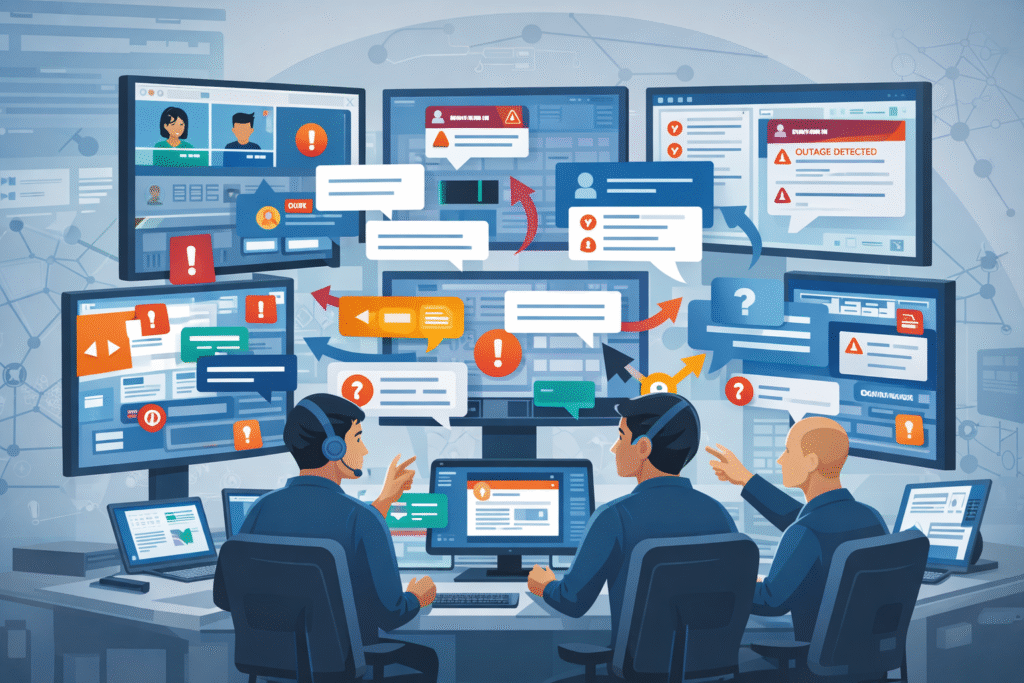
It fails silently until the moment you need it most. You’ve got the monitoring alerts, the on-call rotation, the runbooks. Then a SEV-1 hits, and your #incidents Slack channel explodes. Technical leads debate root cause, a manager asks for an ETA for the board, and a support agent pastes a customer complaint.
It’s information ping-pong. This chaos isn’t a tool failure, it’s a protocol failure. The first step out of this is admitting that real-time chat, without rules, becomes a noise amplifier that delays resolution.
We learned this the hard way early on. A major API outage stretched into hours not because of technical complexity, but because the team spent 40 minutes in a Zoom war room just aligning on what to tell customers.
No one had been designated to craft the external message. The technical fix was ready, but our silence was building anxiety. That’s when we implemented the first rule: before you swarm on a fix, name the Communication Lead.
Defining the Chain of Command
Credits: Trusted CI
Who speaks? This question must be answered before an incident begins. Following structured incident escalation procedures prevents analysis paralysis and ensures messages are approved by the right authority.
“While the Respond function encompasses a range of disciplines, including Response Planning, Analysis, Mitigation, and Improvements, Communication serves as the glue that binds the whole thing together.” – CompassMSP
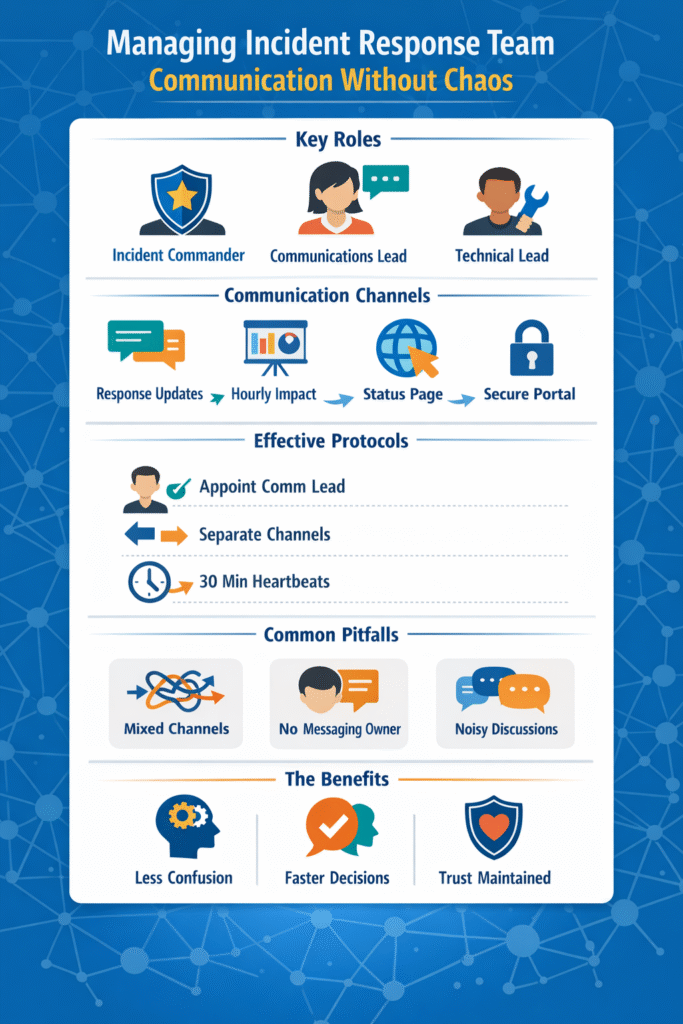
The core roles are non-negotiable:
- Incident Commander (IC): Owns the overall response and makes the final technical calls.
- Communications Lead: The team’s public voice; translates technical data into updates for customers, executives, and regulators.
- Technical Lead: Focuses purely on diagnosis and remediation, shielded from external pings.
In our practice at MSSP Security, we treat the Communication Lead role as a primary duty, not a side task. This person starts drafting the initial status update the moment the alert is triaged. Their only job is to manage the narrative, which lets the IC and Technical Lead manage the problem.
Choosing the Right Channels for Each Audience
Mixing audiences in one channel is a recipe for confusion. The update a frontline engineer needs is useless noise for your CEO, and internal technical jargon should never leak to customers. To maintain clarity, teams often reference a soc escalation matrix example to determine exactly when and where to move specific data.
“Involving too many people too early. Adding large distribution lists, broad chat channels or ad-hoc invite lists can quickly create noise. Instead of helping, this often produces parallel conversations, conflicting suggestions, and more work for those leading the response.” – The Security Brief
Think of it like this: internal coordination needs speed, external transparency needs clarity, and executive reporting needs brevity. A blended channel fails at all three. The table below outlines a standard we’ve refined across hundreds of engagements.
| Audience | Primary Channel | Update Cadence | Content Focus |
| Core Response Team | Dedicated Incident Chat | Continuous | Action logs, hypotheses, command output |
| Executive Leadership | Secure Dashboard / Briefing Call | Every 60 minutes | Business impact, resolution timeline, decisions |
| Customers & Support | Public Status Page | Every 30 minutes (Major) | Scope, user impact, ETA, workarounds |
| Regulators/Partners | Official Secure Portal | Per Compliance SLA | High-level facts, remediation steps |
For internal swarming, we mandate a single, dedicated channel per incident. All other discussion is moved. This creates a clean, searchable log for the post-mortem. External updates, however, flow through a status page tool. This separation is the simplest way to prevent a ticket storm in your help desk.
Building Protocols That Speed Up Response
When the pager goes off at 2 AM, thinking clearly gets harder. That’s where simple structure helps. Pre-built templates and clearly defined severity levels remove guesswork and help teams act quickly.
We’ve seen MSSP teams cut response delays just by giving the Communications Lead a ready-to-use update format. Instead of scrambling for wording, they send a clear message within minutes. Even when details are limited, early communication shows control and reassures stakeholders.
Severity levels guide how updates should flow. When escalating critical security events, a SEV-1 outage usually requires immediate executive notification and frequent heartbeat updates.
They’re not rigid scripts, just practical outlines that make sure updates include impact scope, actions underway, and the next checkpoint.
Drilling and Learning for Continuous Improvement
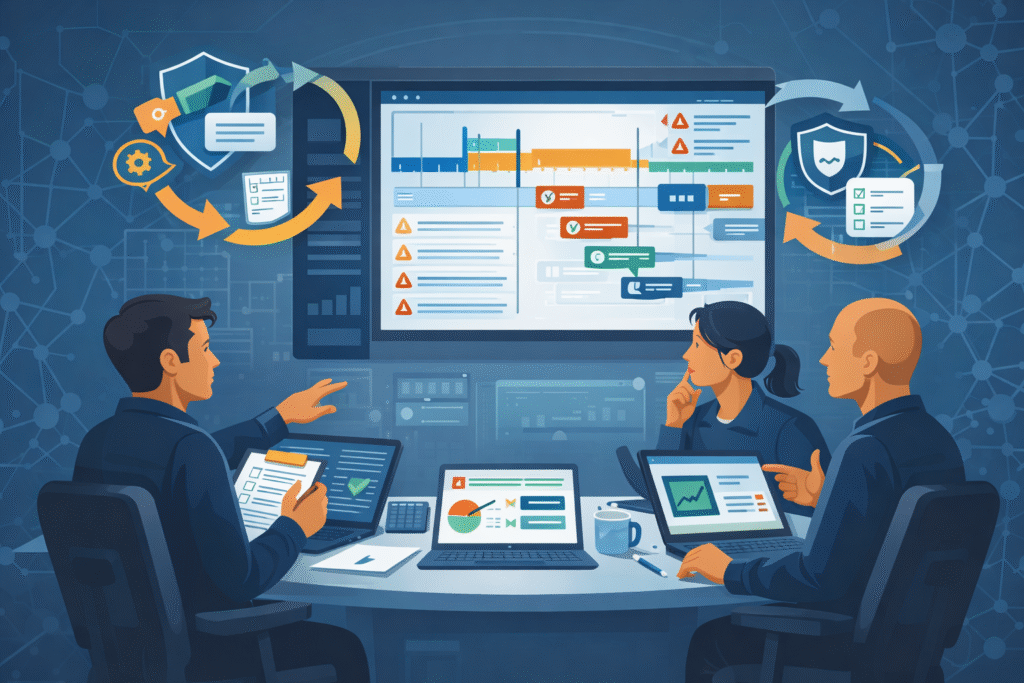
A response plan on paper doesn’t mean much until it’s tested. Teams discover real weaknesses during exercises, not during planning meetings. Tabletop simulations often reveal simple issues: unclear escalation paths, approval bottlenecks, or status updates that never reach leadership.
We’ve watched MSSP teams uncover these gaps during controlled drills long before a real outage exposed them.
Many organizations run quarterly “game day” scenarios. The goal isn’t perfection; it’s learning where things break. One common problem is communication during shift changes. After each exercise, teams review what happened through a blameless post-mortem.
Metrics like MTTA, update cadence, and stakeholder feedback help refine the process. Over time, this cycle of practice and review strengthens response workflows and supports real MTTR improvement.
FAQ
How do teams improve incident response communication during remote incidents?
Remote incident response often creates gaps in incident response communication. Teams improve coordination by using segmented channels, clear update cadence, and structured status updates.
Many groups also rely on incident ID tagging and decision logs so everyone tracks the same issue. Consistent heartbeat updates and shared technical logs help remote responders avoid confusion while maintaining reliable IR team coordination across time zones.
What responsibilities should a communications lead handle during an incident?
The comms lead duties focus on clear and consistent messaging during incidents. This role manages stakeholder notifications, prepares external messaging, and keeps leadership briefings simple and accurate.
They also maintain update cadence through heartbeat updates and ensure customer-facing updates remain transparent. A designated spokesperson prevents swarming chaos while engineers focus on technical fixes and investigation work.
How does an escalation matrix support better IR team coordination?
An escalation matrix defines who responds, who approves decisions, and when leadership joins the incident response. It helps prevent confusion by aligning the incident commander role, response hierarchy, and decision authority. Teams follow pre-defined matrices to trigger auto-escalation during major incidents.
This structure improves IR team coordination and reduces delays that often occur during 3AM escalations.
What communication practices help reduce noise during incident swarming?
Noise reduction starts with better channel management. Teams create dedicated Slack incident channels for swarming and keep leadership briefings in separate threads. Threaded discussions, incident ID tagging, and action tracking help prevent thumbs-up fatigue and random SOC analyst pings.
These simple practices reduce context switching and help responders stay focused on investigation and containment.
Your Path to Calm in the Crisis
Calm in a crisis comes from discipline, not tools. Name a Communication Lead, control your channels, use your templates, and practice. The chaos of panicked chats and calls is a choice. A clear plan protects your team’s focus and your clients’ trust. Start your next shift by assigning that lead.
Get expert help building a resilient, optimized security stack. Schedule a consultation with our MSSP specialists.
References
- https://compassmsp.com/resources/communication-in-incident-response
- https://the-security-brief.com/2025/12/12/enhancing-incident-response-through-effective-communication/