Address
304 North Cardinal St.
Dorchester Center, MA 02124
Work Hours
Monday to Friday: 7AM - 7PM
Weekend: 10AM - 5PM
Address
304 North Cardinal St.
Dorchester Center, MA 02124
Work Hours
Monday to Friday: 7AM - 7PM
Weekend: 10AM - 5PM

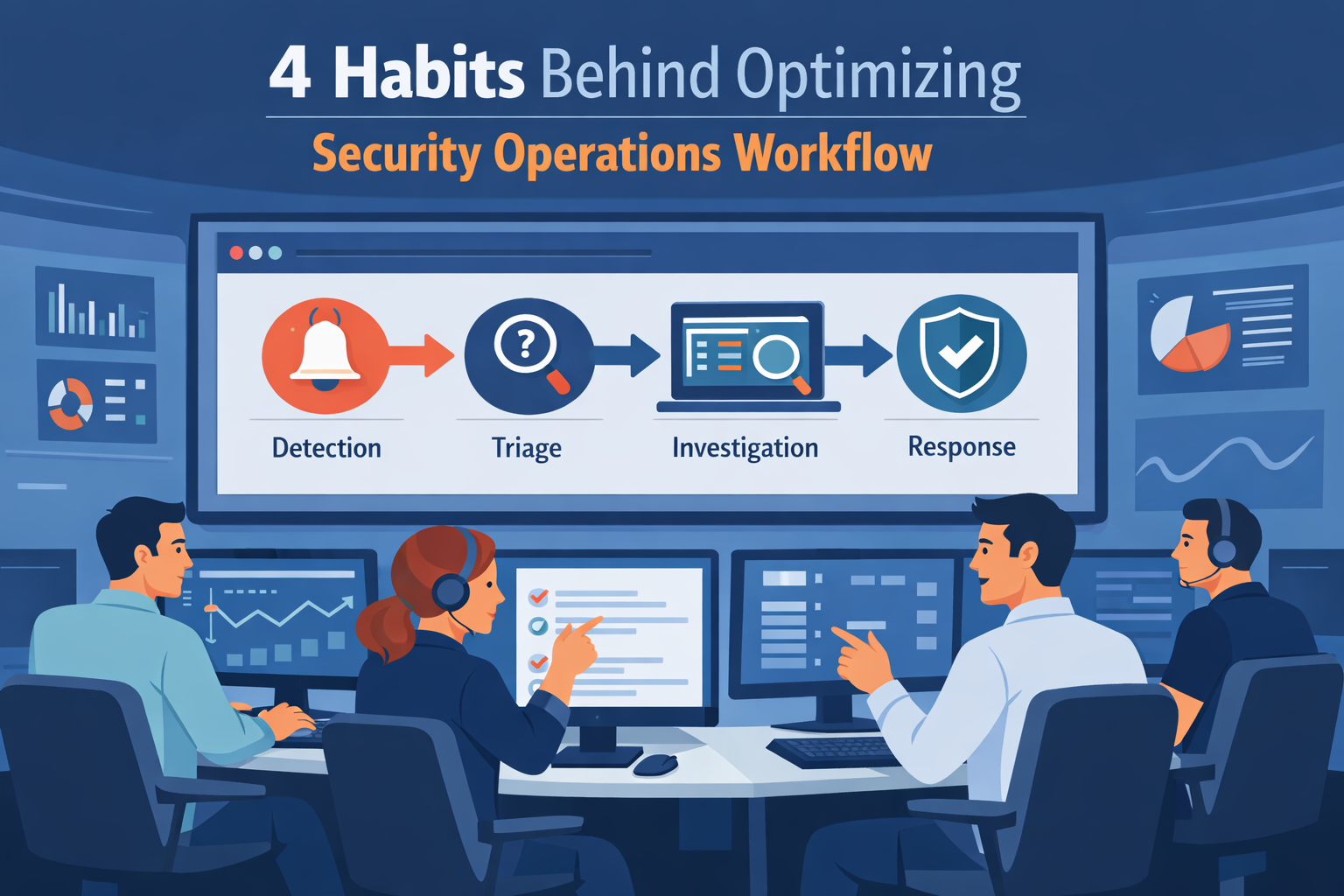
Optimizing security operations workflow starts with fixing the process, not blaming the analysts. When the workflow is unclear, teams lose time deciding what to check first. A clear path for each alert changes that. It tells analysts what comes next so they can move without hesitation. We see this often when working with security providers.
Teams with messy processes drown in alerts. Teams with structured workflows stay steady and catch real threats sooner.This guide walks through practical steps, automation for repetitive tasks, simple playbooks, and a few metrics that actually matter when alerts pile up every day. Keep reading to see how these changes work in real SOC environments.
A few simple habits explain why some teams investigate faster and stay in control of alerts.
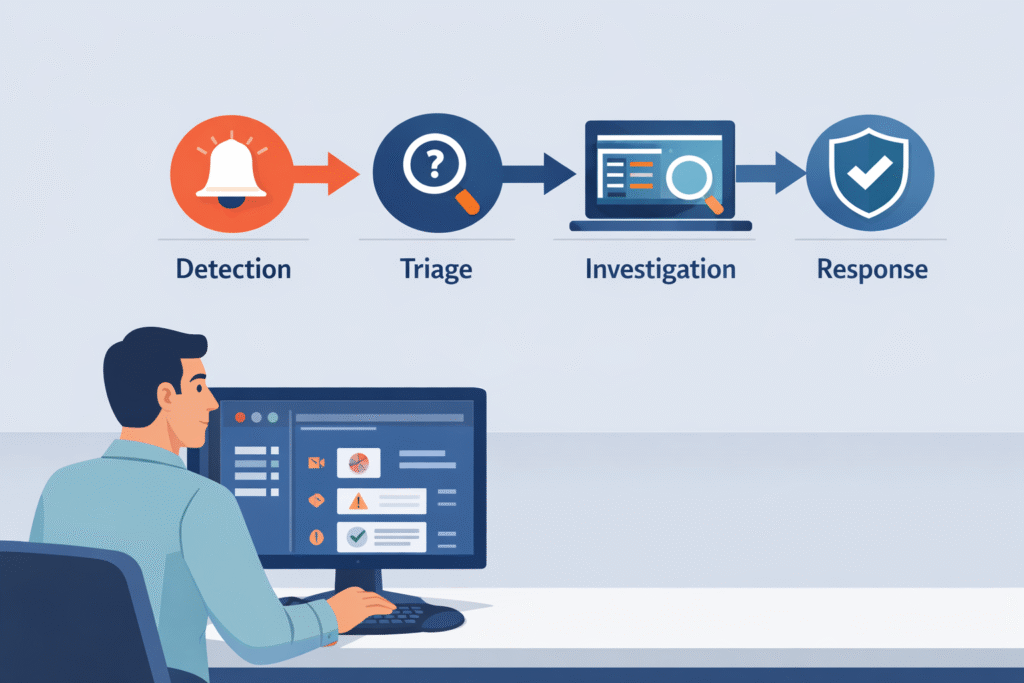
Think of a security workflow as the checklist your team follows from the moment an alarm goes off. Many teams structure this process around a clear security operations center workflow so analysts know exactly what step comes next instead of guessing during an incident. Good checklists make teams about 60% faster at handling incidents.
In our work with security providers, we see a common pattern. Alerts come in from firewalls, computers, and cloud tools. Then, a junior analyst uses the checklist to ask. Without this checklist, even smart analysts get stuck.
They jump between five different screens, lose their place, and miss important details. A workflow gives them a path to follow, so they can focus on hunting instead of hunting for the right tool.
A typical process has four main steps:
When you link these steps to frameworks like NIST’s, everything becomes more consistent. But as a company grows, this process often falls apart if no one maintains it.
The main reason is false alarms. Studies show over half of all security alerts are mistakes or unimportant noise. Imagine your fire alarm going off every time someone makes toast. You’d stop paying attention. That’s “alert fatigue,” and it burns analysts out.
This usually starts with detection rules that are too sensitive. Companies collect huge amounts of data but don’t tune their systems to ignore harmless activity. Another big problem is using too many tools that create duplicate alerts for the same thing.
We’ve reviewed teams where analysts spent half their day just copying data from one screen to another. The tools, not the threats, were the biggest time-waster. This creates a vicious cycle: tired analysts work slower, real threats get missed, and the team feels like it’s always failing.
Common sources of all this noise include:
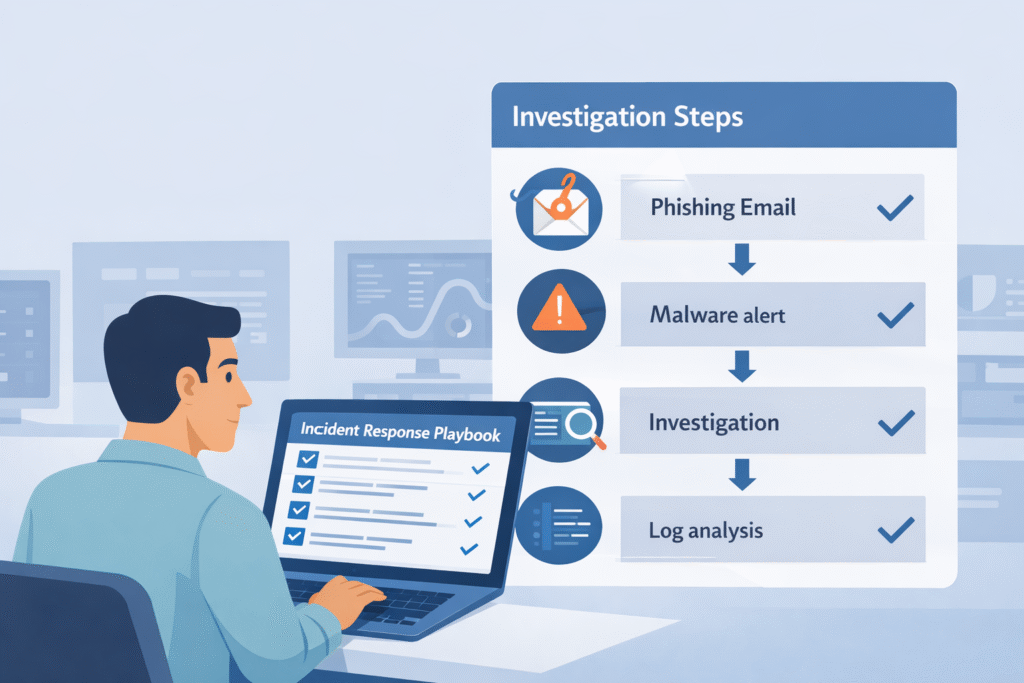
Playbooks are simple instructions for different types of attacks. If you get a phishing email alert, the playbook lists the ten things to check, in order. Teams that use them can triage alerts 30-40% faster because no one has to guess what to do.
For us, the biggest benefit is training new analysts. A junior person can confidently handle a complex alert if they have a clear guide. It turns a scary investigation into a series of small, manageable steps.
A good playbook includes a few key things:
It also makes roles clear. Tier 1 does initial checks. Tier 2 does deeper investigation. Tier 3 hunts for hidden threats. This structure helps everyone know their job.
After an incident, teams should write down what they learned. What did they miss? How can the playbook be better next time? This turns every incident into a chance to improve.
Use automation for the repetitive, boring tasks. Let the computer do the heavy lifting so your people can think. Good automation can cut the time to resolve an incident by 50-70%.
Insights from Google Cloud Blog indicate,
“Automation of tasks, such as alert enrichment, triage, investigation, and remediation, can reduce the need for the traditional segmentation of SOC levels.” – Google Cloud Blog
Start with the tasks that waste the most time. We help teams find these “quick wins” first. Especially when reviewing inside an MSSP SOC workflow to see where analysts repeatedly perform the same manual checks during investigations.
Here’s what automation is great for:
For example, an automated phishing response might:
This lets one analyst manage alerts for many clients without getting overwhelmed.
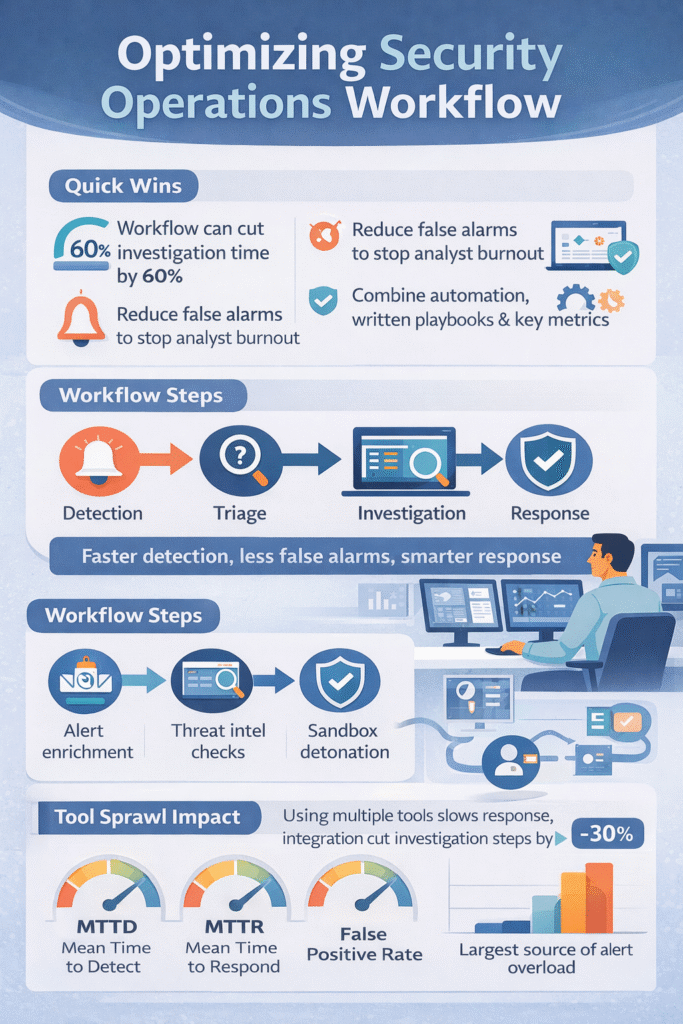
When analysts have to use ten different screens to investigate one alert, it kills their speed. Research shows integrating tools into one workflow can cut investigation steps by about 30%.
The goal is to connect everything. Your endpoint tool, your email filter, and your firewall should all talk to each other. When an alert pops up, the analyst sees all the related information on one screen.
A well-integrated setup has layers:
But just buying connectors isn’t enough. You need to design how information flows. We often help clients simplify by turning off duplicate alerts from different systems. Less noise means faster investigations, and it becomes clearer how does a SOC operates daily when the tools, alerts, and investigation steps all feed into one consistent workflow.
For a solid model on how to structure this, many teams look to the NIST Cybersecurity Framework. It provides a clear, government-vetted way to think about managing risk and responding to incidents.
The three most important numbers for a security team are:
Top-performing teams get their MTTR under 30 minutes for serious incidents. Tracking these numbers shows if your new playbook or tool is actually helping.
| Metric | What It Measures | Why It Matters |
| MTTD (Mean Time to Detect) | Time between attack activity and detection | Faster detection reduces attacker dwell time |
| MTTR (Mean Time to Respond) | Time needed to contain and resolve an incident | Shorter response limits damage |
| False Positive Rate | Percentage of alerts that are not real threats | Lower noise improves analyst focus |
We build dashboards for our clients that track these core metrics, plus a few others:
Seeing these numbers helps managers spot burnout before it happens. It also proves the team’s value to company leadership. For more on setting these goals, CISA’s website has useful resources on incident management best practices.
Credits: Microsoft Security Community
Security never stops changing, so your processes can’t either. The best teams have a regular rhythm for improvement. They review what went wrong after big incidents and proactively hunt for hidden threats.
As noted by VMRay,
“Measurement brings improvement. SOC metrics quantify performance, highlight gaps, and guide resource allocation.” – VMRay
We run these reviews with our clients. After a major alert, we sit down and walk through the timeline. Where were the delays? Did a step in the playbook not work? We then update the procedures so next time is smoother.
Threat hunting is also key. Instead of just waiting for alarms, analysts go looking for sneaky attacker behavior. We often find security gaps this way, long before they’re exploited. These discoveries get baked right back into the playbooks.
A culture of improvement includes:
This cycle of doing, reviewing, and updating is what keeps a security team sharp year after year.
SOC workflow optimization reduces alert overload by creating a clear alert triage process. Analysts check alerts in a defined order instead of reacting randomly. Teams also apply SIEM tuning strategies so systems stop generating unnecessary alerts.
They enrich alerts with context such as IP reputation checks or proxy log analysis. These steps support false positive reduction and improve security operations center efficiency during daily monitoring.
An effective incident response playbook gives analysts clear instructions for handling common attacks. It outlines the alert triage process, malware containment steps, and escalation matrix design.
Teams also align playbooks with the NIST incident lifecycle and MITRE ATT&CK mapping. This structure helps tiered analyst roles work together during investigations and ensures that analysts respond consistently to similar threats.
SIEM tuning strategies improve security operations center efficiency by reducing unnecessary alerts and highlighting meaningful activity. Analysts refine detection rules using methods such as Splunk query optimization, AWS OpenSearch rules, and custom Sigma rules.
They also maintain a reliable log aggregation pipeline. These improvements support MTTD minimization and MTTR improvement because analysts spend less time reviewing irrelevant alerts.
SOC teams rely on SOAR automation benefits because automation handles repetitive investigation tasks. Automated workflows can perform IP reputation checks, run sandbox analysis on suspicious files, and gather supporting evidence before analysts review an alert.
Automation also supports dynamic case management and threat intel feed integration. This process improves the alert triage process and helps analysts focus on complex investigations.
Threat hunting techniques help analysts discover threats that automated alerts may miss. Analysts actively search for suspicious patterns such as lateral movement detection, C2 beacon hunting activity, or exfiltration indicators.
After each investigation, teams document findings in a lessons learned repository. They review these findings during root cause debriefs and update detection rules to support continuous improvement in SOC operations.
Security work gets stressful when alerts pile up and every investigation feels scattered. Analysts switch between tools, collect the same data again, and still try to decide what to do next. It slows everything down. A clear workflow helps your team move with more focus.
If you want practical help improving daily operations, strengthen your security operations workflow with MSSP focused consulting. Get guidance to streamline tools and improve integrations so analysts can respond with more confidence.

