

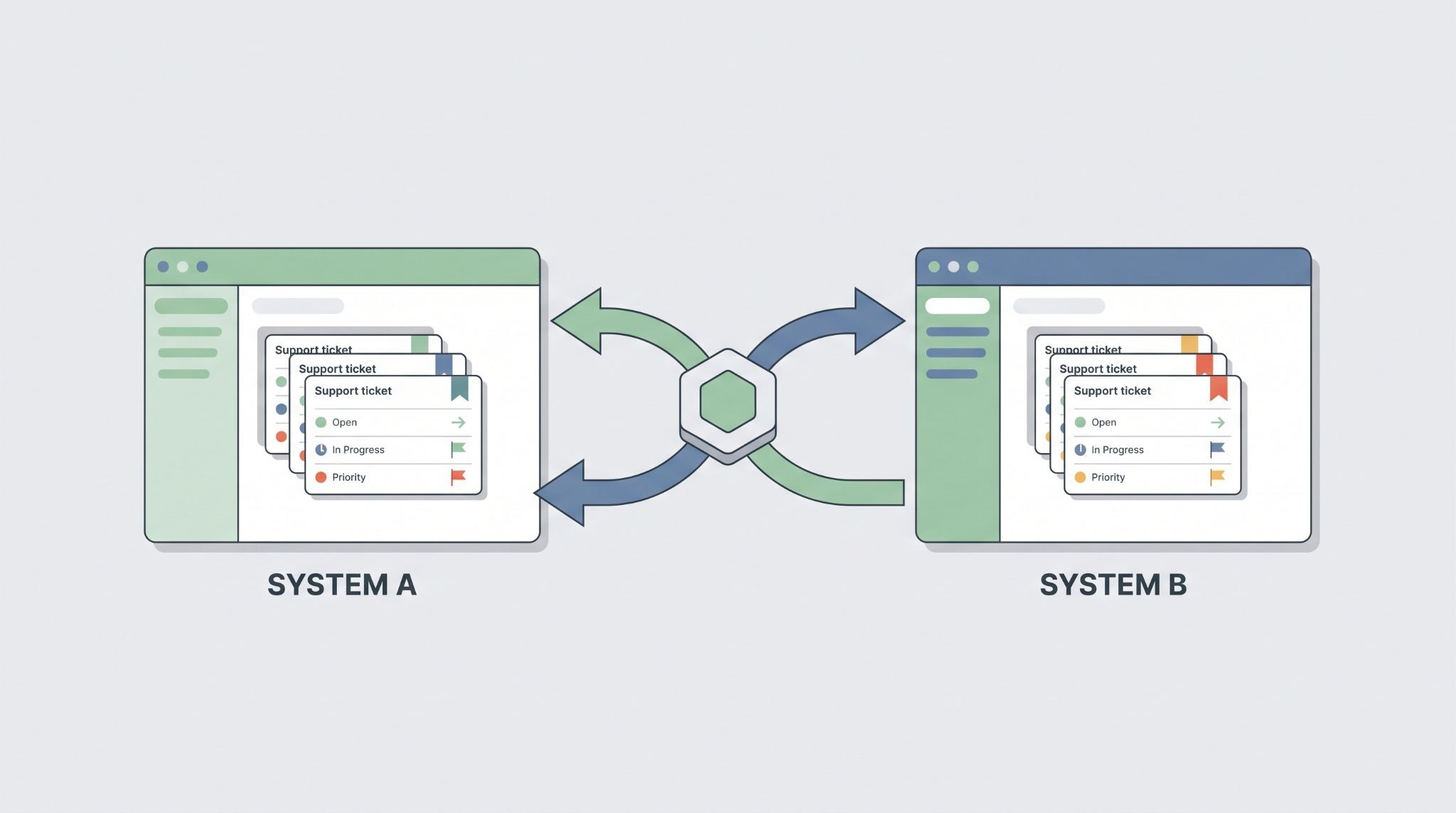
Bidirectional ticket synchronization lets an MSSP and its customers share incident updates across separate ticketing systems without duplicate manual work.
But reliable sync needs more than an API connection. Correlation IDs link related tickets, while field ownership controls which system can change each value. Event handling helps avoid update loops, and tenant isolation keeps customer data separated.
Security context and audit records also need to follow each incident from one system to another.
This guide covers the flow from alert creation to conflict handling, including the parts that often cause problems after deployment.
Keep reading to see how it works.
The Sync in a Snapshot
This guide breaks down how MSSPs can keep tickets aligned across security and ITSM systems without duplicate or conflicting updates.
- Two-way sync: Connects SOC and ITSM or PSA platforms through APIs, webhooks, or integrations.
- Reliable updates: Correlation IDs, field ownership, and loop prevention keep records aligned.
- Built to scale: Tenant isolation, schema checks, and asynchronous delivery support growing ticket volumes.
What Is Bidirectional Ticket Synchronization In An MSSP?
Bidirectional ticket synchronization keeps related tickets in two systems updated as an incident moves through its lifecycle.
An MSSP may use a SOC platform, while its customer uses an ITSM, PSA, or helpdesk system. Both teams need information from the same incident, but they don’t need the same view of it.
We usually treat the two records as linked copies of one operational incident. The MSSP might investigate a suspicious login, while the customer’s IT team handles password resets or endpoint work. Each team can stay in its own system while approved updates move between them.
That sounds straightforward. It isn’t always.
A good design must define which fields can move, who owns each field, and what happens when both sides change a record. It also needs a way to identify the matching ticket on each side.
For example, an MSSP ticket might be MSSP-1029, while the customer ticket is INC-8832. The integration stores that relationship. Later, if the MSSP changes the severity, the integration knows which customer ticket should receive the update.
The same relationship helps with status changes, comments, assignments, and closure details. Without it, the system can create duplicate tickets or update the wrong record.
Why Do MSSPs Need Cross-Platform Ticket Sync?
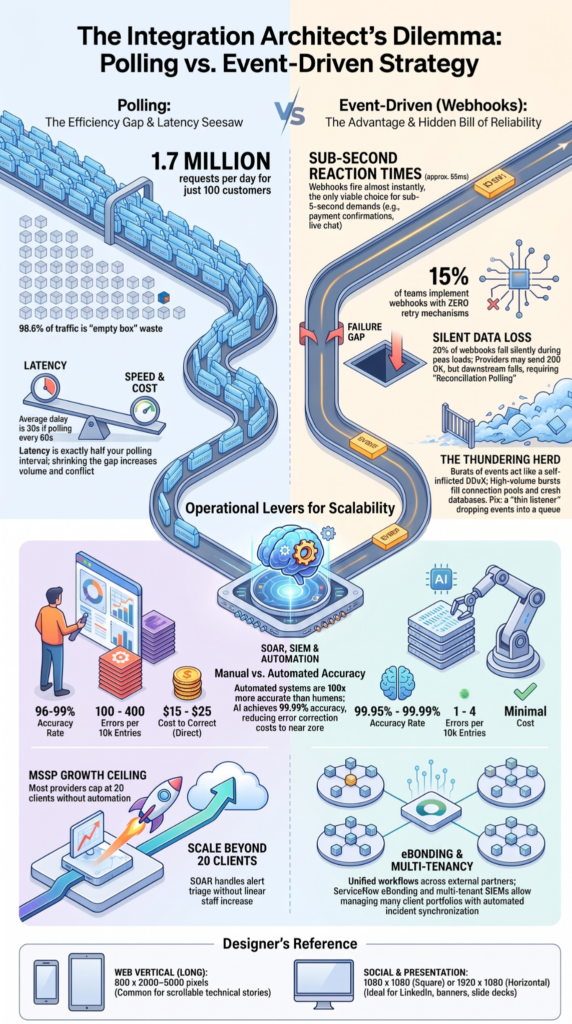
MSSPs need cross-platform synchronization because their SOC teams and customers often work in different systems.
Without synchronization, someone may need to copy ticket numbers, status changes, notes, or remediation details by hand. That creates room for missed updates and inconsistent records. A well-designed MSSP ticketing setup can reduce this manual work while keeping incident information consistent between teams.
For an MSSP, the problem grows with every new customer. One integration may be manageable. Ten or fifty customer environments create a very different support burden.
A useful design lets the MSSP keep its internal workflow while giving each customer the information they need.
For example, the MSSP might keep detailed investigation notes internally but send the customer:
- Incident severity.
- Affected asset.
- Key findings.
- Remediation steps.
- Approved evidence.
- Current status.
That split is important. More data isn’t always better. Sending every internal SOC comment to a customer can expose information that was never meant to leave the MSSP system.
How Does An MSSP Ticket Sync Flow From Alert To Resolution?
The process normally begins with a security alert and ends when both sides have the information needed to close the incident.
“Incident response is a critical part of cybersecurity risk management and should be integrated across organizational operations.” – NIST, SP 800-61 Rev. 3
A common flow looks like this:
- A SIEM or SOAR identifies an incident.
- The MSSP creates its internal ticket.
- An event triggers the integration.
- The integration validates the ticket data.
- A customer ticket is created.
- Both records receive a correlation ID.
- Approved updates move between systems.
- Closure information is synchronized.
We prefer event-driven designs for many environments because changes can be sent soon after they occur. Polling can still be useful, but the right choice depends on the platforms, API limits, and customer requirements.
The integration should also validate incoming data before sending it to another system. A customer might use High, while the MSSP uses P2. The integration needs a defined mapping instead of guessing.
The same applies to dates, users, assignment groups, and status values.
Where Does SIEM Or SOAR Fit Into Ticket Creation?
SIEM and SOAR platforms often provide the data that starts the ticket workflow.
A SIEM can produce a large number of alerts. Not every alert should become a customer ticket. A SOAR workflow can add context, group related alerts, check suppression rules, and decide whether a customer-facing incident is needed.
This helps reduce unnecessary tickets.
For example, an MSSP might create a customer ticket only when an alert meets a defined severity threshold and matches a known customer asset. The ticket can then include useful context such as the affected host, detection time, indicator, and recommended action.
We see this as an important product-selection question: Can the integration receive the right event at the right point in the workflow?
If the answer is no, a vendor may still support an API connection, but that doesn’t mean the integration will fit the MSSP’s operating model.
Which Ticket Data Should MSSPs Synchronize?
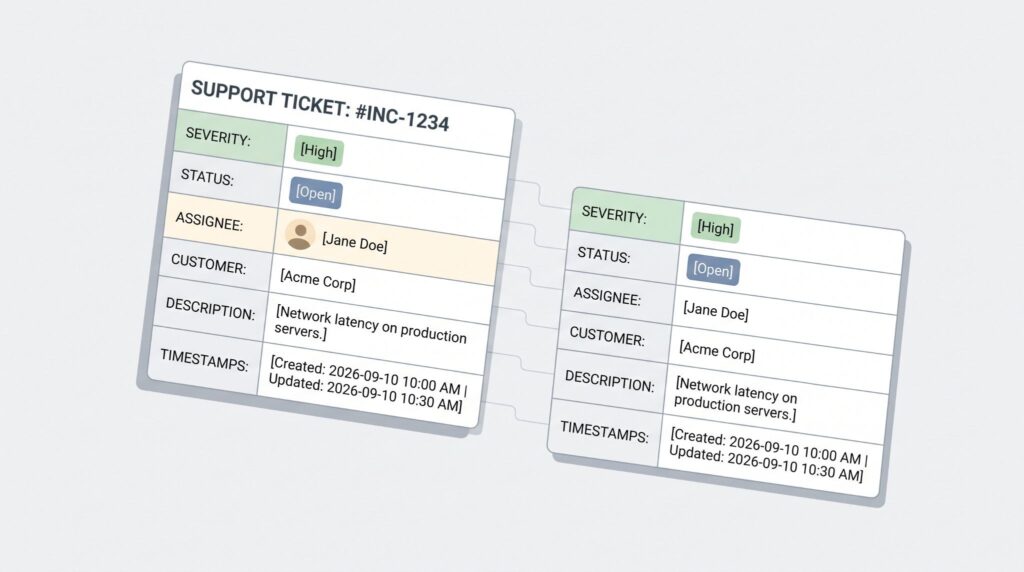
MSSPs should synchronize the fields that support the shared workflow. They don’t need to mirror every field.
A useful model divides fields into four groups:
- MSSP-owned: controlled by the SOC.
- Customer-owned: controlled by the customer.
- Shared: changed by either side.
- Read-only: visible but not editable.
This makes the integration process easier to manage.
For example, the MSSP may own security severity, while the customer owns the remediation assignee. Both sides may see the incident status, but each system could use a different internal value.
Before selecting a product, we recommend testing these rules rather than relying on a vendor’s feature list. Product pages often say “custom field mapping” without explaining how those mappings behave during real incidents.
Should Status And Severity Sync In Both Directions?
They can, but only when both systems have clear rules.
Status names rarely match perfectly. One platform might use New, In Progress, Pending, and Closed. Another might use Open, Investigating, Waiting, and Resolved.
The integration needs a mapping between those states.
Severity has the same issue. An MSSP may label an incident Critical because its SOC found signs of compromise. The customer may use a different priority scale based on business impact.
We recommend defining ownership before enabling two-way updates.
| Field | MSSP Role | Customer Role | Sync Direction |
| Severity | Security rating | Priority input | Controlled |
| Investigation status | SOC workflow | View | MSSP to customer |
| Remediation status | View | IT workflow | Customer to MSSP |
| Assignment | SOC ownership | Remediation owner | Rule-based |
| Closure | Security validation | Service confirmation | Controlled |
These rules also reduce conflicts. If both systems can change the same field without a clear owner, the integration has to guess which value should win.
How Should MSSPs Prevent Ticket Loops?
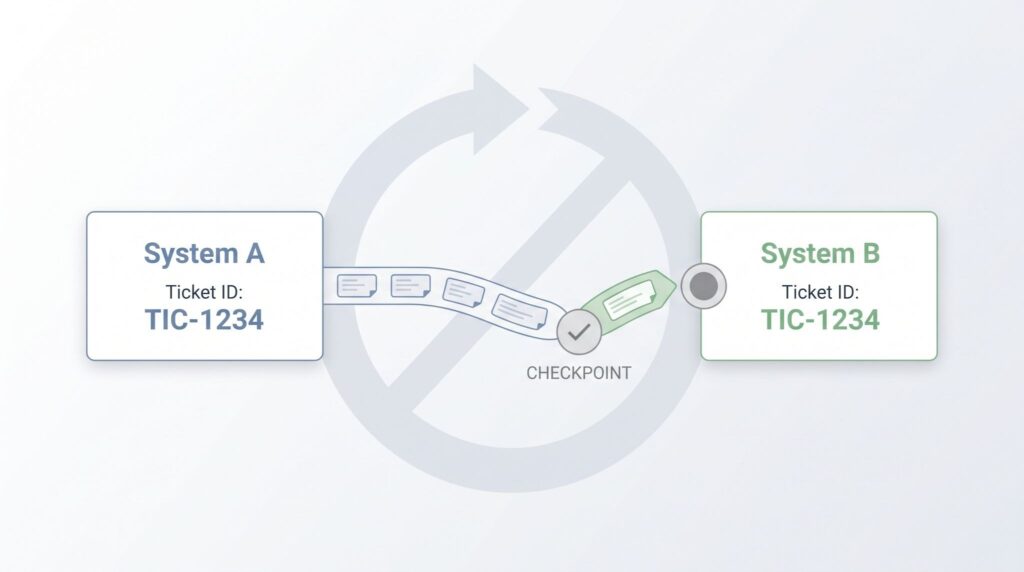
Loop prevention stops one update from bouncing between systems forever.
For example, the MSSP changes a ticket status. The customer system receives it and triggers its own update event. That event goes back to the MSSP, which then sends another update to the customer.
Without protection, the cycle can continue.
Several controls can help:
- Source tracking: Record where each update began.
- Event IDs: Ignore events already processed.
- Correlation IDs: Match the correct ticket pair.
- Change checks: Send only real changes.
- Field ownership: Limit who can update each field.
A good integration should also handle retries safely. If an API request fails and the system tries again, the retry shouldn’t create a second ticket.
“Incident response testing includes the use of checklists, walk-through or tabletop exercises, and simulations.” – NIST SP 800-171 Rev. 3
We pay close attention to this during product audits. A demo can show a ticket being created, but that doesn’t prove the system will behave correctly after API errors, duplicate events, or simultaneous changes.
What Should MSSPs Check Before Selecting A Ticket Sync Product?
Source: VOSS Solutions
MSSPs should test the integration against real workflows before choosing a product.
Ask the vendor to demonstrate ticket creation, updates, failures, retries, and closure. Don’t stop at a successful demo. MSSP integrations should also be tested across the specific ticketing systems used by each customer.
Check whether the product supports:
- API and webhook integration.
- Custom field mapping.
- Correlation IDs.
- Tenant separation.
- Event deduplication.
- Retry handling.
- Audit logs.
- Status mapping.
- Attachment controls.
- Conflict rules.
Also test failure cases. Disable an API endpoint, send an invalid field, change the same ticket from both sides, and repeat an event.
Those tests reveal much more than a feature checklist.
FAQs
How can MSSPs prevent duplicate tickets during two-way ticket sync?
MSSPs can prevent duplicate tickets by using correlation IDs, ticket deduplication rules, and clear ownership for each synchronized field. Before creating a ticket, the integration should check whether a matching incident already exists. Loop prevention also stops an update from being sent back and forth between systems. This approach keeps each incident tied to the correct ticket across platforms.
What ticket data should an MSSP synchronize between security and ITSM systems?
An MSSP should synchronize ticket status, severity, assignment, notes, timestamps, evidence, and investigation results. Ticket field mapping determines how each value transfers between systems. For security incidents, contextual ticket data helps IT teams understand what happened, what requires action, and who owns the next step. Evidence attachment sync can also preserve relevant files and investigation details.
How does ticket status synchronization affect SLA tracking for MSSPs?
Ticket status synchronization keeps incident states and timestamps consistent across connected systems. This consistency helps MSSPs calculate response and resolution times without relying on manually updated records. Accurate SLA tracking synchronization also supports automated escalations when a ticket remains unresolved beyond a defined threshold. Without reliable status updates, teams may calculate SLA performance from outdated or conflicting ticket information.
When should an MSSP use event driven synchronization instead of polling?
An MSSP should consider event driven synchronization when ticket changes need to reach another system quickly. Webhook ticket integration can send updates when an event occurs, such as a status change, reassignment, or new analyst note. Polling based sync checks for changes at scheduled intervals instead. Event driven synchronization can reduce update delays, while polling may suit systems with limited event support.
How can multi tenant ticketing keep client data separated during synchronization?
Multi tenant ticketing should separate each client’s records through tenant specific authentication, routing rules, permissions, and data identifiers. An integration should validate the tenant before creating or updating any ticket. Role based ticket access can further restrict who can view or modify client records. These controls reduce the risk of cross client data exposure during bidirectional ticket synchronization.
Reliable Ticket Synchronization
Bidirectional ticket synchronization can reduce manual work, but reliable integration takes more than connecting two APIs. Field mapping, retries, tenant separation, conflicts, and audit records all affect how well it works in real SOC operations.
Before choosing a product, test the full ticket lifecycle, including failed updates and conflicting changes. MSSP Security can help you evaluate your technology against real workflows and identify integration gaps before they affect service delivery.
References
- https://csrc.nist.gov/pubs/sp/800/61/r3/final
- https://nvlpubs.nist.gov/nistpubs/SpecialPublications/800-171r3/NIST.SP.800-171r3.html