Address
304 North Cardinal St.
Dorchester Center, MA 02124
Work Hours
Monday to Friday: 7AM - 7PM
Weekend: 10AM - 5PM
Address
304 North Cardinal St.
Dorchester Center, MA 02124
Work Hours
Monday to Friday: 7AM - 7PM
Weekend: 10AM - 5PM


System logs aren’t sexy, but they’re crucial. They’re like those black boxes in airplanes – recording every click, login, and change in your IT setup. Most tech teams collect these records because they have to, then forget about them until an auditor shows up. That’s a waste.
When used right, these logs catch sketchy behavior and prove you’re playing by the rules. Plus, they’ll save you hours of headaches when tracking down who broke what in your system. Want the real scoop on making logs useful? Stick around.
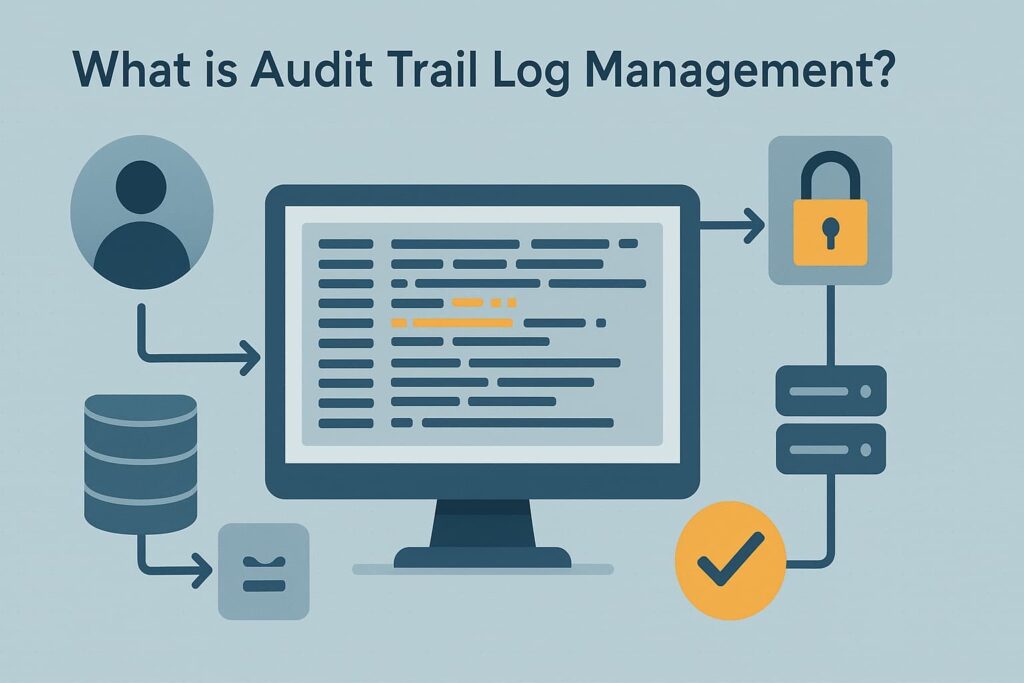
System audit logs reveal everything happening in your IT environment. They record logins, data access, configuration tweaks, basically a play-by-play of who did what in your systems. After working with hundreds of MSSPs, we’ve found these logs are often collected but rarely used effectively.
Think of an IT network like Grand Central Station at rush hour. Without security cameras and badge scanners tracking movement, chaos would reign. The same goes for networks, proper log tracking shows unauthorized access attempts, policy violations, and user activity patterns.
We help security providers pick the right tools to capture these digital footprints, since missing critical events can leave dangerous gaps in coverage.
The real value isn’t just in gathering logs, it’s knowing which ones matter. Our audit process zeros in on the records that tell the full story during investigations and compliance checks. Most providers struggle with information overload, but the right approach turns mountains of data into actionable intelligence.
Credit: Eric weinmann
After analyzing thousands of security incidents, precise timing stands out as critical. Down to the millisecond, timestamps help piece together what happened during breaches or system hiccups.
Many MSSPs we work with initially used basic date logs, but that’s not enough when multiple events hit at once. Our audits catch these gaps, showing providers where better time syncing could’ve prevented investigation headaches. [1]
Names and IDs don’t lie. When something goes wrong, tracking down “who did what” shouldn’t be a wild goose chase. Most security teams start with basic username logging, but we push for more, employee IDs, access levels, even location data.
Last month, this detailed tracking helped one of our MSSP clients spot an account compromise within minutes instead of hours. The right identifiers make all the difference between quick fixes and drawn-out investigations.
Vague log entries drive security teams nuts. “User accessed file” doesn’t cut it, was it opened, edited, deleted? Working with MSSPs, we’ve seen too many incidents where fuzzy details slowed down response times.
The best logs spell everything out: file names, permission changes, even failed attempts. One client caught a ransomware attempt early because their logs showed exactly which files were being encrypted, not just “file system changes.”
IP addresses and device IDs tell the whole story. When suspicious stuff happens, knowing the source saves precious investigation time. Some providers skip these details, but we’ve watched that backfire, like when an MSSP couldn’t tell if an attack came from inside their network or outside.
The logs we help implement track both ends of every connection. Last week, this helped a client spot traffic going to sketchy overseas servers within minutes.
Failed logins might seem trivial until they’re not. Most MSSPs track successes but ignore the failed attempts, big mistake. Last quarter, we caught a password spray attack that nearly slipped through because the client wasn’t logging login failures properly. Success or fail, every outcome needs recording.
Even simple error messages can reveal bigger problems, like when garbled database responses tipped us off to SQL injection attempts.
The devil’s in the details, browser types, OS versions, connection types. These extra bits often crack cases wide open. Working with providers, we’ve seen how proper metadata turns routine logs into goldmines.
One team spotted compromised credentials because the same user suddenly logged in from both Windows and Linux machines. Sure, basic logs work, but rich metadata helps security teams connect dots faster when things go sideways.
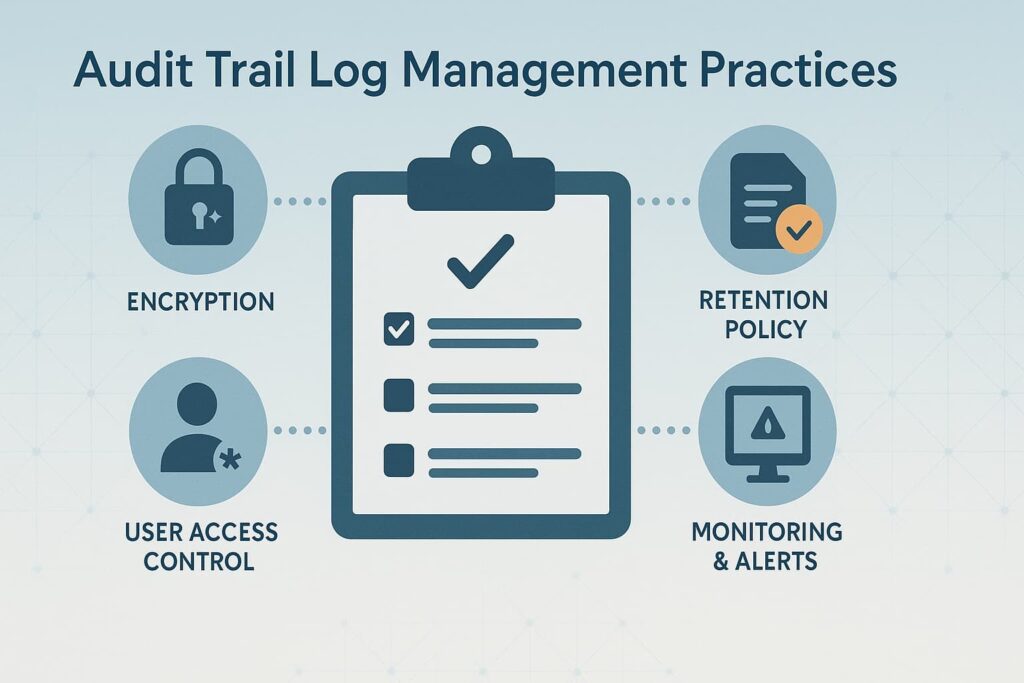
We gather logs from diverse sources: system logs, application logs, security logs, and network logs. A comprehensive approach ensures no blind spots. In MSSP Security, we emphasize automated collection to reduce human error and ensure timeliness.
Storing logs in a centralized, secure repository is a must. Centralization not only simplifies access but enables correlation and analysis across systems, improving our ability to detect complex threats.
Building on this foundation, organizations benefit greatly from effective log management that enhances visibility and strengthens incident response.
Retention policies vary depending on industry regulations like SOX, HIPAA, or GDPR. We recommend aligning retention with compliance mandates, keeping logs long enough for audits but not so long as to create unnecessary storage risks.
Audit logs are a prime target for tampering. We enforce encryption, strict access controls, and integrity checks to ensure logs remain unaltered. Immutability is non-negotiable for us, as any breach of log integrity undermines trust.
Regular log monitoring and alerting help spot suspicious patterns early. Our MSSP Security teams rely heavily on automated alerts to avoid drowning in data while catching critical red flags.
When logs reach the end of their retention cycle, secure deletion procedures protect sensitive information and maintain compliance with privacy laws. [2]
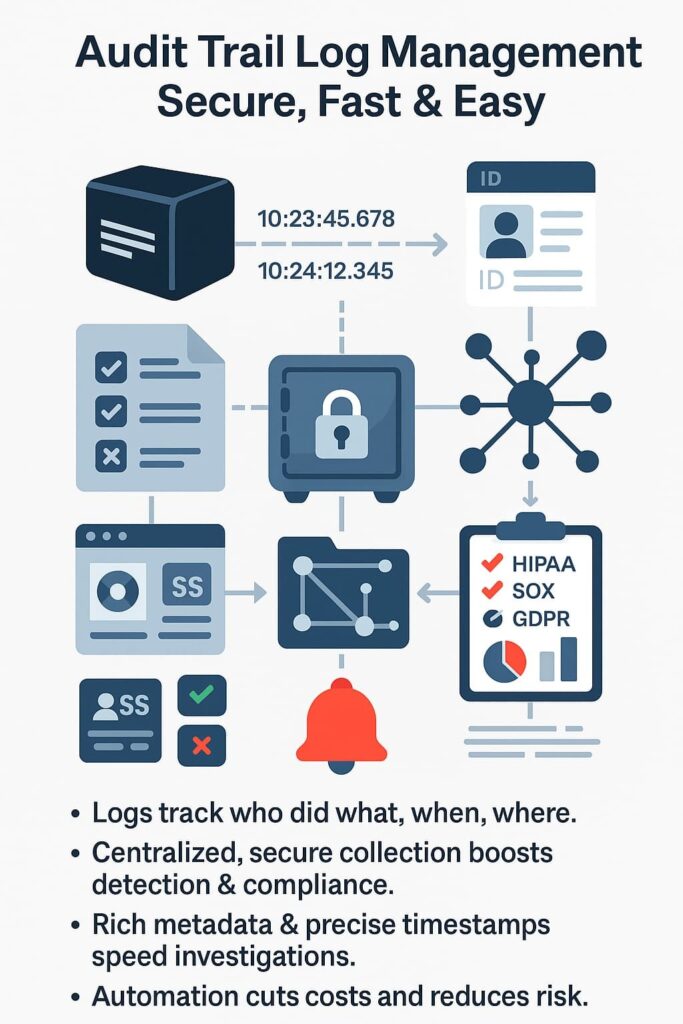
Audit trails are foundational to meeting regulatory requirements. They provide the evidence auditors seek to verify controls and processes. Beyond compliance, they’re indispensable for security teams to investigate breaches, monitor insider threats, and maintain operational integrity.
We’ve seen organizations struggle with compliance simply because their audit trails were incomplete or inaccessible. Investing in solid log management for compliance not only passes audits but deters fraud and provides peace of mind.
Audit logging tracks every important user action, like changes, access attempts, or deletions, while event logging records broader system activities. Together, they build a clear picture of what’s happening inside your network. Good audit log management means using both types to spot issues early and maintain a reliable audit trail.
Log retention depends on your industry and local rules. Some keep audit logs for 90 days, others for years to meet regulatory compliance logs requirements. The key is balancing cost, security, and accessibility so your log storage solutions remain sustainable while still meeting audit trail requirements and transparency standards.
If audit logs can be changed, they lose value fast. That’s why log integrity and log encryption matter, they make sure logs stay tamper-proof and trustworthy. Many audit trail systems use hash verification or blockchain audit logs to ensure no one secretly edits or deletes critical forensic logs during investigations.
In multi-tenant log management, each client’s data must stay separate and secure. Audit trail best practices include strong audit log access control, centralized logging, and consistent audit log review. Clear logging policies and automated audit log alerts make it easier to catch anomalies early without exposing one tenant’s logs to another.
Managing audit trails is more than a checkbox for compliance, it’s a strategic asset. When done right, it supports a stronger security posture, operational transparency, and regulatory readiness. These practices not only protect organizations but also streamline audits and incident responses.
If your organization is ready to strengthen its audit trail log management, consider how automation, centralized control, and proactive security measures can transform your approach. After all, a robust audit trail isn’t just documentation, it’s your first line of defense.
Join MSSP Security’s managed services to simplify log management, enhance visibility, and build a tech stack aligned with your business goals.

