

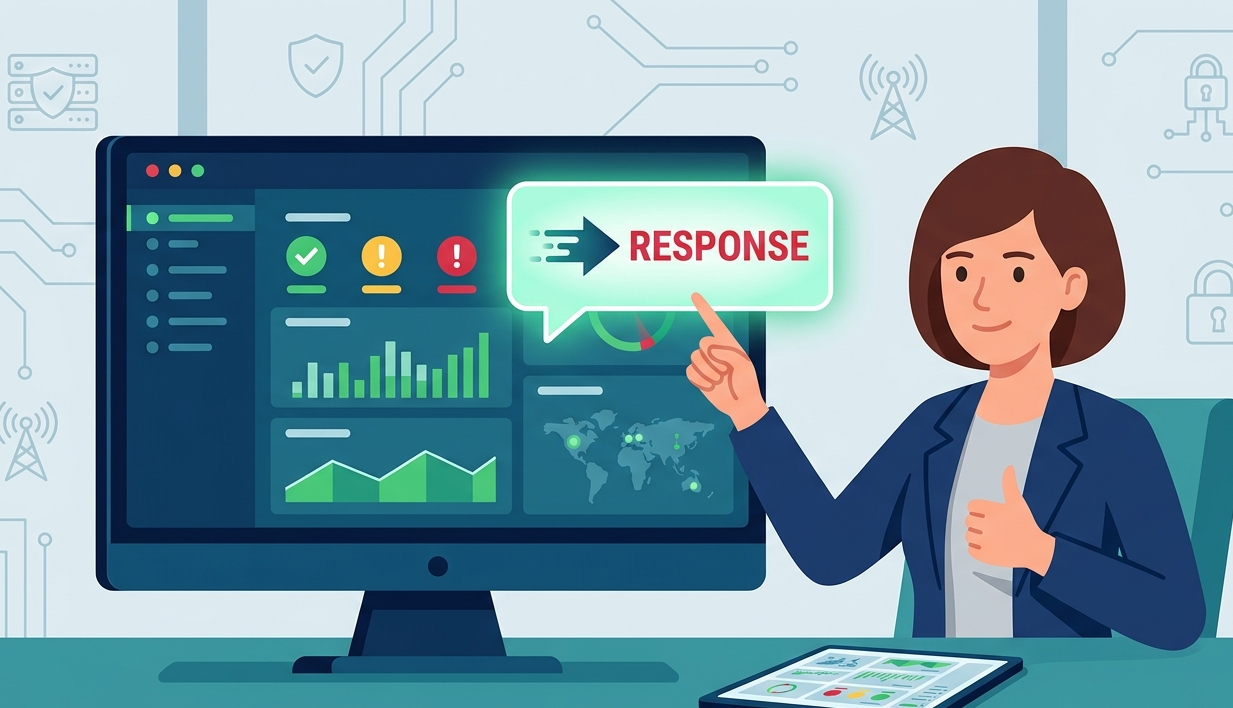
Cyber threats can happen at any moment, which is why businesses need continuous visibility into their systems and networks. A real time security monitoring dashboard helps organizations track alerts, monitor suspicious activity, and respond to incidents more quickly from one centralized platform.
From our experience, companies often improve operational efficiency when security data is presented clearly and updated live. In this article, we will explore how real time dashboards work, the key metrics they display, and why they are important for modern cybersecurity strategies. Keep reading to learn more.
Key Insights From Real Time Security Monitoring
Modern security dashboards help organizations simplify monitoring and improve decision-making during active threats.
- Faster threat detection and response
- Better visibility across endpoints and networks
- Simplified reporting and incident tracking
What Is a Real Time Security Monitoring Dashboard?
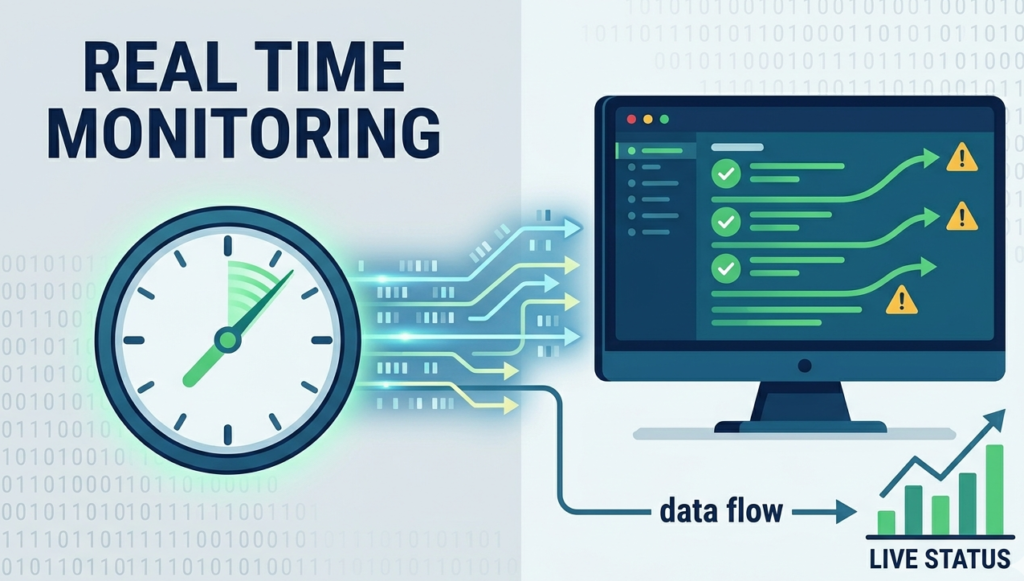
A real time security monitoring dashboard is a centralized platform that displays live cybersecurity data from systems, networks, endpoints, and cloud environments. Instead of checking separate tools manually, teams can monitor everything from one interface.
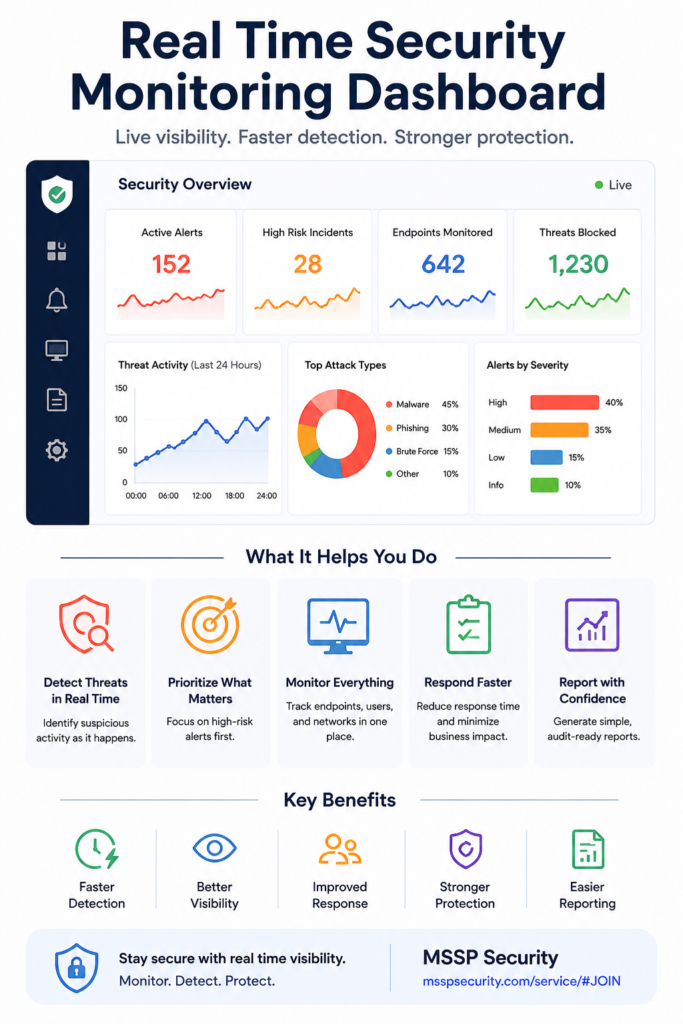
Common dashboards display alerts, suspicious activities, system health, and ongoing incidents in real time. Most platforms use visual elements like graphs, charts, and severity indicators to make information easier to understand.
“Visibility is critical for network engineers and defenders.” – CISA
From what we have seen, organizations respond more effectively when dashboards organize critical information clearly instead of overwhelming users with excessive raw data.
Why Real Time Monitoring Matters in Cybersecurity
Credits: C1Risk
Cybersecurity threats move quickly, and delayed responses can increase operational and financial risks. Real time monitoring allows security teams to identify suspicious activity immediately and react faster.
Common Risks Businesses Monitor
- Unauthorized access attempts
- Malware activity
- Phishing attacks
- Network anomalies
- Endpoint vulnerabilities
Many businesses struggle when security information is delayed or fragmented across different systems. MSSP Security environments often focus on centralized visibility because unified monitoring improves both awareness and response coordination.
Organizations with real time dashboards typically reduce investigation time and improve operational efficiency during active security events.
Key Metrics Displayed on Security Dashboards
Dashboards become more effective when they display meaningful metrics that help teams make quick decisions. Most real time monitoring platforms prioritize visibility and clarity by effectively visualizing security metrics for the end user.
| Dashboard Metric | Purpose | Business Benefit |
| Active Alerts | Shows ongoing threats | Faster detection |
| Incident Response Time | Measures response speed | Better efficiency |
| Vulnerability Severity | Highlights critical risks | Prioritized action |
| Endpoint Status | Monitors devices | Improved visibility |
| Compliance Score | Tracks requirements | Easier reporting |
Clear metrics help both technical teams and management understand security performance without reviewing complex technical logs manually.
Real Time Alert Prioritization
Large organizations can receive thousands of security alerts every day. Without prioritization, analysts may struggle to identify which threats require immediate action.
Features Often Used for Prioritization
- Risk scoring
- Threat severity indicators
- Automated filtering
- Escalation alerts
- Response recommendations
From our experience, dashboards work best when they reduce unnecessary noise and focus attention on the most critical incidents first.
“Security monitoring helps organizations detect threats faster.” – CISA
Effective prioritization improves efficiency and reduces alert fatigue among security teams.
Incident Tracking and Response Visibility
Real time dashboards also improve incident management by showing investigation progress and response activity in one place. Teams can monitor active incidents without relying on disconnected spreadsheets or manual updates.
Common Incident Tracking Functions
- Ticket and case monitoring
- Investigation timelines
- Response status updates
- Escalation visibility
- Evidence documentation
Many organizations prefer centralized tracking because it improves communication during security incidents. Security analysts, IT teams, and management can all review the same information in real time, reducing confusion and delays.
Asset and Endpoint Monitoring
Modern organizations manage many devices, cloud systems, and remote endpoints at once. Dashboards help security teams maintain visibility across all assets from one platform.
Monitoring Areas Commonly Included
- Device health status
- Endpoint activity monitoring
- Vulnerability tracking
- Asset inventory visibility
We have noticed that businesses with stronger asset visibility often identify weak points earlier and improve overall cybersecurity management. Centralizing these assets allows teams to utilize common security dashboard features to close visibility gaps.
MSSP Security strategies frequently prioritize endpoint visibility because disconnected systems can create blind spots during threat investigations.
Compliance and Reporting Benefits
Security dashboards are also valuable for compliance management and executive reporting. Many businesses must regularly provide evidence of security performance for audits or stakeholders, relying heavily on modern reporting dashboard features to streamline the process.
Reporting Features Often Included
- Automated compliance summaries
- Security trend reports
- Incident history tracking
- Executive dashboards
Instead of collecting information manually from different systems, teams can generate reports directly from the dashboard. This saves time and improves reporting consistency across the organization.
Building a More Effective Security Monitoring Strategy
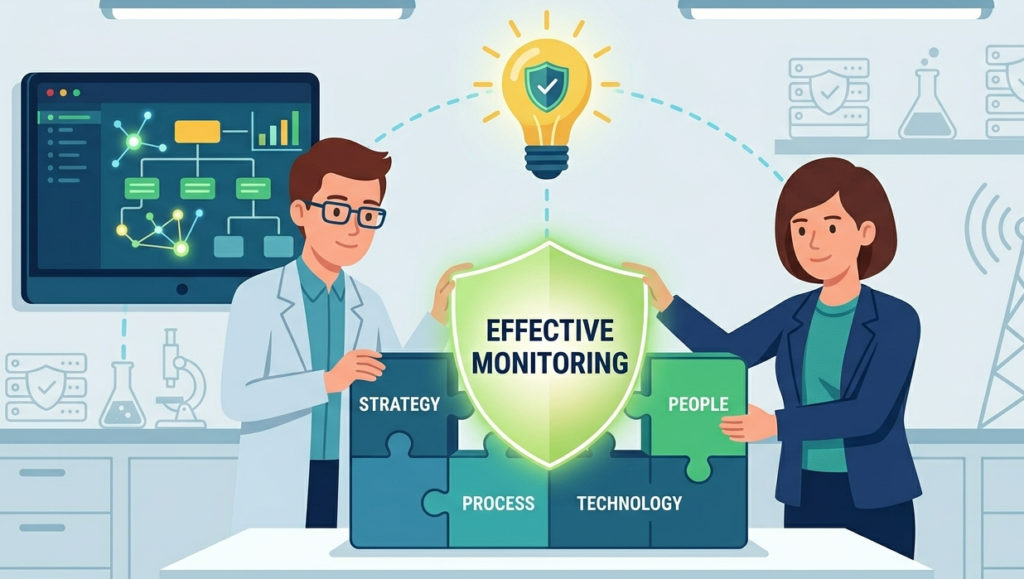
A dashboard alone is not enough without a clear monitoring strategy. Organizations should focus on visibility, usability, and actionable insights when choosing security monitoring solutions.
Best Practices for Better Monitoring
- Prioritize critical alerts
- Use centralized visibility tools
- Monitor endpoints continuously
- Automate repetitive workflows
- Review metrics regularly
Businesses often achieve better results when dashboards support daily decision-making instead of simply displaying technical data. Clear visualization and organized workflows make security operations easier to manage long term.
FAQ
What is a real time security monitoring dashboard?
A real time security monitoring dashboard is a platform that displays live cybersecurity data such as alerts, incidents, vulnerabilities, and endpoint activity in one centralized view.
Why is real time monitoring important?
Real time monitoring helps businesses detect threats faster, reduce response delays, and improve overall security visibility.
What metrics are commonly shown on security dashboards?
Common metrics include active alerts, incident response time, vulnerability severity, endpoint status, and compliance reporting.
How do dashboards improve security operations?
Dashboards simplify monitoring, reduce manual reporting, improve alert prioritization, and help teams respond to incidents more efficiently.
Turning Security Data Into Faster Action
A real time security monitoring dashboard helps businesses improve visibility, simplify threat detection, and respond to incidents more effectively. Features like live alerts, incident tracking, endpoint monitoring, and automated reporting support faster and smarter security decisions.
Many organizations now rely on centralized dashboards because they reduce operational complexity and improve coordination during security events. At MSSP Security, we help organizations improve security visibility and optimize monitoring strategies that support long-term operational efficiency.
References
- https://www.cisa.gov/resources-tools/resources/enhanced-visibility-and-hardening-guidance-communications-infrastructure
- https://www.cisa.gov/enhanced-cybersecurity-services-ecs