Address
304 North Cardinal St.
Dorchester Center, MA 02124
Work Hours
Monday to Friday: 7AM - 7PM
Weekend: 10AM - 5PM
Address
304 North Cardinal St.
Dorchester Center, MA 02124
Work Hours
Monday to Friday: 7AM - 7PM
Weekend: 10AM - 5PM


Threat hunting platform management only works when someone takes control of the platform, not the other way around.
Many SOC teams sit under noisy alerts, confusing views, and tools that promise precision but rarely help on a busy day. At MSSP Security, we’ve watched platforms either waste analysts’ time or quietly become the backbone of every investigation.
Research keeps pointing to the same fact: proactive hunting cuts dwell time, yet most teams still use these tools like passive dashboards. The real change comes from how you design, tune, and run them, week after week.
If you want that kind of SOC, keep reading.
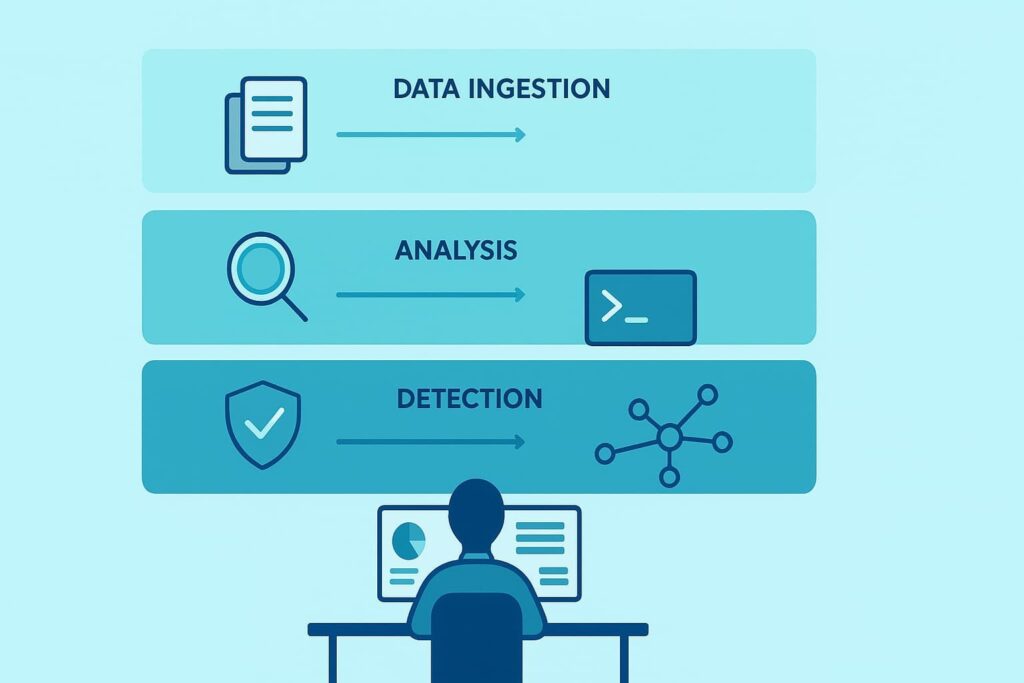
Managing a threat hunting platform turns out to be less about shiny features and more about how the system backs real decisions at 2 a.m. when alerts start stacking up. When we work with MSSPs as their product audit and selection partner, we see the same pattern: the loudest tools rarely win. The ones that fit the workflows do.
From what we’ve seen in live environments, the strongest platforms are built around a few core pillars:
On good days, threat hunting platform management is where all of this meets real operations. Our clients lean on us to review how their tools handle:
What we keep noticing, across different MSSPs, is that the best results come from scaling the platform carefully and keeping security orchestration tied to actual, current threats, not theoretical ones.
When a platform is selected, audited, and tuned with that mindset, organizations move from gut-feel and guesswork toward clear, defensible decisions. That’s usually where real proactive defense starts to feel possible, not just promised.
Credits: Heimdal®
Anyone who’s spent a night in a SOC knows the feeling: the data never slows down. Endpoint detection logs, network traffic records, cloud telemetry, IoC hits from half a dozen feeds, everything piling into the same platform. For some MSSPs we work with, the problem isn’t “not enough data,” it’s that the platform turns into a firehose with no shape.
We watched one client push millions of events per hour into a new product, no filtering, no normalization, no clear plan.
The platform didn’t fail, the design did. Once we helped them tighten sources, normalize events, and layer in basic behavioral analytics, the change was obvious: dashboards stopped looking like noise art, and analysts started using the data instead of dodging it. [1]
Alerting looks good in a demo. In real life, untuned rules drain people fast. We keep seeing platforms with strong engines but default policies left untouched, signature-based rules firing on every mild anomaly, and hunting workflows breaking under the weight of their own alerts.
That’s where SOC teams quietly stop believing what the platform tells them, especially when they’re trying to keep up with advanced persistent threats or spot early signs of hiding in the noise.
One analyst told us during a product audit, “I haven’t trusted this dashboard for months.” That’s not a tech failure, that’s tuning and design. When we evaluate tools for MSSPs, we look hard at how they handle:
When those are wired in well, alert volumes drop to something a human can actually handle, and hunt results stop feeling random.
Threat hunters know that attack patterns shift faster than many platforms are updated. Attack vector analysis, threat actor profiling, IoA detection, and YARA rule use all need to keep pace with current campaigns, not last quarter’s.
Yet we still run into environments where detection content hasn’t been touched in months. The platform stays “on,” but its view of the threat world goes stale.
From our side, when we assess new products for MSSPs, we always ask: how easy is it to update rules, test them safely, and roll out changes across tenants? Tools that make this hard slowly push teams toward static rules in a moving world. And as one open-source report put it, “Static rules fail in dynamic environments.”
We see that play out often, and the platforms that support fast, flexible updates are the ones hunters actually lean on.
A threat hunting platform touches everything: SIEM, EDR, vulnerability scanners, threat intelligence platform, forensic investigation tools, automated threat remediation. If one integration breaks, the whole system limps.
In our work, we’ve seen that hunting tool configuration and security analytics only shine when all integrated security tools speak the same language, something even outsourced cybersecurity hunting teams or those relying on partners struggle with when integrations drift.
If one integration breaks, the whole system limps. In our work, we’ve seen that hunting tool configuration and security analytics only shine when all integrated security tools speak the same language.
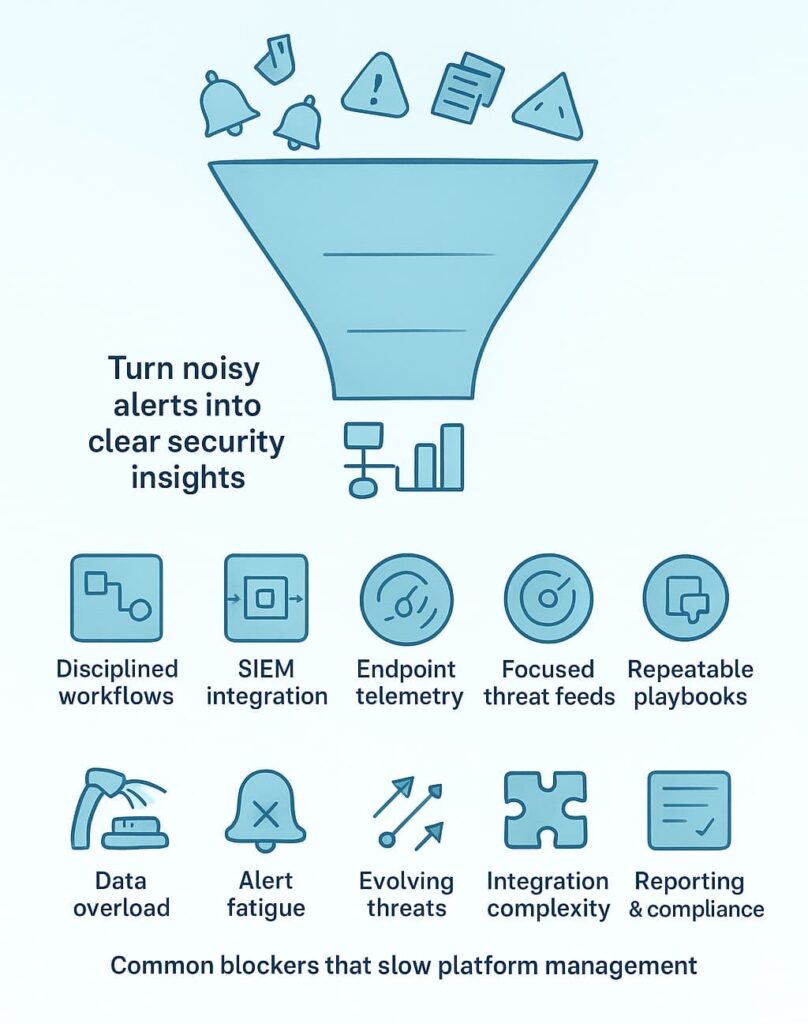
Teams often choose a threat hunting platform because it looks impressive. But threat hunting platform management requires deeper thinking: platform scalability, threat event management features, security analytics maturity, and whether the tool can support hunting dashboards, hunting KPIs, and hunting case management.
We’ve helped organizations select tools based on hunting use cases instead of marketing promises. The best fit isn’t the flashiest, it’s the one that integrates, ingests data correctly, and supports hunting automation later.
A platform only works if it sees everything. That means network segmentation coverage, endpoint telemetry everywhere, cloud assets integrated, and SIEM integration that actually synchronizes.
Hunting data ingestion must work smoothly, or detection dies on day one. We’ve deployed systems where one missing EDR integration hid an entire attack path. Once fixed, attack surface management finally made sense.
This is where most organizations fail. Detection rules must follow threat intelligence analysis. Hunting rule tuning needs updates. Alerts shouldn’t feel like spam. We use organizational risk profiles to shape rules, not generic templates.
Reducing false positives requires behavioral analytics plus strong threat validation. The threat hunting methodology becomes meaningful only with tuning that matches reality.
Threat hunting platform maintenance is boring but essential. Data quality checks, operational issue reviews, threat feed integration updates, software patches, these keep the cybersecurity platform alive.
Hunting environment tuning matters, too. Threat intelligence feeds go stale fast. We’ve seen what happens when updates lag: missed IoCs, broken hunting alerts, and outdated threat response playbooks.
Threat correlation only works when data ingestion and normalization are correct. Hunting data enrichment helps analysts identify attack patterns, adversary tactics, and IoCs faster. One analyst once said, “Good data is half the hunt.” True. When hunting toolkits are supported by clean, enriched data, threat discovery becomes smoother and faster.
Alert investigation requires more than clicking “acknowledge.” Analysts need threat hunting training and detection verification skills. Automated response, like asset isolation and threat response playbooks, must be trustworthy.
Real-time monitoring should guide threat prioritization. At MSSP Security, we often step in when teams want automated threat remediation but don’t trust their rules yet. That’s normal. Good automation grows slowly.
A threat hunting platform isn’t useful if stakeholders can’t see progress. Hunting report generation, detection documentation, response documentation, and activity documentation help prove value.
Hunting metrics show where the system improves. Compliance audits rely on accurate paper trails. Continual improvement happens only when reports highlight gaps, not hide them.
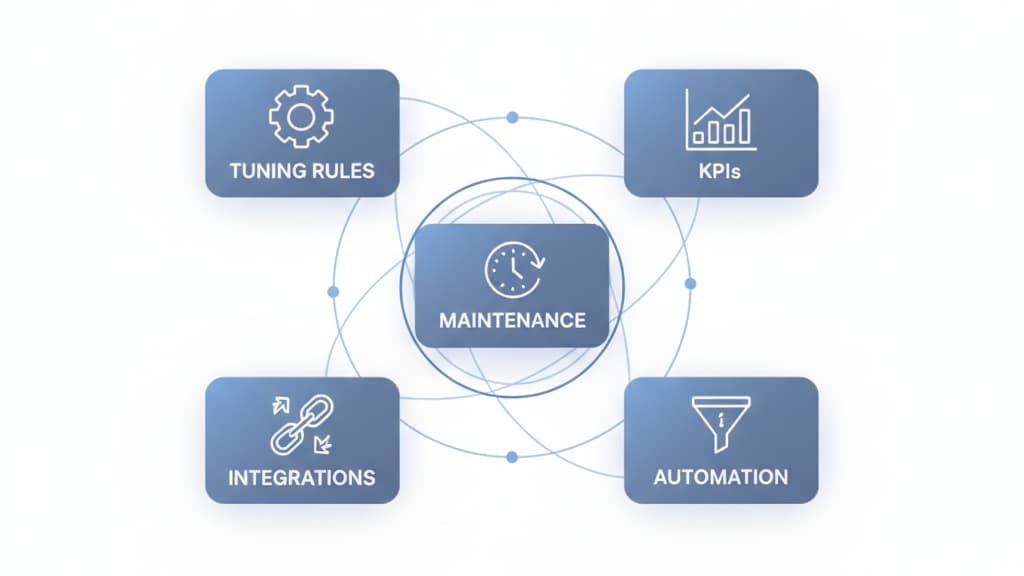
We emphasize a few principles that consistently work:
Teams that lean into proactive hunting often see improvements sooner, because they spot weak signals before they become noisy alerts. That shift, from passive to active, usually marks the point where the platform finally starts working with the analysts instead of against them.
These are habits we’ve built across years of frontline work. [2]
You can start small by grouping your hunting data sources into a few clear buckets: logs, endpoint telemetry, and network traffic analysis. Then design threat hunting workflows around obvious gaps. Add threat correlation or behavioral analytics later. This keeps things workable while still using useful features like anomaly detection and threat discovery.
Alert fatigue often comes from noisy rules. Try tuning detection rule updates, threat detection rules, and automated alerting settings. Use behavioral threat detection or machine learning detection to cut false positives. Set clear hunting KPIs to measure noise reduction. Over time, better hunting alert triage makes the platform easier to manage.
Keep tuning simple. Start with data normalization and log management so events look clean. Then check SIEM integration and threat feed integration. Add hunting playbooks and threat response playbooks after the basics work. This step-by-step tuning helps the threat hunting platform run smoothly without turning deployment into a burden.
Small teams can focus on core needs first. Link only the cybersecurity platform, endpoint detection platform, and threat intelligence platform. Add security orchestration or SOC automation later.
Clear hunting use cases help avoid tool overload. Over time, strong integration makes threat intelligence analysis and threat event management easier to maintain.
Threat hunting platform management is never “set and forget.” It’s a living system that needs tuning, attention, and smart integration. When managed well, it cuts noise, surfaces real threats, and supports faster response.
When neglected, it becomes another loud tool in a crowded SOC. With steady improvement and practical workflows, any organization can turn its platform into a real advantage.
If your team needs experienced, vendor-neutral guidance, we at MSSP Security can help streamline tools and strengthen operations.
Join with us here

