Address
304 North Cardinal St.
Dorchester Center, MA 02124
Work Hours
Monday to Friday: 7AM - 7PM
Weekend: 10AM - 5PM
Address
304 North Cardinal St.
Dorchester Center, MA 02124
Work Hours
Monday to Friday: 7AM - 7PM
Weekend: 10AM - 5PM

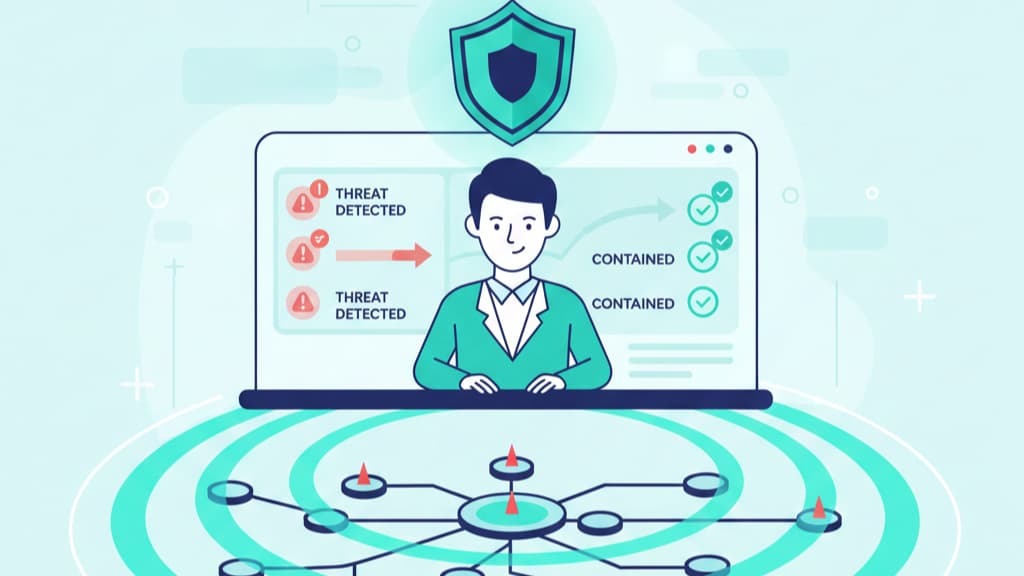
Rapid incident containment forensics is the work you do to stop an attack from getting worse in its first minutes. Incidents don’t move at a steady pace, they jump, and most teams are forced to react whether they’re ready or not.
Public reports keep landing on the same finding: early detection and fast containment change the final cost, sometimes by a lot. We’ve watched that gap up close, when teams save the right evidence, recovery feels focused instead of frantic.
If you want a clear, real-world way to stay ready for that moment, keep reading.
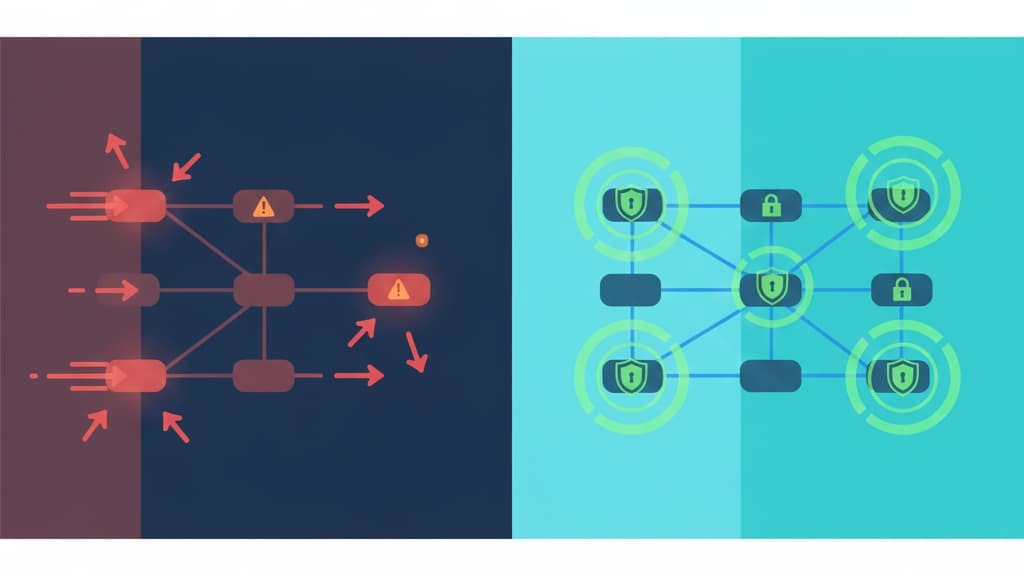
We’ve learned the hard way that rapid incident containment forensics isn’t a “nice to have” add-on, it’s the center of any response that actually works. When an attack kicks off, it doesn’t stroll through the environment, it jumps across systems, hides in corners, and erases traces as it moves.
A slow or clumsy response means real loss: revenue, customer trust, and uptime all start to drain away faster than leadership expects.
From our side as consultants to MSSPs, we see this pattern over and over. Our clients aren’t just fighting incidents, they’re also trying to choose and audit tools that can keep up. That’s where speed and precision meet.
Early detection, sharp containment playbooks, and clean forensic collection are the pieces that allow an MSSP to stand behind their service when things go sideways.
People like to say “speed saves the day,” and we get why. But we’ve watched speed, on its own, wreck the evidence trail:
We’ve sat with teams who contained an attack fast, then realized they’d erased the very data needed to explain what happened to regulators, clients, and their own leadership.
What works best is a steady, practiced rhythm that tools can support rather than disrupt:
When we walk MSSPs through product selection and audits, we’re looking at all of this. We ask how a tool handles evidence, how it logs actions, how it fits into the response cadence their analysts already use. In live incidents we’ve supported, that prep work changes the room: fear turns into a plan, noise turns into signal.
The simple pattern holds true every time, when a team can isolate the threat fast, with the right tools and workflows, lateral movement gets cut off and the impact line flattens. [1]
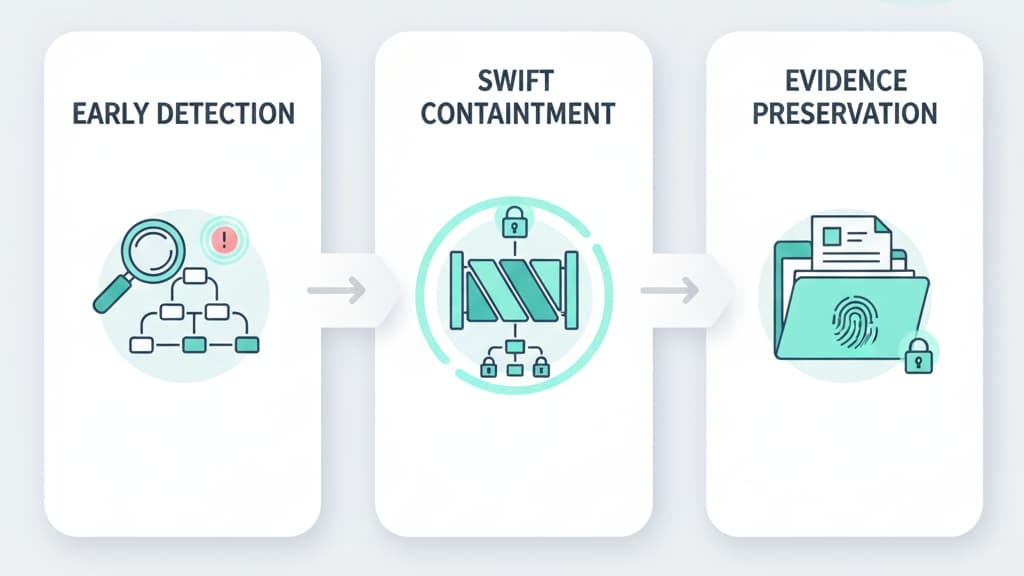
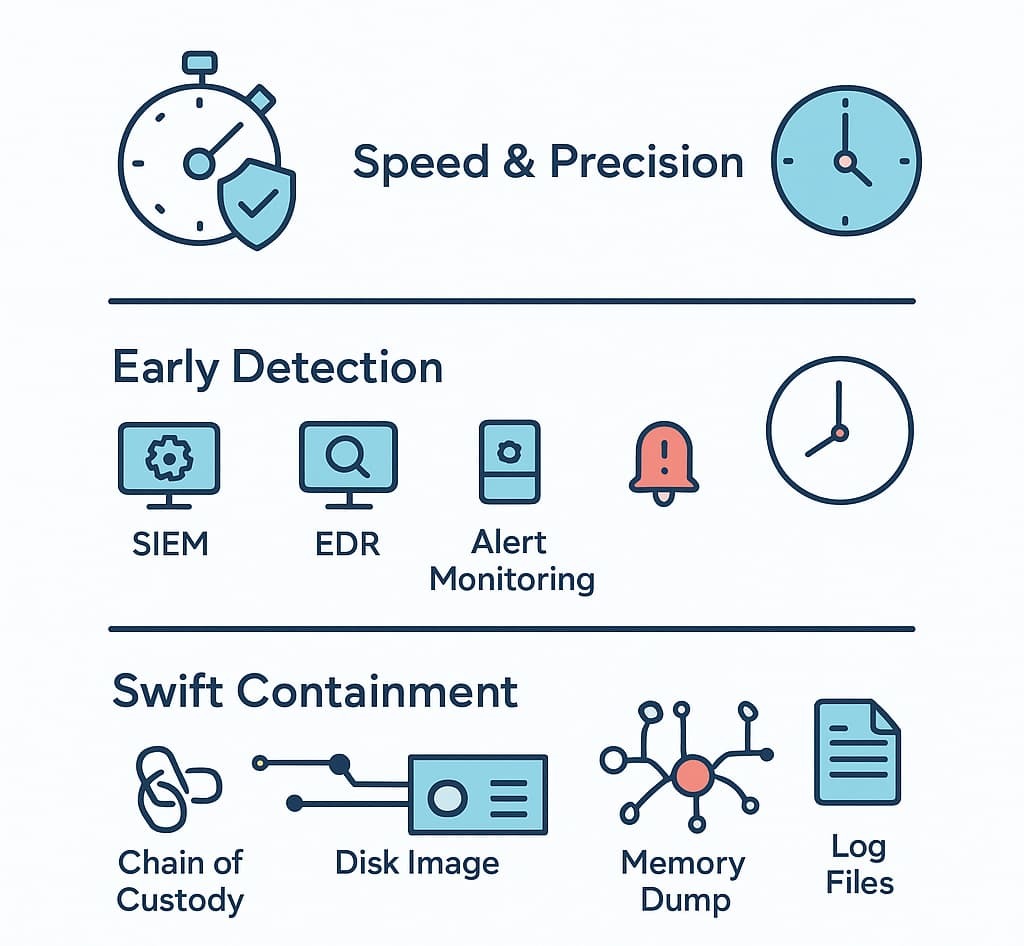
Early detection gives teams their best chance at limiting damage. Most breaches stay hidden for weeks, sometimes months. That delay gives attackers time to move, escalate access, and plant persistence mechanisms. Using SIEM monitoring, EDR solutions, and anomaly-based alerts helps cut that window down.
Good early detection means watching logs, network traffic, and endpoint behavior closely. It means having IOC collection and threat intelligence integration built into monitoring tools.
When systems pick up strange spikes, odd login attempts, or suspicious network traffic, teams can act fast. We’ve often helped organizations uncover threats long before attackers had time to spread, especially when they combine it with digital forensics that strengthens the full response flow.
Swift containment strategies block attackers from moving sideways across a network. It’s about isolating compromised assets, shutting off risky accounts, and blocking dangerous traffic.
We’ve seen containment save companies millions because it stopped lateral movement early. That’s why segmentation, network isolation techniques, and zero trust containment matter.
The goal isn’t just speed; it’s control. Teams need pre-built playbook automation and incident response plans to keep decisions simple. When everyone knows who handles what, containment becomes almost automatic.
SOAR platforms help here, triggering rapid actions without waiting for a long chain of approvals, something even stronger when paired with a steady DFIR retainer that keeps responders ready when an incident hits.
Evidence preservation is what keeps investigations honest. Logs, disk images, system state captures, memory forensics data, and network packet captures tell the story of how the attack unfolded. Rapid incident containment forensics depends on collecting that data without damaging it.
Chain of custody protects the credibility of the findings. We’ve watched cases fall apart because evidence wasn’t documented or handled cleanly. Tools like forensic imaging software, artifact collection kits, and timeline reconstruction workflows maintain forensic data integrity.
Clean evidence means clear answers, something solidified when teams rely on response forensic analysis that ties every step back to the origin of the attack.
Before responding, teams validate what they’re seeing. False alarms waste precious time. Log analysis, anomaly detection, and incident validation processes help confirm that something real is happening. We’ve caught many threats during this early assessment stage, sometimes even before they caused harm.
Once validated, immediate containment starts. This step stops attackers from spreading. Teams isolate systems, block IP addresses, suspend compromised accounts, and limit network access. Rapid threat isolation shortens the breach timeline and shrinks the cleanup later.
Here, responders collect volatile evidence, memory dumps, system states, running processes, before they disappear. They preserve logs, make disk images, and capture network traffic. Handling this carefully keeps evidence admissible and helps root cause analysis later.
Now teams analyze what actually happened. They look at log trails, malware behavior, pivot detection, persistence mechanisms, and attacker TTPs. Memory forensics, malware reverse engineering, and system artifact review fill in the gaps. This step answers the big questions: What happened? How? And is the attacker still inside?
Once investigators understand the attack, they remove the threat. That means cleaning malware, patching vulnerabilities, shutting down persistence, and improving weak configurations. Remediation prevents repeat incidents, which we’ve seen many times when companies skip this step.
Recovery brings systems back online, but only after validation shows they’re safe. Testing matters. Teams restore from clean backups, rebuild systems, and make sure everything runs smoothly. This is where downtime ends and normal work resumes.
Every incident teaches something. Post-incident reviews map out what worked, what didn’t, and what needs fixing. Companies update their incident response plan, strengthen monitoring, refine containment strategies, and adjust training. This is how organizations grow more resilient.
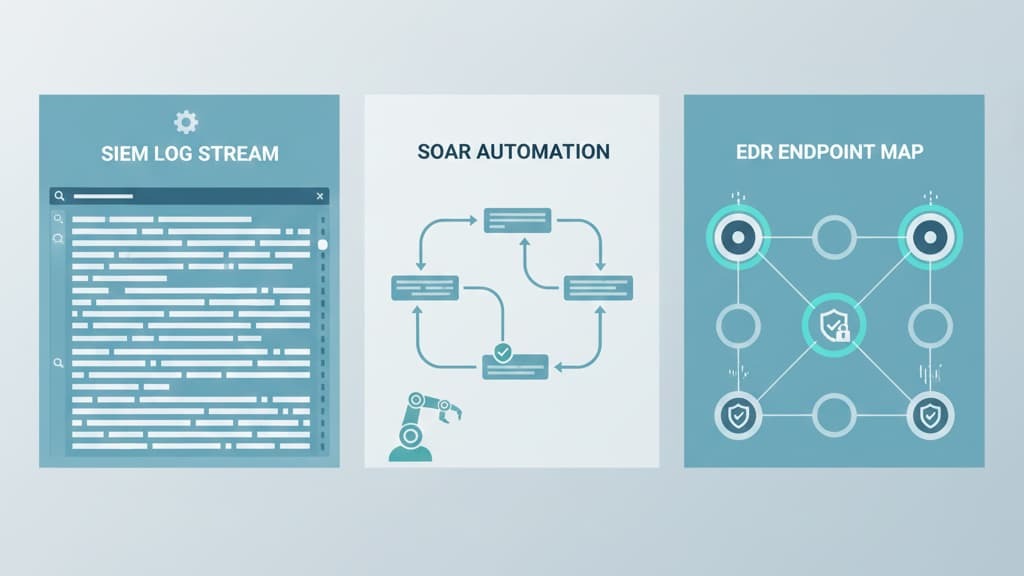
SIEM tools collect logs, correlate events, and flag suspicious activity. They give responders a real-time view of threats and support early detection. They act like a single, trusted source of truth during an incident.
SOAR platforms automate responses. They speed up containment actions, guide communication, coordinate tasks, and hold forensic data in one place. They reduce reaction time, often cutting minutes into seconds. [2]
EDR helps teams see what’s happening on endpoints. It tracks processes, behaviors, and unusual system activity. It gives responders visibility and control during active attacks.
Volatility, Wireshark, and similar forensic tools support memory forensics, network traffic analysis, and packet reconstruction. They help investigators rebuild attack timelines and understand attacker behavior. They’re essential for deep, accurate analysis.
A strong incident response plan makes everything smoother. Clear roles, responsibilities, and steps reduce confusion. Responders don’t guess, they act.
Continuous monitoring picks up early warning signs. Threat intelligence adds context and highlights known attacker patterns. Together, they improve incident prioritization.
The best teams practice often. Tabletop exercises and simulations help responders stay calm when real incidents happen. Training builds confidence.
Communication stops panic. Good protocols keep leaders informed, guide decisions, and help teams coordinate without confusion.
Threats evolve. Tools change. New attack methods appear. Teams that update their plans regularly handle incidents better than teams that don’t.
Rapid incident containment helps teams act fast with swift containment strategies and threat containment tactics. It keeps problems small by stopping lateral movement prevention early.
When paired with early incident detection and an incident response plan, teams limit system impact. Clear steps, like network isolation techniques and rapid threat isolation, help keep damage low and give teams time to think.
Teams start with forensic evidence collection and volatile evidence capture to keep key details safe. Simple log collection methods, system state capture, and artifact collection support a clean chain of custody. Many teams also use memory forensics, network traffic analysis, and disk imaging analysis. These steps help maintain forensic data integrity and support root cause analysis.
DFIR teams use endpoint detection response tools, EDR solutions, and host-based forensics to see how far an attacker moved. They rely on forensic analysis tools and live response techniques to spot pivot detection or persistence mechanisms.
Timeline reconstruction, IOC collection, and TTP analysis help confirm incident scope limitation. These checks guide post-incident remediation decisions.
Teams often use SOAR platforms, SIEM monitoring, and playbook automation to support automated response actions. Many rely on forensic toolkit usage, cloud incident forensics, and mobile device forensics for broader coverage.
Some analysts use the Velociraptor tool for deeper checks. These tools help support forensic investigation steps, vulnerability assessment forensics, and legal evidence handling.
Rapid incident containment forensics gives organizations a calm, steady way to face chaos. It blends fast action with careful evidence protection, so teams move quickly without losing clarity. When analysts catch threats early, isolate systems fast, and collect clean forensic data, they walk away with answers instead of confusion.
We’ve seen this approach save businesses from long downtime and repeated breaches. With support from a partner like MSSP Security, rapid containment becomes a habit, and forensics becomes part of everyday readiness.
Strong habits today build stronger security tomorrow. If you want expert guidance that streamlines your operations and strengthens your response, you can join us here.

