Address
304 North Cardinal St.
Dorchester Center, MA 02124
Work Hours
Monday to Friday: 7AM - 7PM
Weekend: 10AM - 5PM
Address
304 North Cardinal St.
Dorchester Center, MA 02124
Work Hours
Monday to Friday: 7AM - 7PM
Weekend: 10AM - 5PM

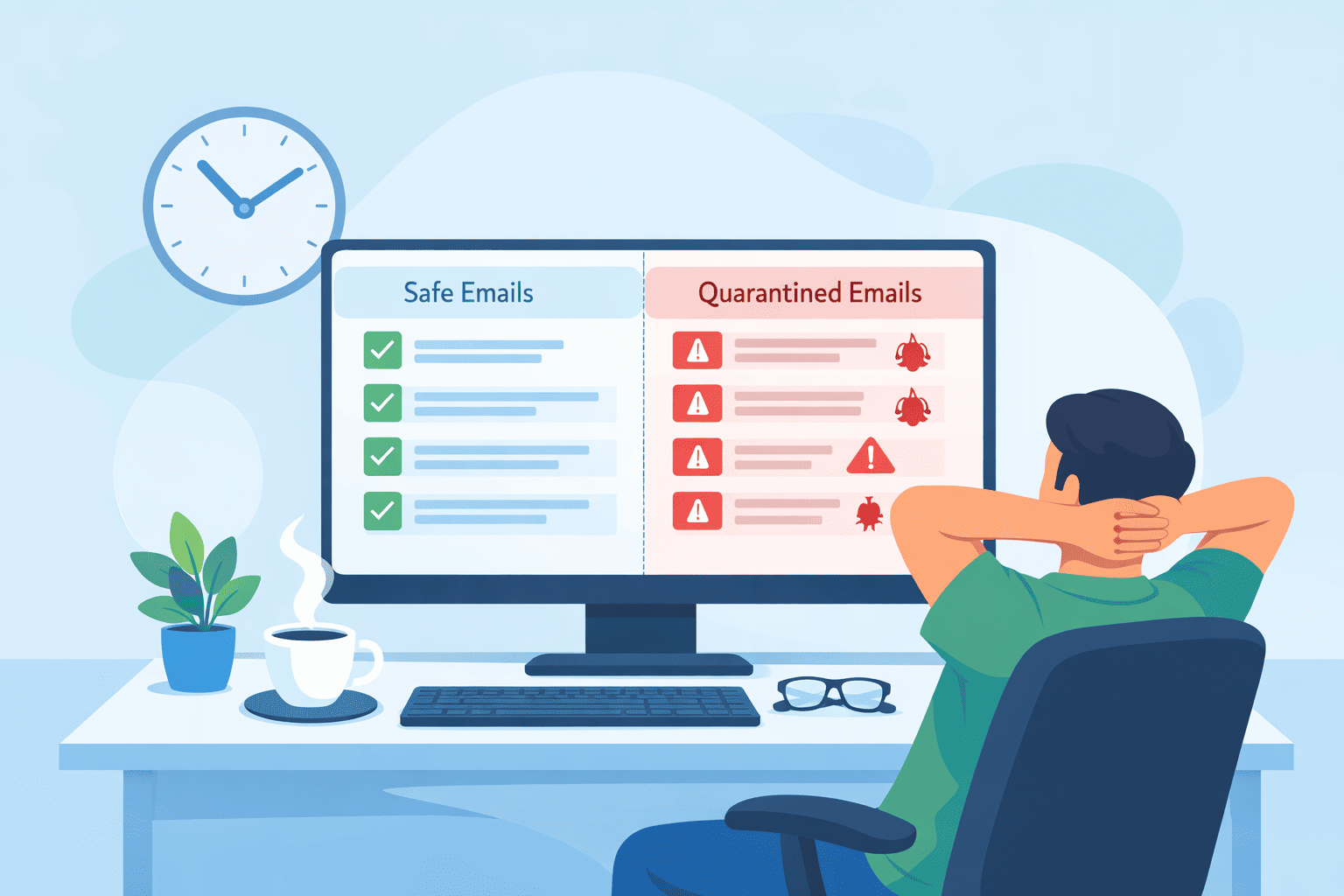
Quarantine management is about control, not confinement, giving you space to stop threats without slowing everything down. Instead of locking emails away and hoping for the best, a good quarantine process acts like a safety net that still respects your time and attention.
The real friction usually starts after an email gets flagged, when important messages vanish into queues and your team has to sort through noisy release requests. With the right structure, that mess becomes manageable, even predictable. Keep reading to see how to make quarantine work for you, not against your communication flow.
You know the drill. A client swears they sent an invoice. You never got it. After a frantic back-and-forth, someone suggests checking the quarantine.
There it is, sitting silently for three days. This is the daily friction of email security. The system did its job, maybe the SPF record was slightly misconfigured. But the outcome is a broken business process.
The core conflict is simple. Aggressive filtering stops threats but creates bottlenecks for legitimate communication. One report from the email security community suggests that as much as 5% of legitimate commercial mail can be incorrectly flagged.
That’s one in twenty important emails. Meanwhile, globally “over 3.4 billion phishing emails are sent per day,” demonstrating the sheer volume of malicious mail traffic that systems must contend with alongside genuine messages. [1] The pain points stack up fast.
This isn’t a sign your security is broken. It’s a sign your quarantine management needs refinement.

You can’t manage quarantine well if you don’t know why emails land there. It isn’t random. Specific triggers push a message into isolation, and once you understand those triggers, you can start tuning the system instead of reacting to it.
This is one of the most common technical paths into quarantine, almost like a passport check at a border.
When an email fails these checks, the receiving server looks at the domain’s DMARC policy. If it sees p=quarantine, that’s a clear instruction: treat this as suspicious, hold it aside.
The message isn’t rejected outright, but it also doesn’t land in the inbox. It sits in a controlled, neutral zone where an admin can review it.
This step is a major defense against:
Quarantine gives your team a chance to examine a likely forgery before anyone clicks, replies, or wires money.
Once authentication is done, the system looks inside the message. This is where heuristics, pattern checks, and sandboxing do the heavy lifting.
The security layer will typically:
If any of these checks raise enough suspicion, the system usually chooses to quarantine rather than delete. That matters because:
Quarantine creates room for forensic review. It catches what pure authentication can’t: fresh attacks sent from technically valid, but compromised or abused, sources.

Now that you know why emails are held, let’s talk about who should handle them and how. The goal is to create a workflow that is secure but not a drag on everyone’s time.
For teams juggling multiple environments and policies, advanced specialized security services often help reduce manual decision-making while keeping quarantine actions aligned with risk levels instead of guesswork.
Admin vs. User-Level Controls Not every quarantined email requires a security expert’s eye. The key to efficiency is delegation based on risk.
A bulk marketing newsletter falsely flagged as spam is a low-risk annoyance. A PowerShell script attachment that failed DMARC is a high-risk threat.
The table below breaks down the typical division of responsibility, which can dramatically reduce the ticket load on your IT and security teams.
| Action | Admin Rights | User Permissions |
| Release Malware/Phishing | Yes – Requires threat analysis. | No – Too dangerous. |
| Release Spam/False Positive | Yes | Yes – Empowers users, reduces tickets. |
| Delete from Quarantine | Yes – For cleanup & compliance. | Often – For personal spam. |
| Whitelist/Block Senders | Yes – For global policy. | Sometimes – For personal inbox rules. |
| View Audit Logs | Yes – Essential for forensics. | No – Security-sensitive data. |
The philosophy is simple. Give users control over the noise so your team can focus on the real signals. Most modern systems allow you to configure these permissions, letting end-users release emails from a “Probable Spam” folder while keeping “Suspicious Threat” folders locked down.
Automated Digest Reports and Retention Policies People can’t review what they don’t know exists. Waiting for users to proactively log into a security portal to check for held emails is a recipe for failure.
A managed email security gateway approach makes these digests part of the normal mail flow, so quarantine visibility feels like inbox hygiene rather than an extra security task.. The solution is automated, regular digest reports.
Setting this up is a straightforward micro-workflow:
Next, set a retention policy. Holding every quarantined email indefinitely creates clutter and can conflict with data governance rules. A retention window of 15 to 30 days is standard.
It gives ample time for review, say, after a vacation, before the system automatically purges old items. This keeps the quarantine dashboard clean and manageable.
Good management is proactive, not reactive. Here’s a checklist to build a resilient system.
When you’re in a hurry, a quick-reference guide helps. This table outlines common triggers and who should likely handle them.
| Trigger Type | Default Action | Recommended Reviewer |
| DMARC Failure (p=quarantine) | Quarantine | Admin (can indicate spoofing) |
| SPF/DKIM Hard Fail | Quarantine/Reject | Admin |
| Heuristic Spam Score | Quarantine | End-User |
| Malicious Attachment Found | Quarantine | Admin |
| Suspicious Link (Zero-day) | Quarantine | Admin |
| Bulk Marketing Mail | Quarantine | End-User |

Let’s be honest, managing all this in-house can be a part-time job. That’s where the approach of a managed security service provider comes in. The goal is to remove the daily burden while keeping you in control.
We see our role as tuning the engine so you can just drive. For instance, a unified dashboard that shows quarantine activity across both Microsoft 365 and Google Workspace takes the complexity out of multi-platform environments. Instead of logging into two or three different admin centers, your team has one clear view.
Features like bulk release actions become a lifesaver during an incident. If a legitimate newsletter service gets incorrectly flagged, an admin can find and release all those messages in three clicks, not three hours.
The integration with your existing email environment means quarantine decisions happen inline, at the gateway, before clutter ever reaches a user’s consciousness.
The subtle shift is this: instead of your team operating the security tool, they are overseeing a managed process. They get the weekly audit reports and the alert for a critical threat, but not the daily grind of sorting through false positives. It turns email security from a technical chore back into a strategic function.
Email quarantine is a controlled space where suspicious emails are held before reaching users. In quarantine management email security, messages may enter spam quarantine, malware quarantine, or phishing quarantine based on threat detection, content filtering, attachment scan, or link analysis.
This approach helps reduce risk while allowing safe review and controlled email release when needed.
Suspicious emails trigger spam quarantine or phishing quarantine when filters detect unusual behavior. Common triggers include authentication failure, policy violation, failed sender verification, or phishing detection.
Spam filters and malware scans analyze content, links, and attachments. Quarantine management email security uses these signals to stop threats early without blocking legitimate communication permanently.
Users review messages through an end-user quarantine view with clear quarantine notifications. In quarantine management email security, users can release email, delete quarantine items, or whitelist sender when confident.
Secure release processes reduce false positives while admin controls, audit logs, and retention period settings ensure accountability and compliance.
DMARC policy, SPF record, and DKIM signature support email authentication. When authentication fails, messages may enter DMARC quarantine or SPF quarantine.
Quarantine management email security uses these signals to identify spoofing attempts and phishing risk. Proper configuration reduces false positives and improves trust in sender verification and secure delivery.
Strong practices include regular quarantine review, clear user notifications, and well-defined quarantine rules. Admins should tune policy configuration, use threat intelligence, and apply email isolation for high-risk messages.
Quarantine management email security also benefits from forensic review, incident response planning, and compliance audit readiness to handle advanced threats.
Quarantine management is really about balance, a quiet negotiation between catching threats and keeping email moving. When it creates friction, that’s not a failure, it’s evidence your filters are doing their job, and your workflow now needs to rise to that level.
You can start small: delegate spam triage, automate user notifications, define clear retention rules, and actually read the logs.
None of that is flashy, but together it turns quarantine into a clean checkpoint instead of a black hole. If you want help tightening that flow end to end, you can explore tailored MSSP consulting here.

