

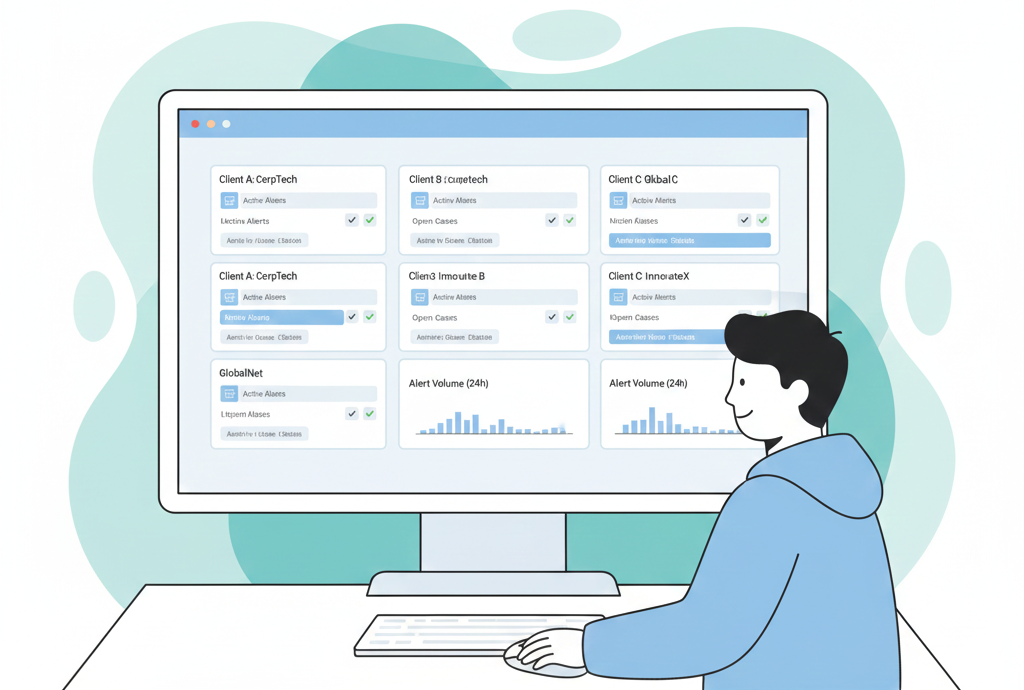
The right SOAR provider, when choosing soar solution provider, is the one that truly fits your MSSP’s reality, not the one with the longest feature sheet. When a platform acts like a real command center, it ties your tools together, eases alert fatigue, and helps your analysts move faster without burning out.
We’ve seen this choice pay off, and we’ve also seen teams stuck with clunky tools, extra manual steps, and outcomes that are hard to justify in front of a client. Based on those real-world wins and misses, we’ve pulled together the criteria that actually matter.
Keep reading to stress-test your next SOAR decision.
Key Takeaways
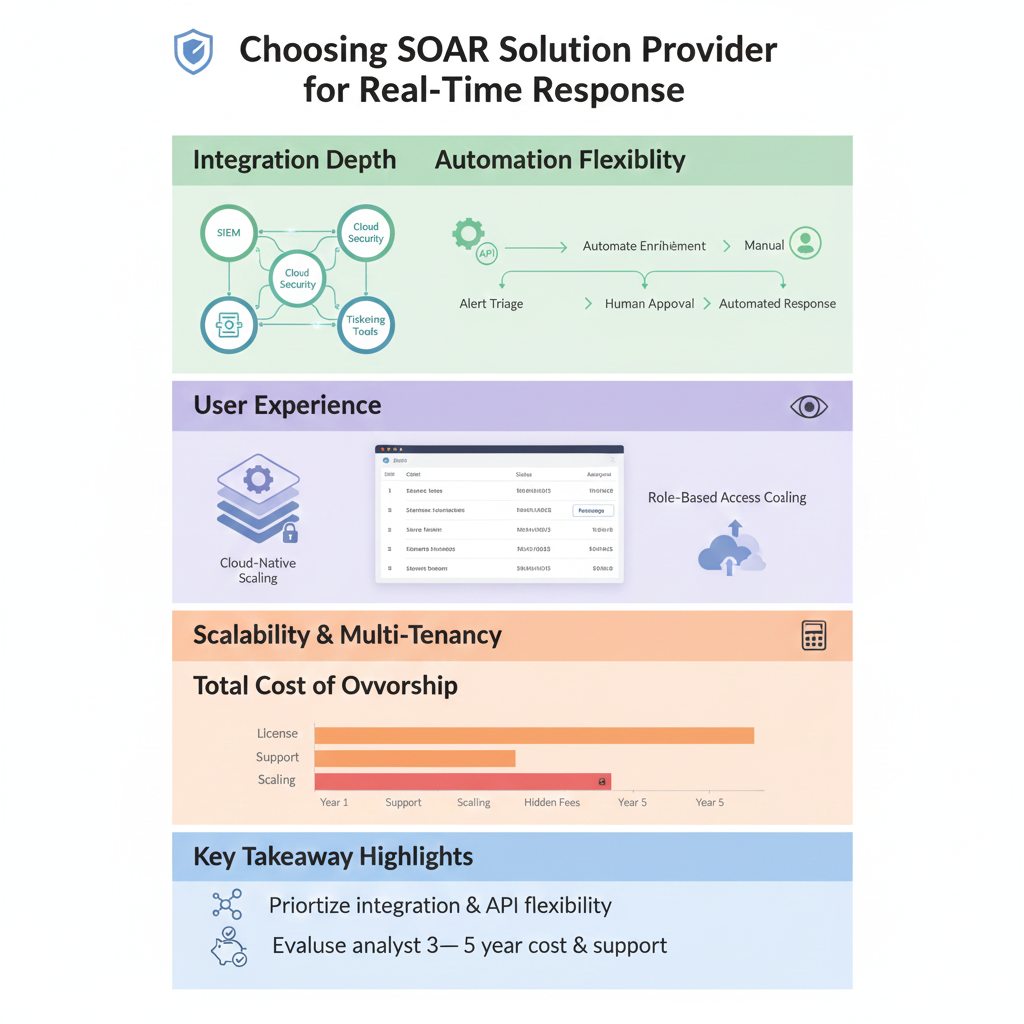
- Put integration depth and API flexibility ahead of a long grid of pre-built features.
- Choose a SOAR interface your analysts won’t fight with, because they’ll quietly avoid it if they do.
- Look at total cost of ownership over 3–5 years, including support, scaling, and services, not just the first-year license.
Why SOAR Selection Feels So Risky for MSSPs
The security alert stream never really stops for an MSSP. Every client’s environment adds its own flood of SIEM alerts, EDR events, cloud security findings, and tickets.
On paper, most MSSPs have solid tools. In practice, their analysts are bouncing between five to ten consoles, trying to stitch context together in their heads. That fragmentation is what exhausts teams and hides real attacks in the noise.
SOAR is supposed to counter that fragmentation by acting as the glue across tools, and security orchestration, automation, and response (SOAR) platforms are designed to centralize alerts, workflows, and response actions into a single command center.
But choosing the wrong provider turns the selection itself into a risk. You’re not only buying a product, you’re bringing in a long-term partner into the heart of your service delivery.
We’ve sat in debriefs after failed rollouts where everyone quietly admits they picked based on marketing promises instead of how the tool actually fits their stack and their clients.
When we see MSSPs get it right, they treat the selection like they would a critical client-facing platform: structured requirements, real testing, and clear ownership.
Integration Capabilities: Your Existing Stack is Key
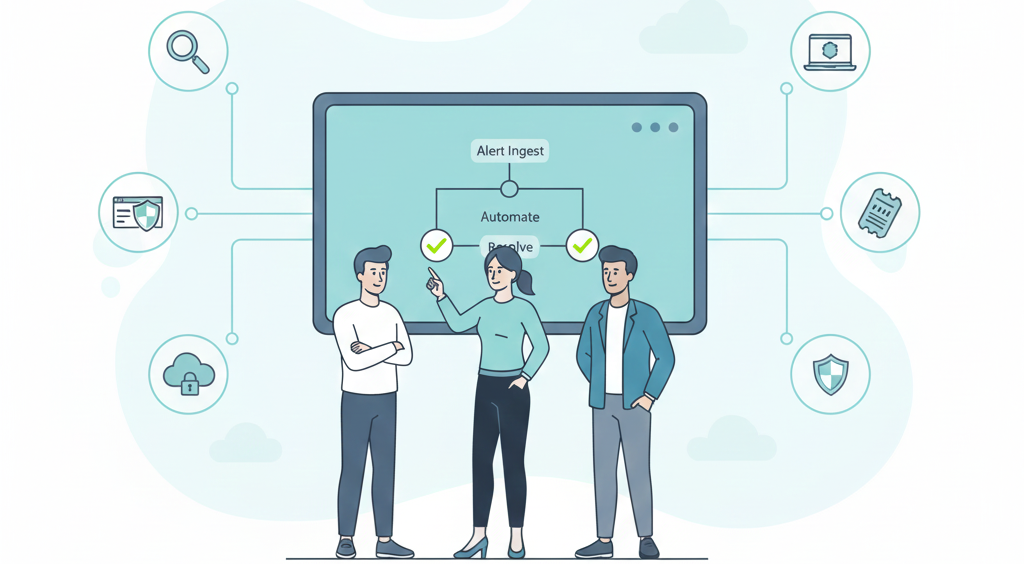
From what we see on the ground, integration is where MSSPs either win or lose with SOAR.
Most MSSPs already have a messy but valuable stack: one or more SIEMs, multiple EDR vendors (because clients), cloud security platforms, ticketing tools, threat intel feeds, and sometimes homegrown scripts that nobody wants to touch but everyone relies on. If a SOAR platform can’t talk to all of these, deeply and reliably, it just becomes another window.
We’ve watched projects stall for months because a “supported integration” meant “basic API call, no useful fields mapped.” On other projects, a vendor with a smaller feature list but stronger connectors saved our clients hundreds of engineering hours.
Here’s what we now push MSSPs to do:
- Get a concrete list of existing connectors for your exact SIEM, EDR, ticketing, and GRC tools, not generic “supports SIEMs.”
- Read the API docs yourself, or have us / your engineers do it, and judge clarity, examples, and error handling.
- Ask for a real number: average time to build a new integration or extend an existing one for a client-specific use case. [1]
RESTful API support isn’t a “nice to have” for MSSPs, it’s the backbone. You will have edge cases, odd client tools, regional vendors, or legacy systems, that require custom connections. Without a solid API and decent documentation, your SOAR turns into that “one more tab” your analysts gripe about.
The best SOAR setups we’ve seen are the ones where analysts almost forget what runs under the hood because workflows feel native to the environment.
Automation That Feels Natural, Not Robotic
One pattern we see with MSSPs is that pure automation rarely works on its own. Clients have different risk appetites, different escalation paths, different SLAs. Some want aggressive auto-containment, others want human review on almost everything.
Done right, automation takes the grind off analysts while materially improving incident response time with SOAR, especially during high-volume alert spikes across multiple client environments.
That’s why automation in SOAR has to feel flexible, not rigid.
We’ve helped teams design playbooks where:
- A phishing workflow auto-enriches, checks sender reputation, and pulls logs, but pauses for analyst approval before blocking a domain for a high-value client.
- Endpoint isolation can be fully automatic for low-risk endpoints in a sandbox tenant, but requires a manager’s approval for production servers.
When we evaluate platforms with MSSPs, we lean heavily on a few questions:
- Can an analyst (not a full-time developer) edit a playbook, add a step, or tweak conditions on the fly?
- Is the workflow builder truly low-code/no-code, or does it quietly demand scripting every time you want to do something real?
- Can you mix automated actions with clear human checkpoints, like approvals or reviews based on client SLAs?
Low-code builders, when they’re done right, turn your SOC analysts into designers of their own defenses instead of ticket processors. We’ve seen junior analysts, given the right platform, start optimizing repeat workflows for recurring alerts at specific clients. That kind of improvement only happens if the tool invites them in.
Automation should take the grind off: enrichment, correlation, routine responses, data collection. Your people should spend their time on edge cases, incident command, and threat hunting, not typing the same commands for the fiftieth time.
The User Experience Your Team Will Actually Use
There’s a recurring moment we see during tool evaluations: analysts lean back after a demo and you can tell whether they’re already thinking of ways to bypass the product.
A powerful SOAR engine means very little if the interface feels like a maze.
For MSSPs, the UX challenges are bigger than in a single-tenant SOC:
- Multiple clients, each with different alert volumes and SLAs.
- Analysts juggling incidents across those clients in a single shift.
- Team leads who need quick visibility into queues, trends, and stuck tasks.
We push vendors hard during demos. Instead of letting them show a clean “hello world” incident, we ask them to:
- Simulate a noisy day with overlapping alerts across multiple client environments.
- Show how an analyst prioritizes which case to work on first.
- Reassign cases, add notes, and bring in threat intel on the fly.
Then we watch how fast an analyst can:
- Understand the context of an incident from a single screen.
- Assign or reassign work between tiers or between shifts.
- Collaborate, comment, tag, and document, without jumping to another platform.
If the case management view is clunky, or if it hides key data behind endless clicks, analysts will start working “outside the system” again. We’ve seen teams fall back to spreadsheets, chats, and ad-hoc tools even after investing heavily in a SOAR license, just because the UX was too painful.
The platforms that stick are the ones where your SOC walks away from the pilot saying, “This actually makes my day easier.”
Thinking Like an MSSP: Scalability and Multi-Tenancy
Credits: Check Point Software
Even if an MSSP feels small today, the pressure to grow, more clients, more logs, more clouds, is constant. We’ve watched some providers outgrow their first SOAR within a couple of years and face painful, expensive migrations because they didn’t plan for success.
Thinking like a larger MSSP from day one is a safer bet.
For our own consulting work, we pay special attention to:
- True multi-tenancy: Can you keep strict data separation by client, while still giving your analysts a unified view of their work?
- Role-based access control: Can you limit who sees what, for both internal teams and any client who might want a portal or reports?
- Reporting by tenant: Can you easily produce per-client reports that show SLA compliance, incident trends, and response metrics?
We usually lean toward cloud-native SOAR for MSSPs because:
- Scaling up for new clients or spikes in events tends to be smoother.
- You avoid heavy infrastructure work that distracts from your core service.
That said, some MSSPs serve regulated industries where hybrid or on-prem components still matter. In those cases, the question becomes: can the SOAR vendor support that complexity without turning every deployment into a one-off project?
When multi-tenancy is baked in from the start, we see MSSPs avoid ugly trade-offs between growth and control. When it’s bolted on later, we see lots of awkward workarounds and manual oversight to keep client data properly segmented.
The Real Cost Beyond the License Fee
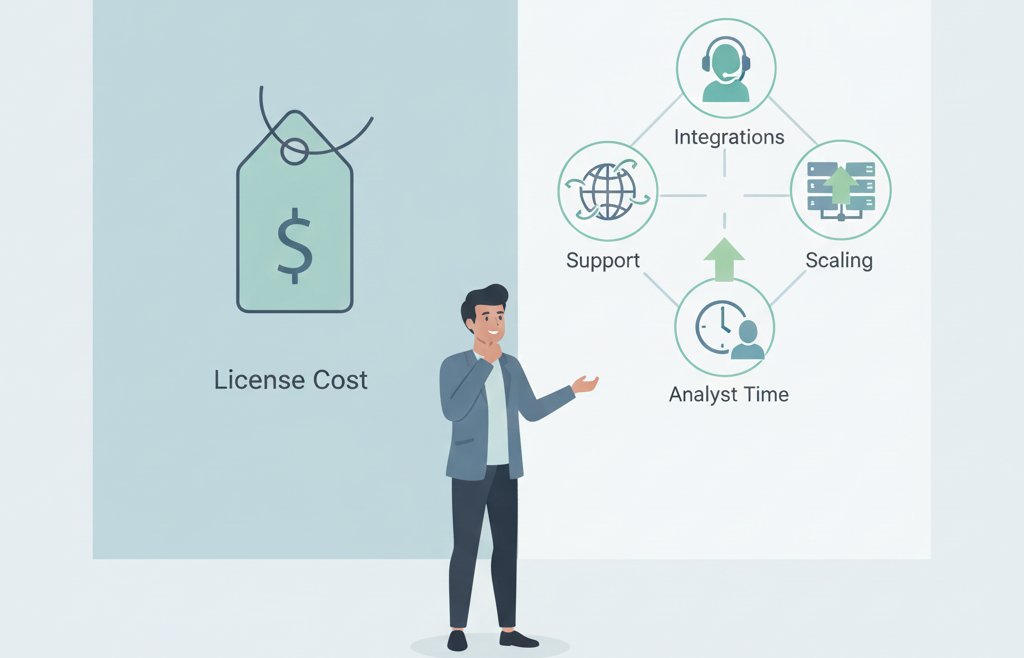
License numbers on a slide look clean. Reality for MSSPs rarely does.
We’ve also seen “premium” tools become reasonable over time because they bundle strong support, predictable scaling, and the long-term benefits of a managed SOAR platform rather than pushing hidden costs into add-on services.
When we sit with MSSPs to review TCO (total cost of ownership), we look at:
- Pricing model: Is it based on data volume, number of actions, number of users, tenants, or some mix?
- Growth curve: What happens to your bill when you add ten more clients or your largest client doubles their log volume?
- Hidden costs: Are there extra charges for new integrations, advanced modules, or higher support tiers?
Support is part of this math, not an afterthought.
For example, during a critical vulnerability announcement, we’ve seen SOCs scramble to stand up new playbooks and custom workflows under pressure. In those moments, the question isn’t theoretical:
- Can you reach a real expert from the vendor who understands MSSP use cases?
- Will they help you tune or extend playbooks, or are you just pointed to a knowledge base article?
The MSSPs we work with most successfully treat the SOAR vendor as a real partner in their service delivery. Strong professional services, reasonable SLAs on support tickets, and access to solution architects can be the difference between a manageable night and a client-impacting incident. [2]
FAQ
How does choosing a SOAR solution reduce alert fatigue for SOC teams?
Choosing a SOAR solution helps SOC teams reduce alert noise by connecting security tools, data sources, and automated workflows in one system. SOAR platforms group related security events, filter false positives, and automate routine tasks. This approach reduces manual work, improves response times, and allows security teams to focus on real cyber threats instead of constant alert fatigue.
What key features should security teams compare across SOAR vendors?
Security teams should compare key features such as case management, automated playbooks, access control, and response capabilities. SOAR vendors differ in how well they support incident response workflows, threat intelligence platforms, and security orchestration.
Teams should also review deployment options and integrations with leading SIEM platforms commonly used by enterprise and MSSP environments. Sentinel to manage security risk effectively.
How do SOAR tools support incident response and threat detection?
SOAR tools support incident response by combining threat data, security data, and incident data into a single command center. Through automated actions, workflow automation, and machine learning, SOAR platforms help security analysts investigate threats faster. This improves threat detection while ensuring human intervention remains part of critical security decisions.
What role does cloud SOAR play in modern security operations?
Cloud SOAR plays an important role in modern security operations by enabling automation across cloud-based environments across major public cloud providers.. Cloud SOAR helps organizations scale response processes, manage security incidents from multiple data sources, and connect a wide range of security solutions. This approach strengthens security posture and reduces repetitive security tasks.
How does SOAR improve security operations beyond manual processes?
SOAR improves security operations by replacing manual processes with automation and orchestration. It helps organizations automate incident response, manage security incidents, and improve incident management consistency.
By integrating security information and event management with threat intelligence management, SOAR security operations reduce the risk of data breach and support stronger network security.
Making Your Final Decision
When helping MSSPs make final decisions, the real question is whether a platform feels like part of the SOC or just another line item. Choosing SOAR solution provider should start with fit, how well it integrates with existing tools, supports analyst-led playbooks, and scales with operations. We test platforms against real pain points, not demos. Done right, choosing SOAR solution provider creates a calmer, more responsive SOC. Work with our MSSP consulting team for vendor-neutral guidance.
References
- https://www.tines.com/blog/the-state-of-soar-tines-survey-of-security-professionals-reveals-pros-and-cons/
- https://community.atlassian.com/forums/App-Central-articles/SLAs-in-Action-Part-3-Cybersecurity-and-MSP-Reliability/ba-p/3114242