

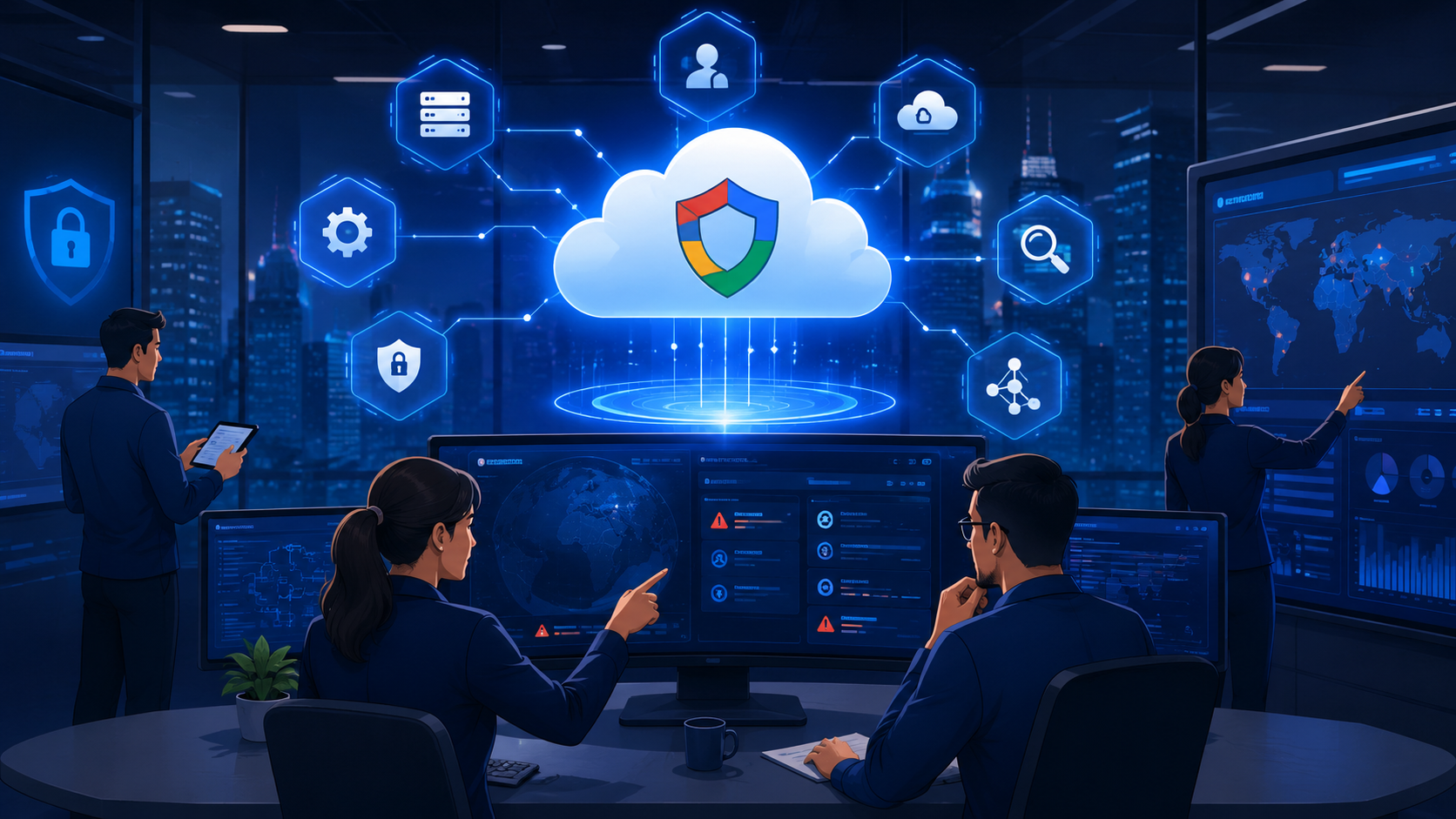
Google Security Command Center integration helps organizations transform cloud security findings into actionable workflows by connecting detection, investigation, and remediation processes.
However, many teams struggle to manage SCC effectively due to unclear workflows, permissions, and automation strategies. Based on our experience reviewing security environments, successful SCC implementation requires more than technical configuration.
MSSP Security helps evaluate integration requirements and optimize security operations. Keep reading to discover how SCC integration supports stronger cloud security workflows with the right approach.
What To Know Before Starting SCC Integration
Before setting up SCC integration, here are the main points that can help organizations build a more effective security workflow.
- Google security command center integration helps teams connect security findings, asset information, and detection capabilities into a structured workflow, making it easier to prioritize risks and improve response processes.
- Successful SCC integration requires more than technical configuration. Organizations need the right IAM roles, API integration, automation workflows, and remediation processes to ensure findings reach the appropriate teams.
- A well-planned integration strategy helps organizations create more scalable security operations through continuous monitoring and improved threat management. MSSP Security can support teams by reviewing integration requirements and aligning SCC capabilities with operational needs.
Why Does Google Security Command Center Integration Matter for Cloud Security?
Google Security Command Center integration connects SCC with cloud environments, security services, APIs, and operational workflows to help teams manage security findings more effectively. Instead of reviewing disconnected alerts, organizations can create a clearer process for analyzing risks, assigning ownership, and tracking remediation efforts.
Google Cloud explains:
“Security Command Center findings model the potential security risks of assets in a project or an organization.” – Google Cloud Documentation
This shows that SCC findings provide context around potential risks tied to specific cloud assets, making integration important for connecting security data with investigation, prioritization, and remediation workflows.
From our experience reviewing security environments, many teams already collect large amounts of security data but struggle to turn findings into clear actions. The challenge is often not the lack of tools, but the lack of proper workflows to prioritize risks and coordinate responses.
This challenge is common for organizations adopting challenges managing multi cloud security, where teams must maintain visibility and consistent security processes across different cloud environments.
A successful SCC integration approach helps organizations improve:
- Security findings management by organizing and prioritizing risks based on impact.
- Risk response workflows by connecting detection, investigation, and remediation processes.
- Cloud security operations by creating more consistent monitoring and response practices.
For MSSPs, this structured approach is especially important when managing multiple customer environments. We help MSSP Security teams review integration requirements and audit security solutions to ensure selected products support their operational needs and long-term service goals.
How Should Organizations Configure Google Security Command Center Setup?
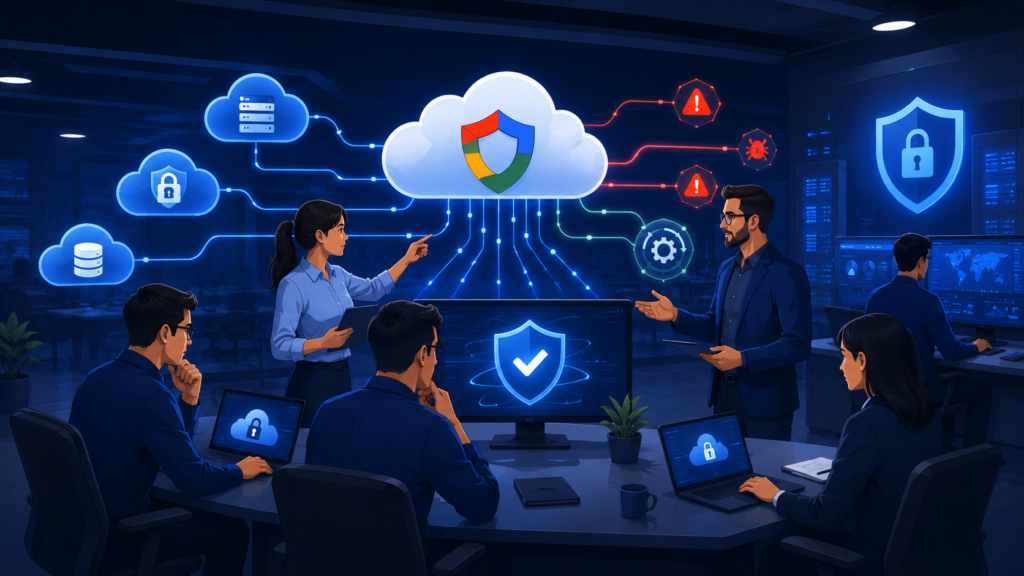
A successful Google Security Command Center setup depends on choosing the right activation model for an organization’s cloud structure and security requirements. SCC can be configured through SCC organization-level activation or SCC project-level activation, with each approach supporting different operational needs.
Organization-level activation provides centralized visibility across multiple projects and is often suitable for larger environments that require consistent monitoring and governance. Meanwhile, project-level activation works well for smaller deployments, testing environments, or teams managing isolated workloads.
A proper SCC setup also requires:
- Configuring IAM permissions
- Connecting security sources
- Establishing findings workflows
- Validating data collection and integration
From our experience reviewing security architectures, successful SCC implementation requires more than enabling features. We help MSSP Security teams evaluate solutions, audit configurations, and align SCC integration decisions with scalable monitoring and security operations.
Which Security Sources Support Google Security Command Center Integration?
Google Security Command Center integration becomes more effective when organizations connect security sources that match their monitoring goals and operational requirements. Instead of enabling every available source, teams should prioritize integrations that provide useful context and support better security decision-making.
Key SCC integration sources include:
- SCC built-in sources for native security insights.
- SCC integrated services that extend detection capabilities.
- SCC third-party services for additional security data.
- Asset inventory integration to improve cloud resource visibility.
- Vulnerability sources to identify and prioritize security issues.
These capabilities are especially important when organizations use cspm cloud security posture management tools to monitor cloud configurations, identify security gaps, and improve overall security posture.
Proper SCC security sources configuration is also important to ensure findings are collected, assigned, and managed correctly. Teams should define which sources to enable, who owns findings, and how risks are prioritized.
From our experience reviewing security environments, adding more integrations does not always improve outcomes. We help MSSP Security teams audit solutions and align SCC integrations with practical workflows for more effective managed security operations.
How Can SCC API Integration Improve Security Workflows?
Credit: Google Cloud Tech
SCC API integration helps organizations connect Google Security Command Center with internal applications, automated workflows, and security operations processes. While the SCC dashboard provides useful visibility, API-based access gives teams more flexibility to collect, process, and use security data within their existing workflows.
Through SCC REST API access, security teams can work with important data such as:
- Security findings
- Cloud assets
- Security sources
- Vulnerability information
- Audit-related data
This allows organizations to reduce manual tasks and build more consistent processes for handling security issues. Common use cases include collecting high-priority findings, assigning ownership, generating reports, and triggering response actions based on predefined rules.
Successful SCC API automation also depends on the right foundation, including:
- Service account configuration for secure system access
- API permission management to control data usage
- Workflow development to connect SCC data with operational processes
From our experience reviewing security integrations, automation delivers better results when teams already have clear ownership and response procedures. We help MSSP Security teams evaluate products, audit configurations, and ensure SCC API integration supports practical security operations rather than adding unnecessary complexity.
How Can SCC Pub/Sub Integration Improve Security Response?
SCC Pub/Sub integration helps organizations create event-driven security workflows by automatically delivering security findings, asset updates, and events to connected systems. Instead of manually checking the SCC dashboard, teams can process security changes faster and trigger response actions based on real-time events.
Key capabilities include:
- SCC findings export for security analysis, reporting, and remediation tracking.
- SCC asset export to support inventory management and risk assessment.
- SCC audit export for investigation records, governance, and compliance reviews.
A typical workflow allows SCC to detect an event, publish the data through Pub/Sub, and send it to connected systems for automated actions or notifications.
From our experience reviewing security operations, successful SCC Pub/Sub integration requires more than moving data between platforms. We help MSSP Security teams audit workflows and security solutions to ensure event-driven processes support effective monitoring, faster response, and scalable managed security operations.
How Does SCC to SIEM and SOAR Integration Improve Security Operations?
SCC to SIEM integration and SCC to SOAR platform integration help organizations turn Security Command Center findings into more effective security operations. While Pub/Sub focuses on moving security events, SIEM and SOAR integrations help teams analyze data, investigate risks, and coordinate responses.
These integrations support key processes such as:
- SCC findings ingestion for transferring security data into operational workflows.
- Threat investigation by combining SCC findings with other security events.
- Alert management through centralized monitoring and prioritization.
- Automated response using SOAR workflows for investigation and remediation actions.
A strong integration strategy requires more than technical connectivity. Teams need proper data handling, ownership assignment, and response processes to avoid unnecessary alerts.
From our experience reviewing security environments, we help MSSP Security teams evaluate products, audit integrations, and ensure SCC SIEM and SOAR workflows support scalable monitoring, faster investigation, and consistent incident response.
How Does SCC Support Threat Detection and Vulnerability Management?
Google Security Command Center helps organizations improve cloud security through SCC threat detection services, vulnerability management, and continuous security posture monitoring. However, the effectiveness of SCC depends on how teams review findings and turn them into clear security actions.
Google Cloud describes Security Command Center:
“Platform for defending against threats to your Google Cloud assets.” – Google Cloud
This reflects SCC’s purpose as a security foundation for identifying potential risks, improving visibility into cloud environments, and supporting threat response activities through integrated security workflows.
Key capabilities include:
- SCC Event Threat Detection to identify suspicious activity patterns and potential attack indicators.
- SCC Container Threat Detection to monitor risks in container environments.
- SCC VM Threat Detection to detect security issues affecting virtual machines.
- SCC vulnerability findings to support risk prioritization and remediation planning.
- SCC misconfiguration detection to identify insecure cloud settings.
From our experience reviewing security environments, not every finding requires the same response. Teams need to consider asset importance, exploitability, and business impact before taking action. We help MSSP Security teams evaluate detection capabilities, audit security solutions, and ensure SCC findings support effective monitoring and response workflows.
What IAM Roles and Permissions Are Required for SCC Integration?
A successful google security command center integration depends on having the right IAM configuration in place. Even when SCC services and APIs are enabled correctly, permission issues can prevent teams from accessing findings, exporting security data, or running automated workflows.
In many security reviews, we find that integration problems are often caused by access settings rather than technical configuration. The challenge is making sure users, administrators, and automation services have enough permissions to complete their tasks without creating unnecessary exposure.
A well-planned SCC IAM roles setup follows the principle of least privilege by assigning access based on specific responsibilities.
| SCC Role | Purpose |
| SCC Organization Admin Role | Manages SCC configuration, security sources, and organization-level settings |
| SCC Security Admin Role | Supports finding reviews, security operations, and remediation activities |
| SCC Service Account Role | Enables API access, automation workflows, and security data exports |
Service account permissions also play an important role in automated integrations. Teams should review:
- Required API access
- Permission scope
- Data visibility
- Integration responsibilities
For example, a workflow that exports SCC findings needs access to retrieve security information but should not have broader administrative privileges unless required.
From our experience supporting MSSP Security teams, we review IAM configurations as part of integration assessments to help ensure security solutions are properly configured, workflows operate reliably, and access controls support long-term operational needs.
How Do MSSPs Use Google Security Command Center Integration?
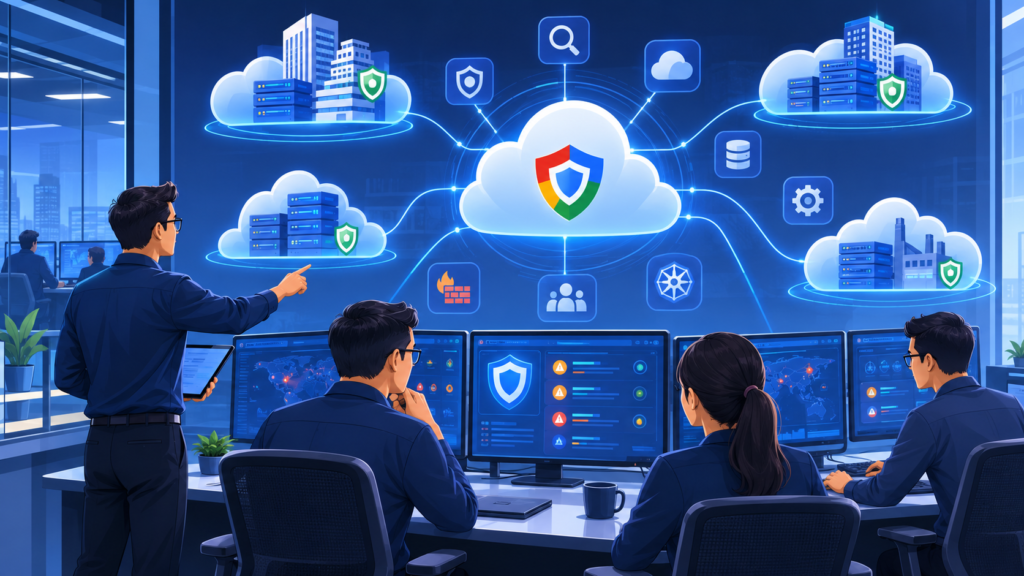
Google Security Command Center integration helps MSSPs connect cloud security findings with monitoring, investigation, and response workflows across multiple customer environments. Instead of treating SCC as a standalone dashboard, managed security providers can use it to create more consistent security operations.
Key capabilities include:
- SCC multi-project monitoring to review findings across multiple cloud projects.
- SCC multi-organization visibility to support broader security oversight.
- SCC cross-project aggregation to improve reporting, investigation, and risk prioritization.
For MSSPs, SCC integration supports services such as cloud security monitoring, threat detection, vulnerability management, and managed detection and response.
By combining SCC capabilities with Cloud Native Security Tools MSSP, managed security providers can create more scalable monitoring approaches while maintaining consistent security operations across different customer environments.
From our experience reviewing security operations, successful integration requires more than connecting tools. We help MSSP Security teams evaluate solutions, audit integration designs, and ensure SCC workflows align with service delivery goals, operational processes, and scalable security management.
How Do MSSPs Use Google Security Command Center Integration?
Google Security Command Center integration helps MSSPs connect cloud security findings with monitoring, investigation, and response workflows across multiple customer environments. Instead of treating SCC as a standalone dashboard, managed security providers can use it to create more consistent security operations.
Key capabilities include:
- SCC multi-project monitoring to review findings across multiple cloud projects.
- SCC multi-organization visibility to support broader security oversight.
- SCC cross-project aggregation to improve reporting, investigation, and risk prioritization.
For MSSPs, SCC integration supports services such as cloud security monitoring, threat detection, vulnerability management, and managed detection and response.
From our experience reviewing security operations, successful integration requires more than connecting tools. We help MSSP Security teams evaluate solutions, audit integration designs, and ensure SCC workflows align with service delivery goals, operational processes, and scalable security management.
What Best Practices Improve Google Security Command Center Integration?
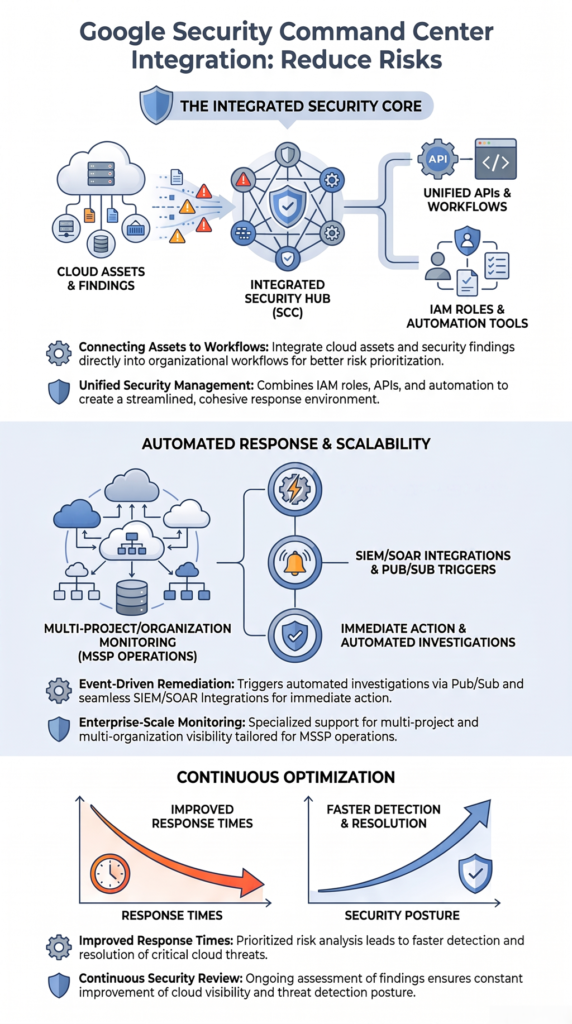
A successful google security command center integration requires more than enabling SCC features. Organizations need clear ownership, effective workflows, and continuous reviews to ensure security findings support real security improvements.
A practical SCC approach includes three key stages:
- Before integration: Define security responsibilities, required security sources, integration goals, and existing cloud processes.
- During deployment: Validate IAM permissions, API connectivity, findings visibility, and response workflows to prevent configuration issues.
- After deployment: Review finding trends, remediation progress, workflow performance, and changes in cloud architecture.
From our experience reviewing security environments, many SCC challenges come from unclear operational processes rather than technical limitations. We help MSSP Security teams evaluate solutions, audit integration designs, and ensure SCC workflows support reliable monitoring, scalable operations, and long-term security objectives.
FAQ
What Is Google Security Command Center Integration?
Google Security Command Center integration is the process of connecting SCC with cloud resources, security services, APIs, and operational workflows to improve security monitoring and response. It helps organizations collect security findings, analyze risks, assign ownership, and create structured remediation processes instead of managing disconnected alerts.
Why Is Google Security Command Center Integration Important for Cloud Security?
Google Security Command Center integration helps organizations turn security findings into actionable workflows. By connecting asset visibility, threat detection, vulnerability management, and automation processes, teams can prioritize risks, improve incident response, and maintain stronger cloud security operations.
What Are the Main Components Required for Google Security Command Center Integration?
A successful Google Security Command Center integration typically requires several components, including SCC security sources configuration, IAM roles and permissions, API integration, automation workflows, and connections with security platforms such as SIEM and SOAR. These components help ensure security data flows correctly between systems.
How Do MSSPs Use Google Security Command Center Integration?
MSSPs use Google Security Command Center integration to monitor multiple customer environments, manage security findings, and support managed security services. Features such as multi-project monitoring, cross-project aggregation, and automated workflows help MSSPs deliver more consistent cloud security monitoring at scale.
How Can Organizations Improve Their Google Security Command Center Integration Strategy?
Organizations can improve their Google Security Command Center integration strategy by defining clear ownership, selecting relevant security sources, validating IAM permissions, testing automation workflows, and continuously reviewing findings. Working with MSSP Security can also help teams evaluate solutions, audit integrations, and align SCC capabilities with operational goals.
Why Is Google Security Command Center Integration Essential for Modern Cloud Security?
Need help improving your google security command center integration strategy? We help MSSPs evaluate security solutions, review integration approaches, and optimize their security stack based on operational needs. Our vendor-neutral consulting covers product selection, security audits, PoC support, and actionable recommendations to help teams reduce tool complexity and build more effective security operations.
With 15+ years of experience and 48K+ completed projects, MSSP Security supports organizations in selecting the right technologies, improving integrations, and creating security workflows that align with their service goals.
References
- https://docs.cloud.google.com/security-command-center/docs/how-to-api-list-findings
- https://cloud.google.com/security/products/security-command-center